Raising dogs Template



Edit Template Offline
2. Create new page and search for id 583295
Edit Template Online
Create Awesome Websites


Free Nicepage Builder
Keywords
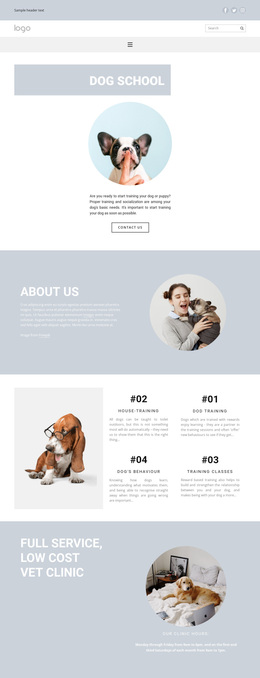
Four training topics connect practical care with a consultation finish
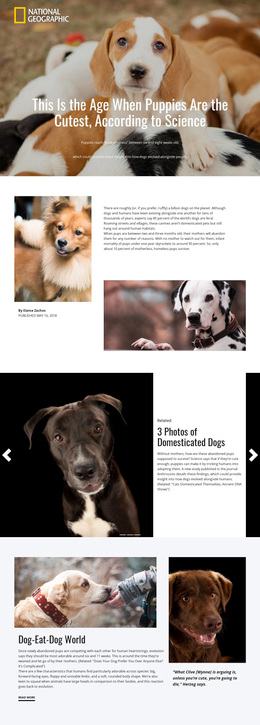
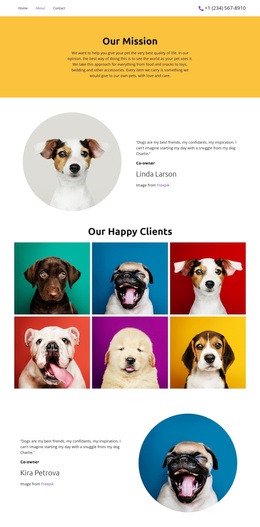
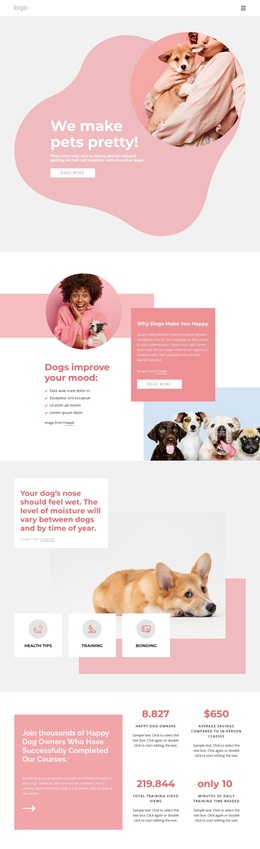
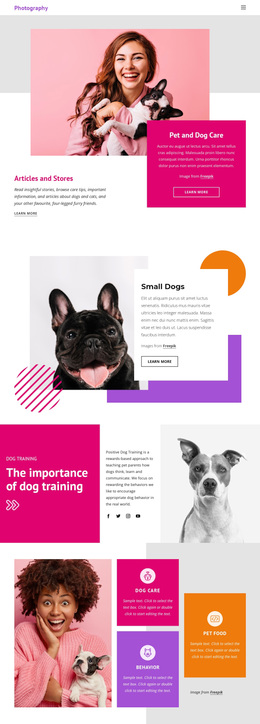
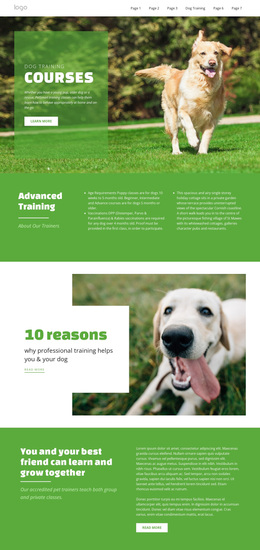
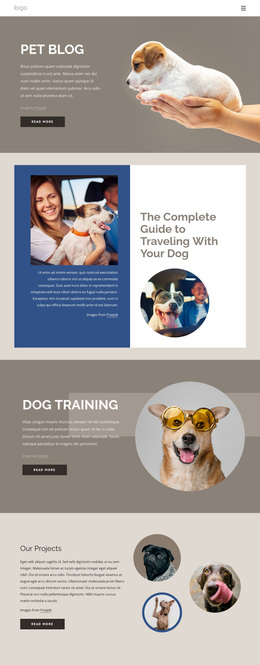
The design stands out through the way it combines two related pet-care directions without treating either as an isolated feature. The Dog School introduction establishes training as the first message, and the four service cards give that subject useful breadth: house-training, dog training, dog behavior, and training classes. Because these topics appear as a coordinated peer group beside a dog image, the template can suit a project that needs to explain several forms of support within one visual system.
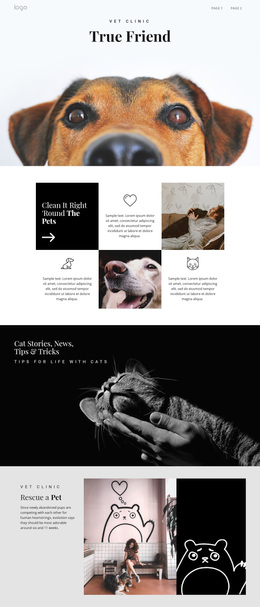
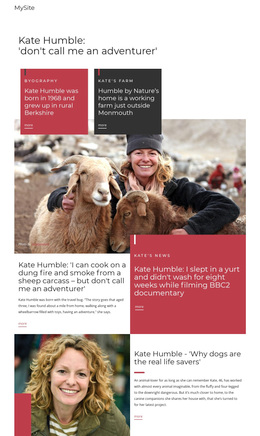
The veterinary clinic section adds a second care context through its strong heading, circular clinic image, and stated hours. That contrast gives the page more range than a layout centered only on training services. The editorial feature contributes another distinctive layer, pairing a byline and article-style copy with photography, while the True Friend banner supplies a memorable full-width image moment. Repeated circular crops, pale blue-gray backgrounds, white content areas, compact uppercase labels, and generous spacing keep these different subjects connected. The second Dog School block reinforces the core offering before the final consultation section brings together the action, telephone contact, location, and image. This combination makes the template a useful choice for pet-care projects that need service explanation, broader clinic context, visual storytelling, and a clear route toward dog-owner contact.
Customize with Nicepage
Open this ready-made template in the Template Builder and customize it visually in the Nicepage editor. Replace demo content, edit page sections, and adapt the design to your project without rebuilding the template from scratch.
Start With a Ready-Made Template
Choose a Design for a New Page
Use a ready-made template as a starting point instead of creating every page from a blank canvas. When adding a new page in Nicepage, browse available designs, compare different layouts, and choose an option that already fits the general purpose and visual direction of your project.
Browse Different Page Designs
Explore Page Designs using search, thematic categories, Design Sets, and full-page previews. The collection includes layouts for different subjects and page purposes, making it easier to compare alternatives before selecting a design to customize.
Customize the Selected Template
After choosing a design, create the page and continue editing it visually in Nicepage. Replace the demo content, adjust images, typography, colors, sections, and other elements, and adapt the ready-made layout to your own content instead of rebuilding the design from the beginning.
Explore More Design Directions
If the first option does not match your project closely enough, return to the design collection and compare other templates before committing to a layout. This makes the template library useful not only for faster page creation, but also for exploring different visual approaches and finding a suitable starting point for a new project.
This workflow gives you access to a broad collection of ready-made designs that can be selected, compared, and customized according to the needs of each new page or project.