Pet Blog Template


Edit Template Offline
2. Create new page and search for id 636433
Edit Template Online
Create Awesome Websites


Free Nicepage Builder
Keywords
Dog Travel and Training Give This Design a Distinct Editorial Direction
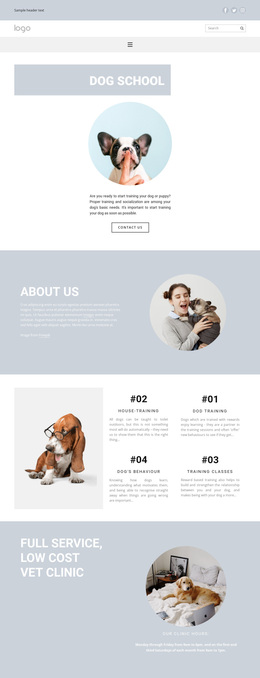
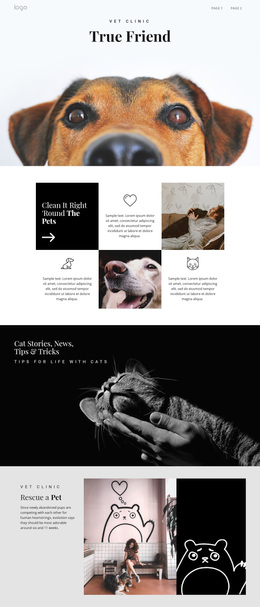
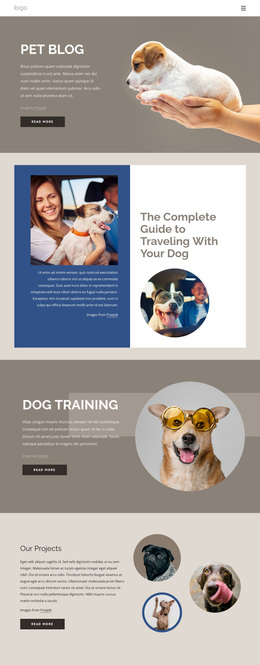
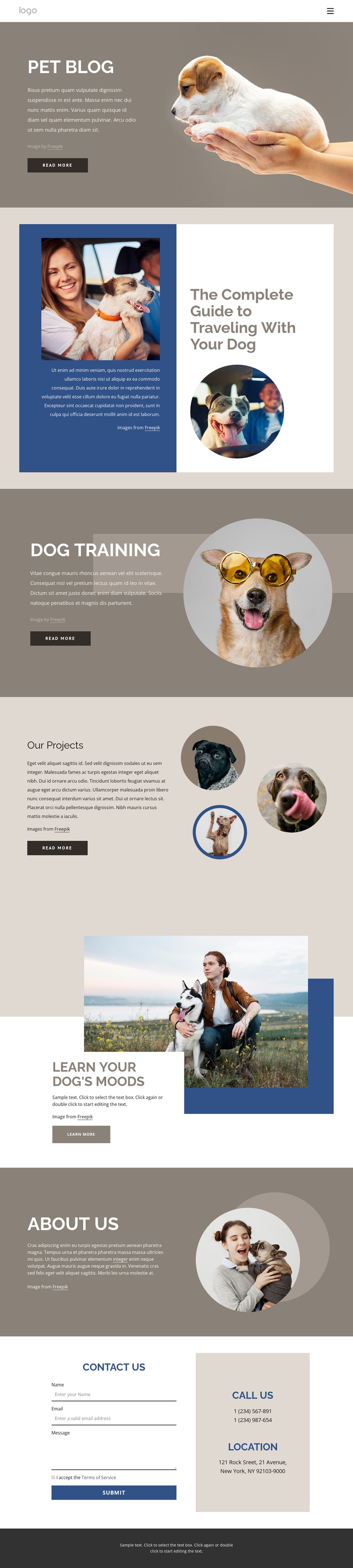
The featured article about traveling with a dog immediately gives the design a practical subject beyond a general pet blog label. Dog Training adds a second strong information category, while Learn Your Dog’s Moods extends the subject into behavior and interpretation. Together, these topics make the page suitable for projects that want to combine useful guidance with a recognizable dog-care focus rather than rely on generic service-card content.
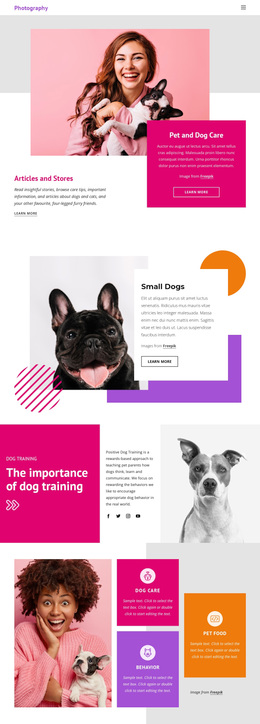
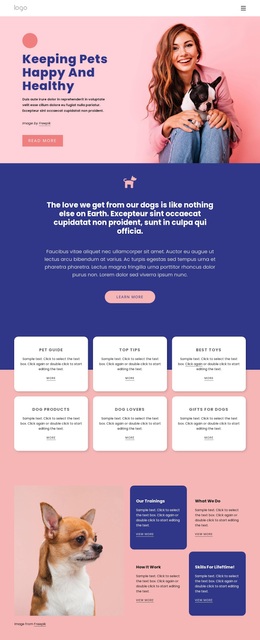
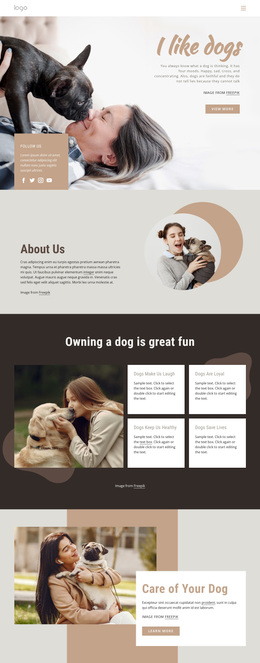
The visual presentation supports that direction. Large dog-focused photographs carry attention, circular image treatments repeat across the training, projects, and About Us areas, and the asymmetrical layouts create an editorial rhythm. Our Projects contributes three image-led items, giving the design a visual showcase without overwhelming the informational purpose. The calm taupe, cream, navy, and soft blue palette keeps the page approachable and lets the photography remain central.
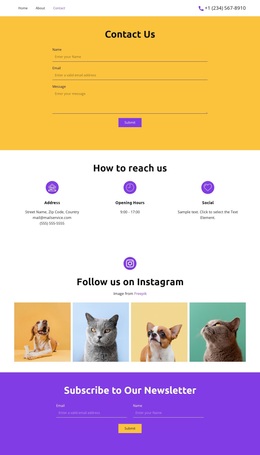
Contact Us adds a practical closing area with a form, phone details, and location information, so the design can support an organization that wants readers to move from educational content toward communication. The sample contact values and filler paragraphs would need replacement, but the combination of subject coverage, visual storytelling, and contact structure makes this template a specific and useful choice among broader pet-related layouts.
Customize with Nicepage
Open this ready-made template in the Template Builder and customize it visually in the Nicepage editor. Replace demo content, edit page sections, and adapt the design to your project without rebuilding the template from scratch.
Start With a Ready-Made Template
Choose a Design for a New Page
Use a ready-made template as a starting point instead of creating every page from a blank canvas. When adding a new page in Nicepage, browse available designs, compare different layouts, and choose an option that already fits the general purpose and visual direction of your project.
Browse Different Page Designs
Explore Page Designs using search, thematic categories, Design Sets, and full-page previews. The collection includes layouts for different subjects and page purposes, making it easier to compare alternatives before selecting a design to customize.
Customize the Selected Template
After choosing a design, create the page and continue editing it visually in Nicepage. Replace the demo content, adjust images, typography, colors, sections, and other elements, and adapt the ready-made layout to your own content instead of rebuilding the design from the beginning.
Explore More Design Directions
If the first option does not match your project closely enough, return to the design collection and compare other templates before committing to a layout. This makes the template library useful not only for faster page creation, but also for exploring different visual approaches and finding a suitable starting point for a new project.
This workflow gives you access to a broad collection of ready-made designs that can be selected, compared, and customized according to the needs of each new page or project.