Pets Stories Template



Edit Template Offline
2. Create new page and search for id 204568
Edit Template Online
Create Awesome Websites


Free Nicepage Builder
Keywords
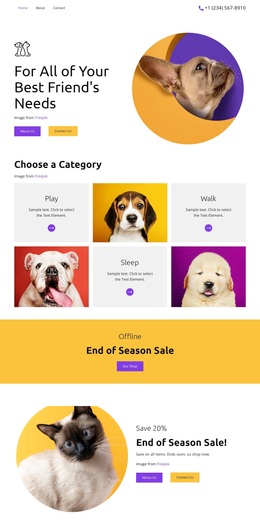
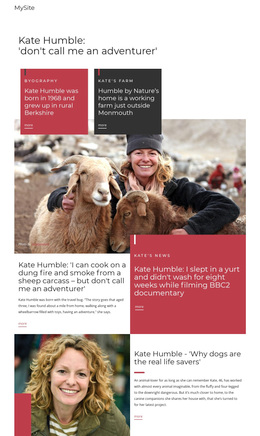
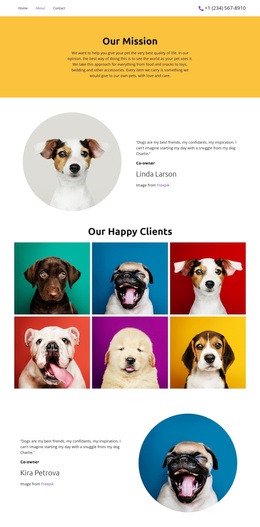
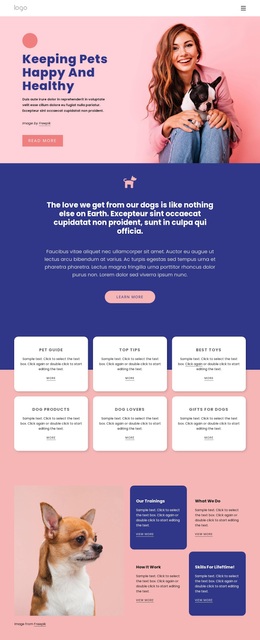
Pet imagery and service coverage give this design a clear identity
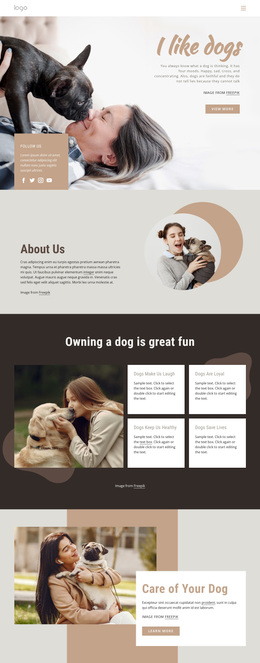
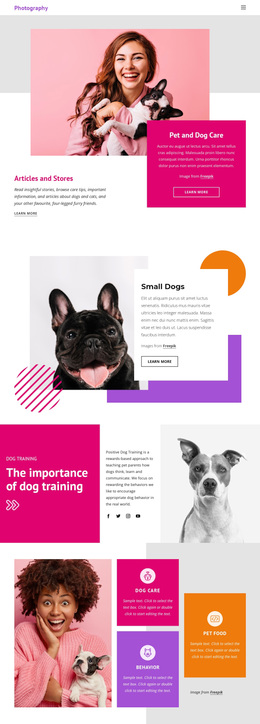
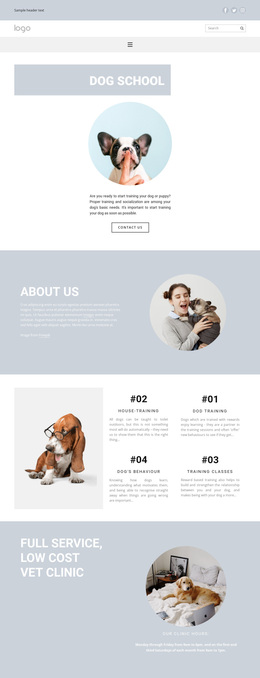
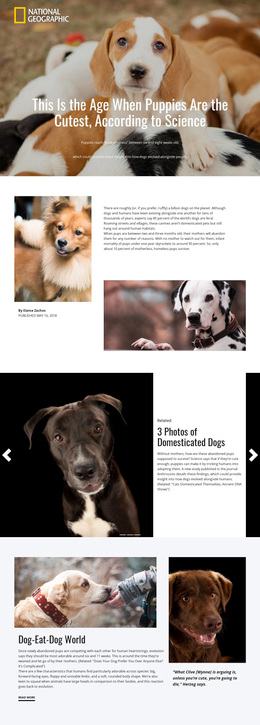
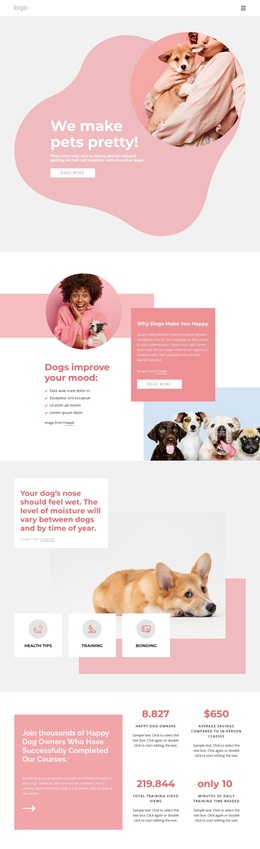
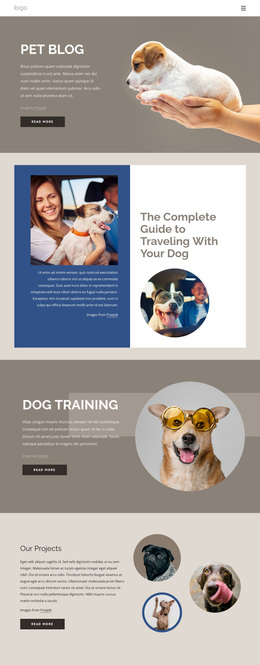
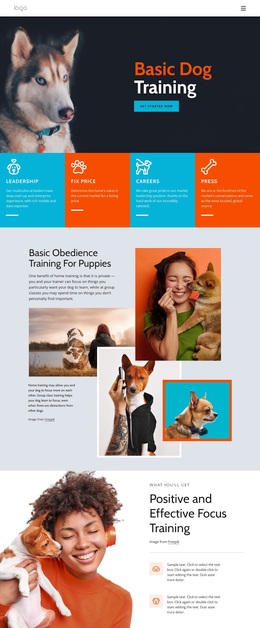
Large pet imagery carries the first impression, but the design is not limited to a simple photo-led presentation. The opening feature joins a prominent image with a colored text card and an adjacent Articles and Stores teaser, creating an editorial direction from the beginning. That approach continues through the Small Dogs section, where a large dog image is balanced by a white text card and geometric accents, and through the training section, where a bold color panel sits beside explanatory content and supporting imagery.
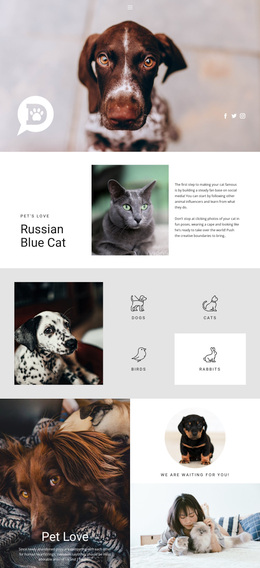
The design is also useful because it covers several levels of pet-care information. Three repeated cards introduce Dog care, Behavior, and Pet food as compact topics, while the later Dog Care section expands into Welcome, Day Care, Pet Boarding, and Private Suites. Grooming and self-service dog washing appear in the welcome content, extending the service vocabulary without presenting sample details as verified business claims. This combination suits a project that needs both educational context and service explanation.
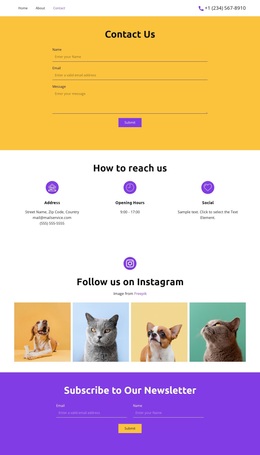
The closing contact structure adds practical completeness: a form is placed next to phone, location, and business-hours cards, with a full-width image creating a strong transition before it. Social links and mobile navigation support the broader presentation. Compared with a design built around dense text or a single offer, this option emphasizes bold visual sections and varied pet-care content.
Customize with Nicepage
Open this ready-made template in the Template Builder and customize it visually in the Nicepage editor. Replace demo content, edit page sections, and adapt the design to your project without rebuilding the template from scratch.
Start With a Ready-Made Template
Choose a Design for a New Page
Use a ready-made template as a starting point instead of creating every page from a blank canvas. When adding a new page in Nicepage, browse available designs, compare different layouts, and choose an option that already fits the general purpose and visual direction of your project.
Browse Different Page Designs
Explore Page Designs using search, thematic categories, Design Sets, and full-page previews. The collection includes layouts for different subjects and page purposes, making it easier to compare alternatives before selecting a design to customize.
Customize the Selected Template
After choosing a design, create the page and continue editing it visually in Nicepage. Replace the demo content, adjust images, typography, colors, sections, and other elements, and adapt the ready-made layout to your own content instead of rebuilding the design from the beginning.
Explore More Design Directions
If the first option does not match your project closely enough, return to the design collection and compare other templates before committing to a layout. This makes the template library useful not only for faster page creation, but also for exploring different visual approaches and finding a suitable starting point for a new project.
This workflow gives you access to a broad collection of ready-made designs that can be selected, compared, and customized according to the needs of each new page or project.