Whale watching center Template


Edit Template Offline
2. Create new page and search for id 12805
Edit Template Online
Create Awesome Websites


Free Nicepage Builder
Keywords
Tailless Whale Reporting Anchored by Context and Visual Proof
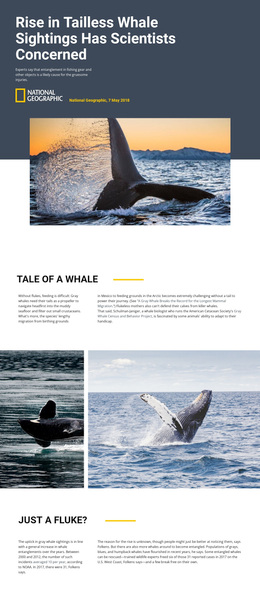
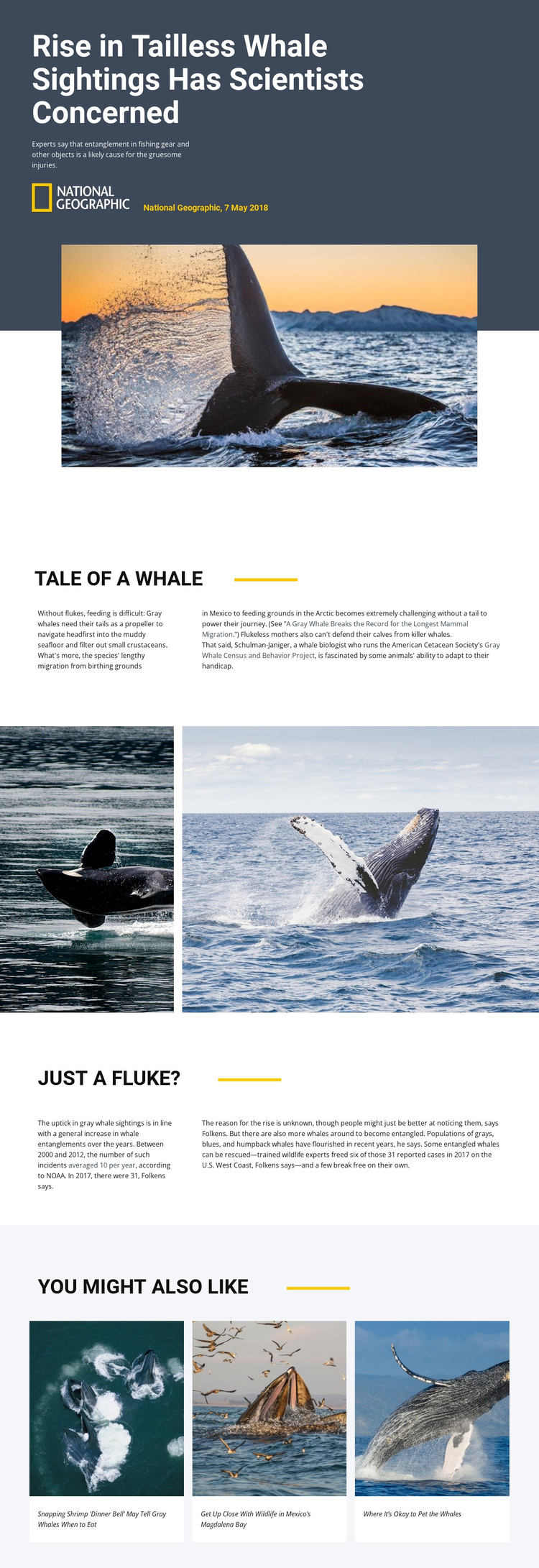
The specific subject matter gives this design a clear reason to choose it over a generic article layout. Its hero does not merely introduce wildlife; it presents the report “Rise in Tailless Whale Sightings Has Scientists Concerned” with source information and a large whale image. That combination immediately establishes a science-journalism direction in which a concrete environmental issue leads the page.
The content coverage is also distinctive. One split passage explains how gray whales feed, migrate from Mexico toward the Arctic, and protect calves, giving readers the natural-history context needed to understand the report. A separate section then examines fishing-gear entanglement, reported incidents, possible causes, population changes, and rescue outcomes. The wide photographic break between them prevents the design from feeling like a text-only news page and lets imagery carry part of the story.
The closing grid of three related wildlife articles makes the template especially suitable for editorial projects that want to connect one report with a broader reading collection. Pale card backgrounds and compact captions keep those recommendations visible without competing with the main investigation. Together, the photo-led opening, explanatory depth, evidence-focused second passage, and related-story ending form a useful option for environmental media, educational journalism, or conservation storytelling.
Customize with Nicepage
Open this ready-made template in the Template Builder and customize it visually in the Nicepage editor. Replace demo content, edit page sections, and adapt the design to your project without rebuilding the template from scratch.
Start With a Ready-Made Template
Choose a Design for a New Page
Use a ready-made template as a starting point instead of creating every page from a blank canvas. When adding a new page in Nicepage, browse available designs, compare different layouts, and choose an option that already fits the general purpose and visual direction of your project.
Browse Different Page Designs
Explore Page Designs using search, thematic categories, Design Sets, and full-page previews. The collection includes layouts for different subjects and page purposes, making it easier to compare alternatives before selecting a design to customize.
Customize the Selected Template
After choosing a design, create the page and continue editing it visually in Nicepage. Replace the demo content, adjust images, typography, colors, sections, and other elements, and adapt the ready-made layout to your own content instead of rebuilding the design from the beginning.
Explore More Design Directions
If the first option does not match your project closely enough, return to the design collection and compare other templates before committing to a layout. This makes the template library useful not only for faster page creation, but also for exploring different visual approaches and finding a suitable starting point for a new project.
This workflow gives you access to a broad collection of ready-made designs that can be selected, compared, and customized according to the needs of each new page or project.