
Scary HTML Templates
Horror websites need atmosphere without hiding practical information. These scary HTML templates combine teaser sections, attraction details, schedules, ticket routes, and visual galleries inside a structured, responsive foundation.

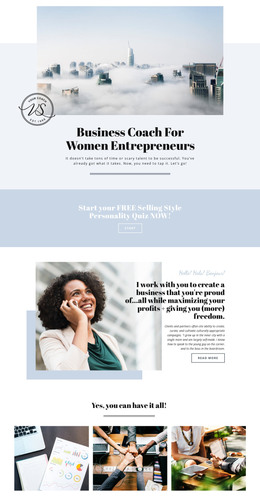
More HTML Templates from Pets & Animals Category
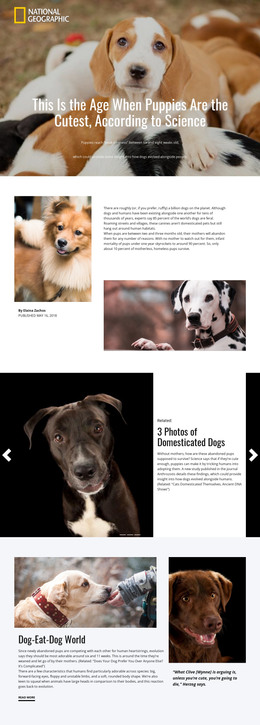
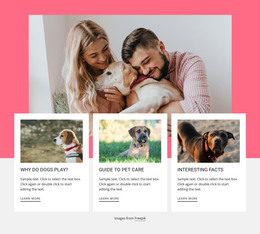
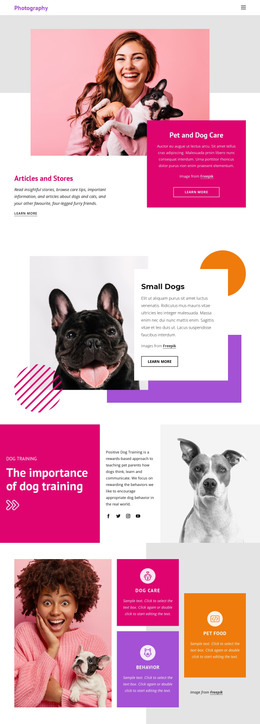

















Other Pets & Animals HTML Templates
Creative Scary HTML Templates for Horror Events
Starting from an empty project is the slowest part of any horror campaign, and it is where good ideas quietly die. Three days in, the opening screen is still a placeholder, and nobody has written the schedule. Scary HTML templates hand over an arrangement of blocks that already holds together, so haunted houses, festivals, and escape rooms begin by replacing sample material with their own.
Ready Sections You Can Adapt
Placeholder pictures and text show what belongs where, which is half the value. Horror sets tend to be built around a familiar handful of blocks:
- an opening block with the event name and the main booking action;
- experience blocks for rooms, performers, or story chapters;
- a schedule area for run dates, door times, and late shows;
- a closing block for age guidance, directions, and contacts.
The first hour of work is replacement. Real photographs go over the samples, the placeholder name becomes the attraction name, and last year's dates become this year's. Blocks that don't apply are removed, and blocks that repeat are duplicated, which beats having to argue from scratch about what a horror event site should contain.
Layouts Matched With Attraction Types
Horror spans several formats, and the arrangement should align with the experience being sold. A haunted maze sells zones, so visitors want to know how many rooms there are, how long the walk takes, and what waits at the end, which puts most of the weight on the experience blocks. A festival sells a program, so dates and stages come first. An escape room sells scenarios and available slots. A premiere sells one trailer and a cast, so the media area grows and everything else stays out of its way.
A set built for one of those can usually be pushed toward another. It is worth scrolling through the whole demo before you commit, since horror designs love a strong opening screen and go quiet somewhere around the third block down.
Mobile Behavior Of Stacked Blocks
Wide artwork and oversized headings that look commanding on a monitor become a scrolling chore on a phone, and door times end up three screens below the fold. Once everything is stacked into a single column, the order determines whether visitors find the ticket link.
Nicepage Responsive Modes let you review and adjust the layout for different device modes, from large screens down to vertical phones. The Responsive Modes documentation explains how to change properties for each mode.
A scary set earns its place by how little you have to fight it. If the blocks already match the event you actually run, everything left is replacement work, and that goes quickly.