
Butterfly HTML Templates
Butterfly projects often combine detailed species facts with large photographs, habitat information, and life-cycle content. Ready-made HTML sections give that material a structured foundation, while responsive markup keeps it readable across screen sizes.

More HTML Templates from Pets & Animals Category


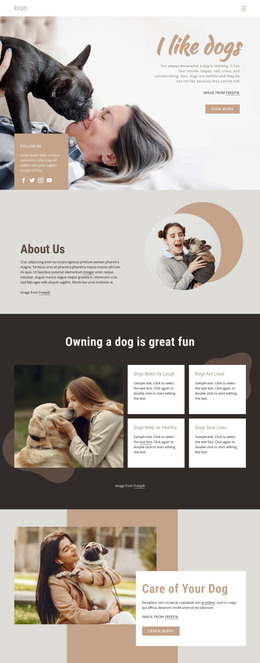























Other Pets & Animals HTML Templates
Butterfly HTML Templates You Can Edit and Export
Open any of these butterfly HTML templates to get a working page in editable markup, with photo areas, text blocks, and headings already in place. It reads like a species guide from the start, so the first job is swapping in your own butterflies. Some templates here are a single page, others include a few linked pages, and any well-made section can be lifted into another project.
What the Markup Already Holds
Butterfly content falls into a few predictable blocks, and the best templates have these ready before you touch the code:
- a species card with a photo, common and scientific names, and a note on markings;
- a life cycle strip from egg to adult, with its own spots for the caterpillar and chrysalis;
- a habitat block for host plants, flight period ,and range;
- a captioned gallery where each shot carries a place or a date.
The underside of their wings identifies many butterflies, and a small silver mark usually distinguishes the Eastern Comma and Question Mark on the hindwing underside. A species card with room for the open wings and the underside helps anyone name what they saw. Repeating it for a monarch or a swallowtail then means new text and pictures.
When Hand Editing Makes Sense
The HTML format pays off when butterfly material has to join an existing site, like a nature center adding a species guide to its current pages. You do not have to edit the HTML source to customize a template, because the Nicepage editor lets you change text, photos, and layout visually. Exported files remain available for direct editing, so a developer can later add a sightings form or rearrange the gallery by hand. You can then host the package on the center's own server.
Checking Butterfly Photos in a Gallery
Detailed wing patterns are easier to compare when butterfly photos stay grouped rather than scattered across separate blocks. Nicepage lets you turn several images into an Image Gallery with captions and a larger Lightbox view, which works well for showing open wings, undersides, caterpillars, and host plants without stretching the species section. The Image Gallery documentation explains the available gallery layouts, captions, image replacement, and large-image preview.
A photographer can happily lead with a full-width gallery, but a guide people pull up on a trail needs compact species cards. Either way, the species section should be repeatable for every butterfly on your list without rearranging anything.
A photographer can happily lead with a full-width gallery, but a guide people pull up on a trail needs compact species cards. Either way, the species section should be one you could repeat for every butterfly on your list without rearranging anything.