
Menu One Page Templates
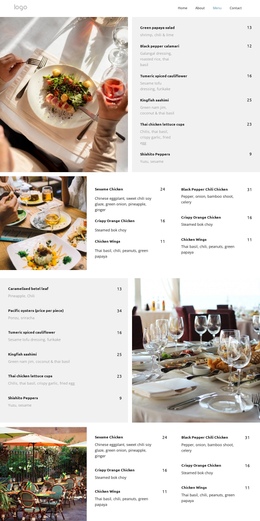
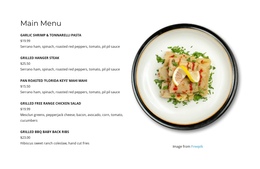
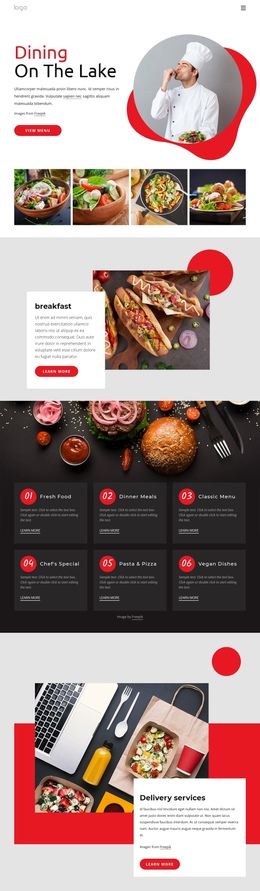
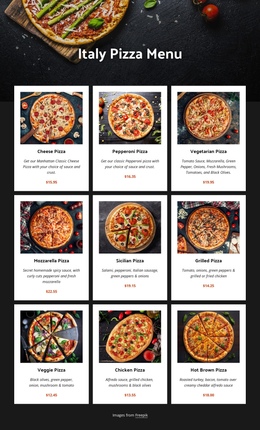
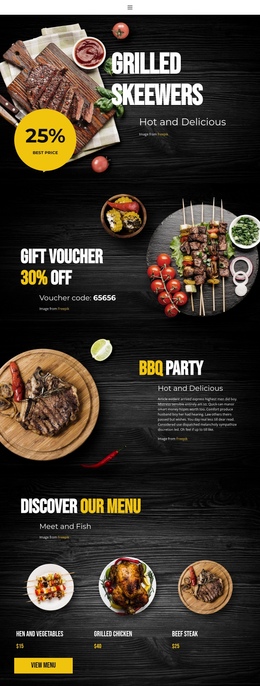
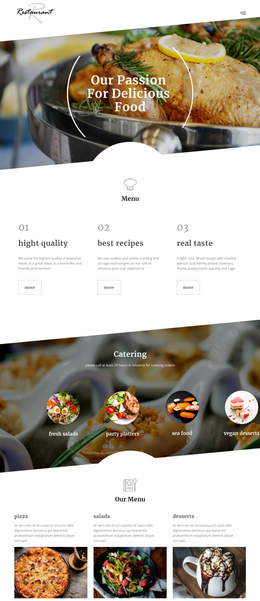
Guests should be able to move from appetizers to desserts without opening separate pages. A single-page restaurant menu arranges food categories, prices, and essential contact information in a continuous sequence, with navigation links that lead directly to relevant sections.





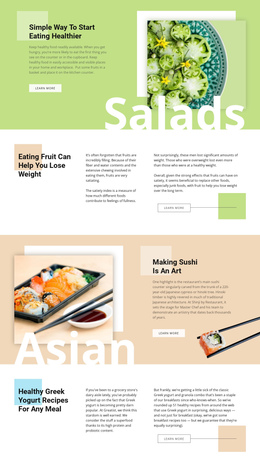
















Other Food & Restaurant One Page Templates
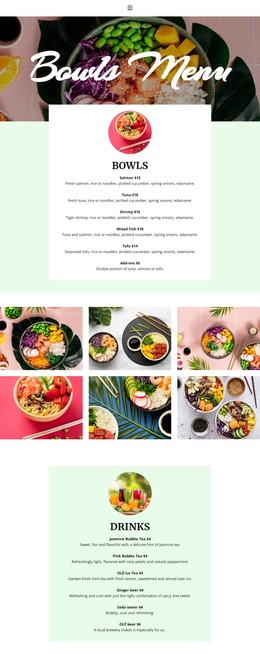
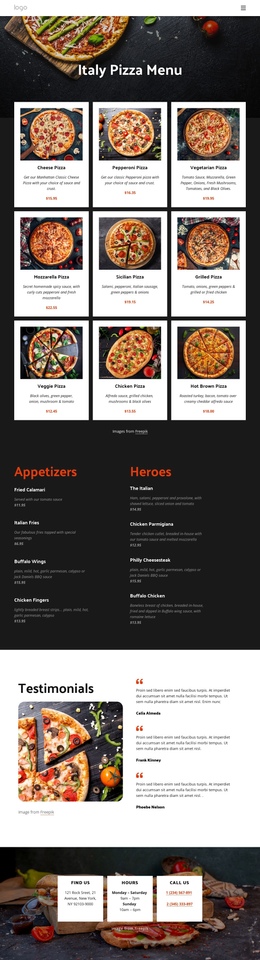
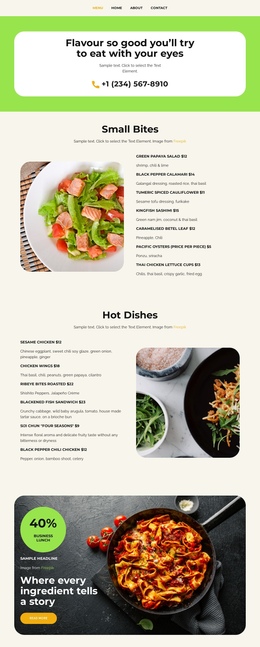
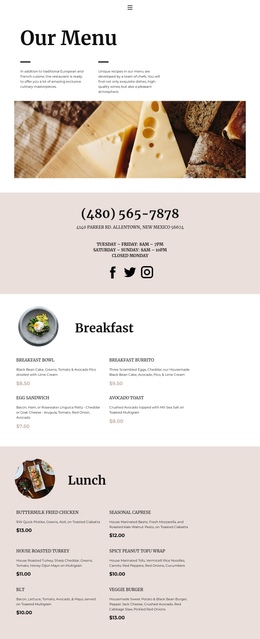
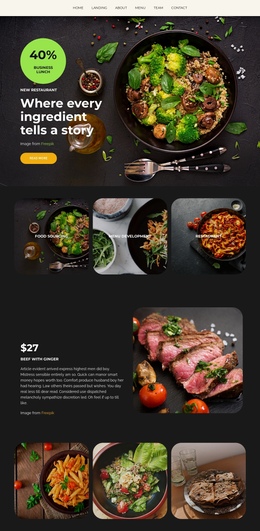
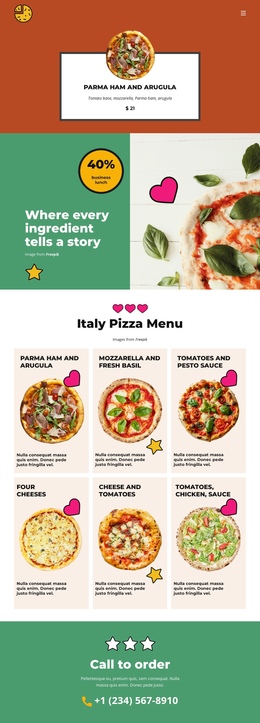
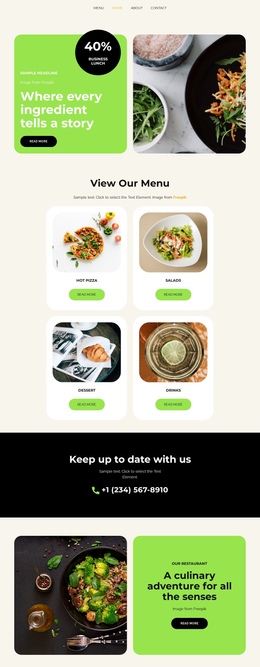
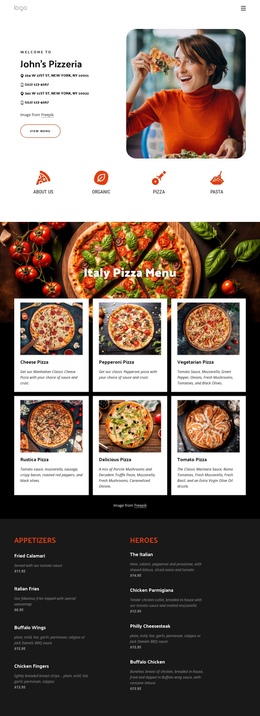
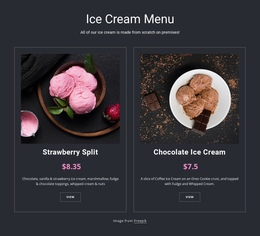
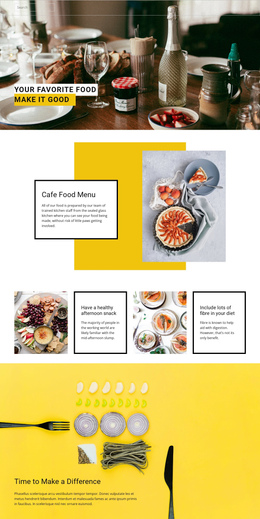
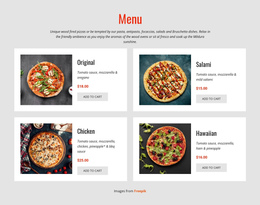
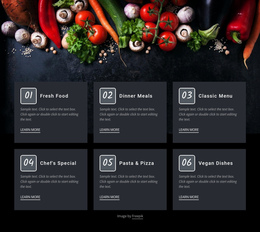
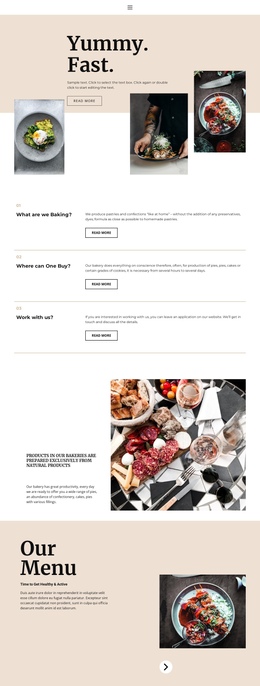
Menu One-Page Template With Food Category Navigation
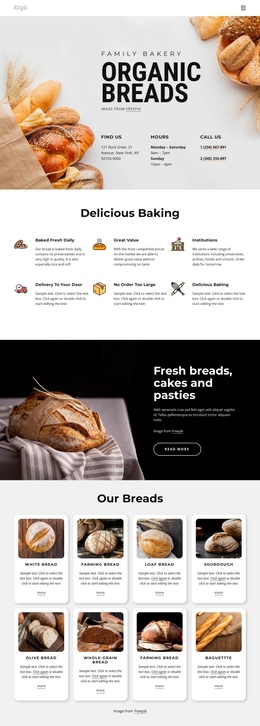
A one-page menu template turns a restaurant's food selection into a continuous scrolling experience. It is especially practical for cafés, bistros, and small restaurants with a manageable number of dishes. Visitors can scan the entire offering or jump straight to the course they want without switching between separate pages.
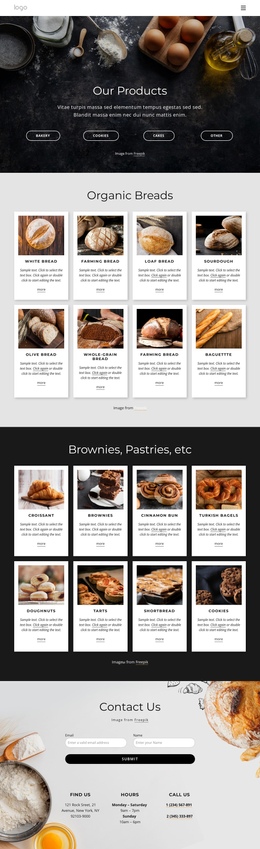
Single-Page Restaurant Menu Structure
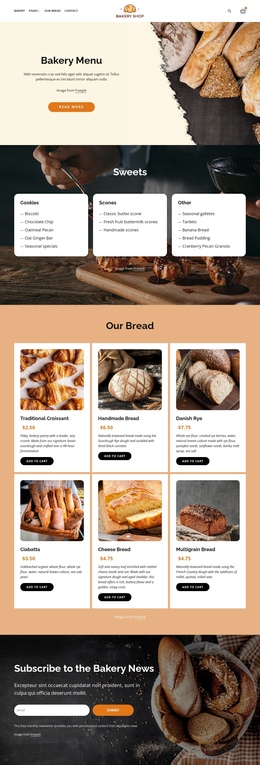
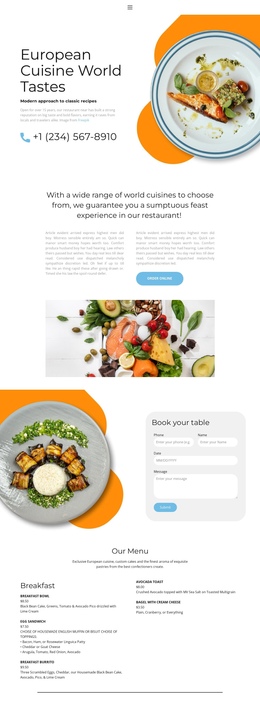
A typical page begins with a brief restaurant introduction and then moves through Starters, Main Courses, Desserts, and Drinks. Each section has a clear heading and a compact set of entries. The Starters section might list salads and soups; Main Courses could contain pasta and grilled dishes; Desserts and Drinks finish the sequence. Opening hours and contact details can follow the menu, so guests have practical information after browsing.
This format encourages comparison. Someone considering a starter and a main course can scroll between nearby sections, while consistent entry spacing makes prices easier to scan. Oversized photos or long stories between dishes may interrupt that flow, so use them selectively.
Anchor Navigation for Food Categories
Anchor links connect a label to an ID on the same page. A navigation item labeled Starters can point to #starters, Desserts to #desserts, and Drinks to #drinks. When a visitor selects one, the browser moves to that section rather than loading a different page. This is particularly useful when the menu extends beyond a few screens.
A sticky navigation bar can keep these category links available while scrolling, as long as it doesn't cover the section heading or take up too much space on a phone. Smooth scrolling may improve the transition, but it should respect reduced-motion preferences. In Nicepage, section links can be configured as part of a one-page navigation layout.
When One-Page Becomes Too Long
Not every restaurant fits this format. A venue with 150 dishes, multiple seasonal menus, and extensive allergen notes may create a page that is hard to scan and maintain. Separate menu pages or category-specific destinations may then be more useful than an enormous single document.
Nicepage Responsive Modes can help review the scrolling experience on phones and tablets. Check that anchor destinations stay visible, that menu labels are concise, and that prices don't drift away from their dishes. Choose a one-page presentation when the restaurant's content genuinely benefits from being seen as one sequence.