Cakes and baking food One Page Template


Edit Template Offline
2. Create new page and search for id 24984
Edit Template Online
Create Awesome Websites


Free Nicepage Builder
Keywords
Six Content Destinations Shape One Continuous Bakery Journey
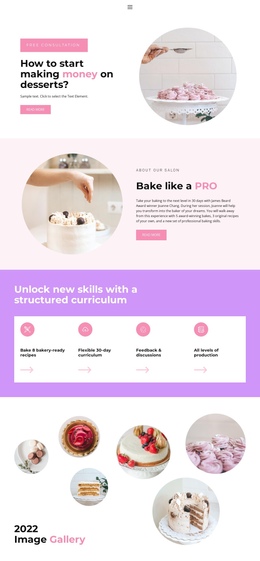
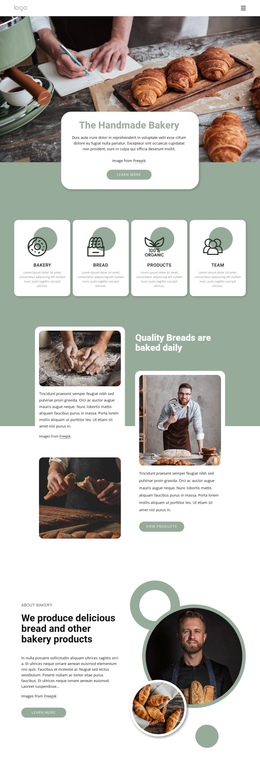
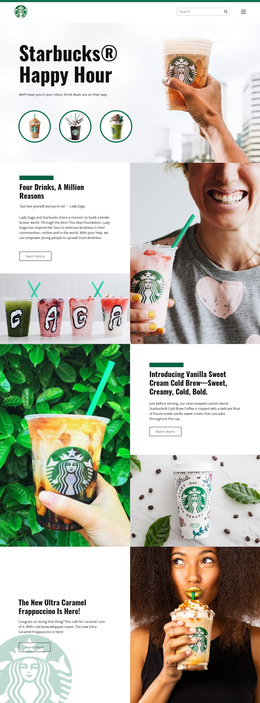
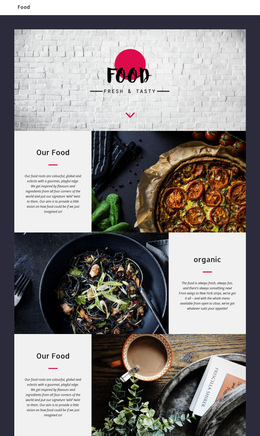
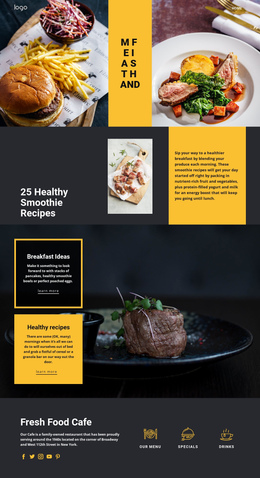
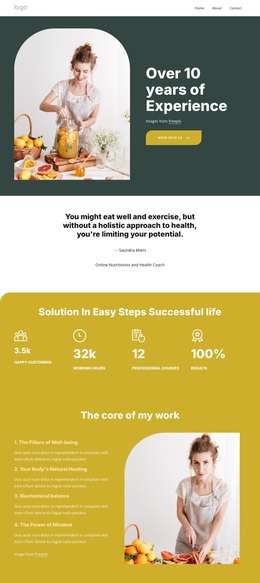
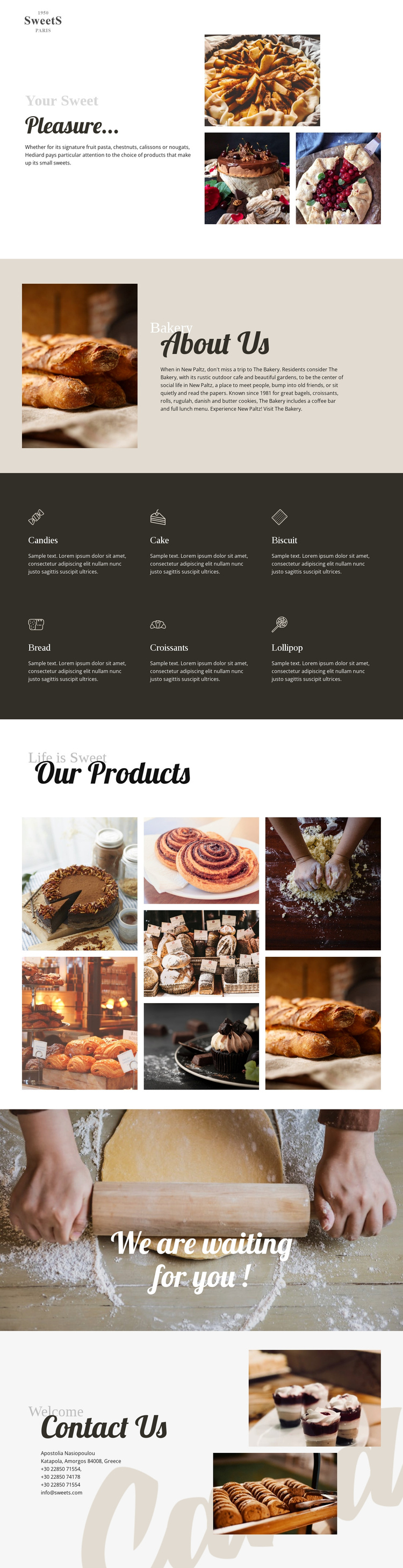
The page contains several meaningful content zones that can be explored in sequence without separating the experience into multiple documents. The opening split section introduces the bakery through decorative headings, short copy, and four food images. About Us follows as a distinct destination, using a large bread photograph beside explanatory text. This change from image collage to business introduction gives the continuous page a readable beginning and early context.
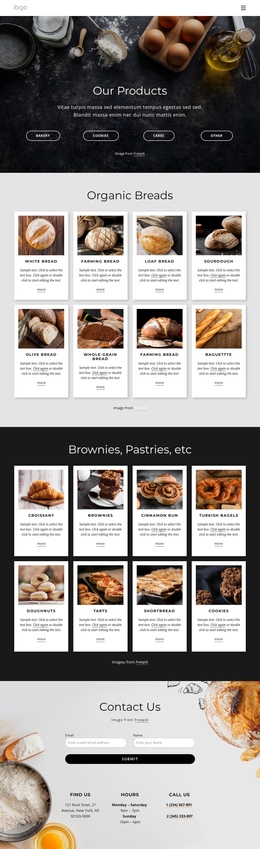
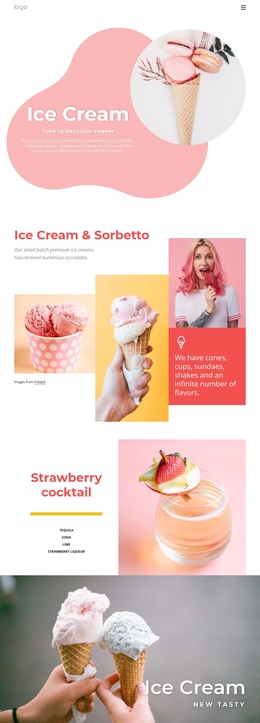
The two-row category area forms the next substantial destination. Its six cards identify Candies, Cake, Biscuit, Bread, Croissants, and Lollipop, each with an icon, label, and short description. Visitors can scan the offer in one place before continuing to Our Products, where seven photographs create a denser image-led destination. The contrast between repeated cards and editorial photography prevents the long page from feeling like one repeated block.
The final sequence supports movement toward the local business. “We are waiting for you !” appears as a centered invitation over a full-width baking photograph, then Contact Us presents address, telephone, and email information beside two dessert images. These sections can serve as later navigation destinations in a one-page structure: introduction, background, categories, products, visit invitation, and contact. The design’s value here comes from its ordered content journey, not from treating the entire page as one undifferentiated canvas.
Customize with Nicepage
Open this ready-made template in the One Page Template Builder and customize it visually in the Nicepage editor. Replace demo content, edit page sections, and adapt the design to your project without rebuilding the template from scratch.
Build a Navigable One-Page Website
Connect the Menu to Page Sections
Organize the website as a sequence of sections on a single page and use the Menu For One-Page Site to connect menu items with individual page Blocks. Visitors can jump directly to sections such as About, Services, Testimonials, or Contact without opening separate pages.
Keep the Website on One URL
A one-page template can combine several parts of a small website within one continuous page. Arrange the Header, introduction, services, portfolio, company information, reviews, contact details, and other relevant sections in the order that fits the project while keeping them accessible through the same page navigation.
Make Long Pages Easier to Navigate
For longer one-page websites, keep navigation labels short and connected to meaningful sections so visitors can move through the page without relying only on scrolling. You can also use the Back To Top element to provide a quick way back to the beginning after longer sections.
This workflow makes the template suitable for compact websites that need several distinct content sections while keeping the complete visitor experience on one URL.