Healthy way of eating food One Page Template


Edit Template Offline
2. Create new page and search for id 78417
Edit Template Online
Create Awesome Websites


Free Nicepage Builder
Keywords
Breakfast, Menu, and Tips Become Distinct Destinations on One Page
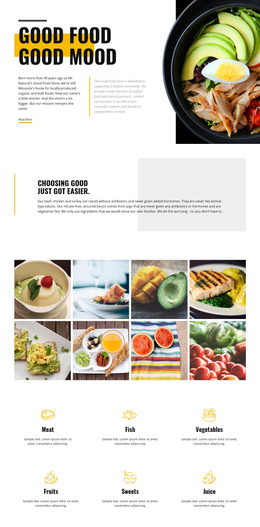
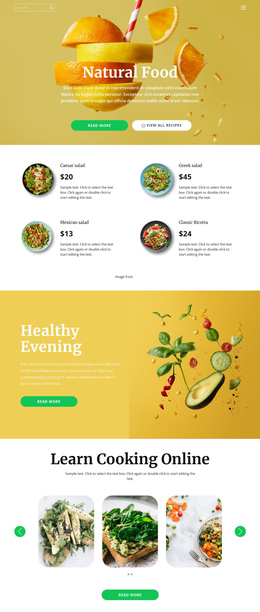
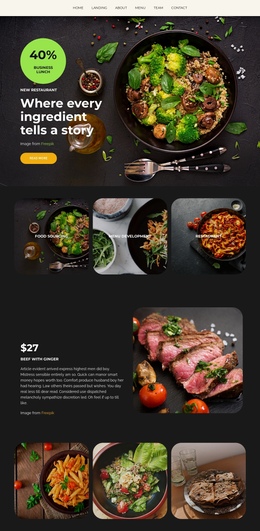
The page contains several meaningful content destinations without requiring the visitor to leave the document. The breakfast hero establishes the opening point, and the centered statement gives the page an early explanatory pause. From there, the breakfast section creates a destination of its own through the heading, description, food images, and categories for recipes, diabetic, vegan recipes, and low calorie. Those labels can guide visitors toward different parts of the same subject while preserving the continuous layout.
The healthy-eating feature row changes the rhythm by placing an editorial panel beside three compact highlights. After that, the cafe food menu introduces a separate promotional destination, using a large food photograph and yellow-backed content to distinguish menu information from recipe categories. The two later tip blocks create another paired section, with one focused on a healthy afternoon snack and the other on fibre in the diet. This sequence gives the long page a series of recognizable stops rather than one undifferentiated scroll.
The closing social section and dark footer complete the journey. Facebook, Twitter, and Instagram links provide a final outward route, while the footer marks the document’s end. The analysis confirms a Home link in the HTML, but not anchor navigation, so the one-page interpretation should rely on the real section sequence rather than claiming that section anchors already exist.
Customize with Nicepage
Open this ready-made template in the One Page Template Builder and customize it visually in the Nicepage editor. Replace demo content, edit page sections, and adapt the design to your project without rebuilding the template from scratch.
Build a Navigable One-Page Website
Connect the Menu to Page Sections
Organize the website as a sequence of sections on a single page and use the Menu For One-Page Site to connect menu items with individual page Blocks. Visitors can jump directly to sections such as About, Services, Testimonials, or Contact without opening separate pages.
Keep the Website on One URL
A one-page template can combine several parts of a small website within one continuous page. Arrange the Header, introduction, services, portfolio, company information, reviews, contact details, and other relevant sections in the order that fits the project while keeping them accessible through the same page navigation.
Make Long Pages Easier to Navigate
For longer one-page websites, keep navigation labels short and connected to meaningful sections so visitors can move through the page without relying only on scrolling. You can also use the Back To Top element to provide a quick way back to the beginning after longer sections.
This workflow makes the template suitable for compact websites that need several distinct content sections while keeping the complete visitor experience on one URL.