Please contact us One Page Template


Edit Template Offline
2. Create new page and search for id 6456624
Edit Template Online
Create Awesome Websites


Free Nicepage Builder
Keywords
Header, inquiry section, and footer create distinct destinations
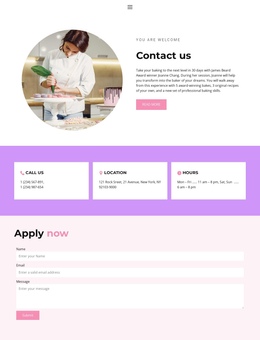
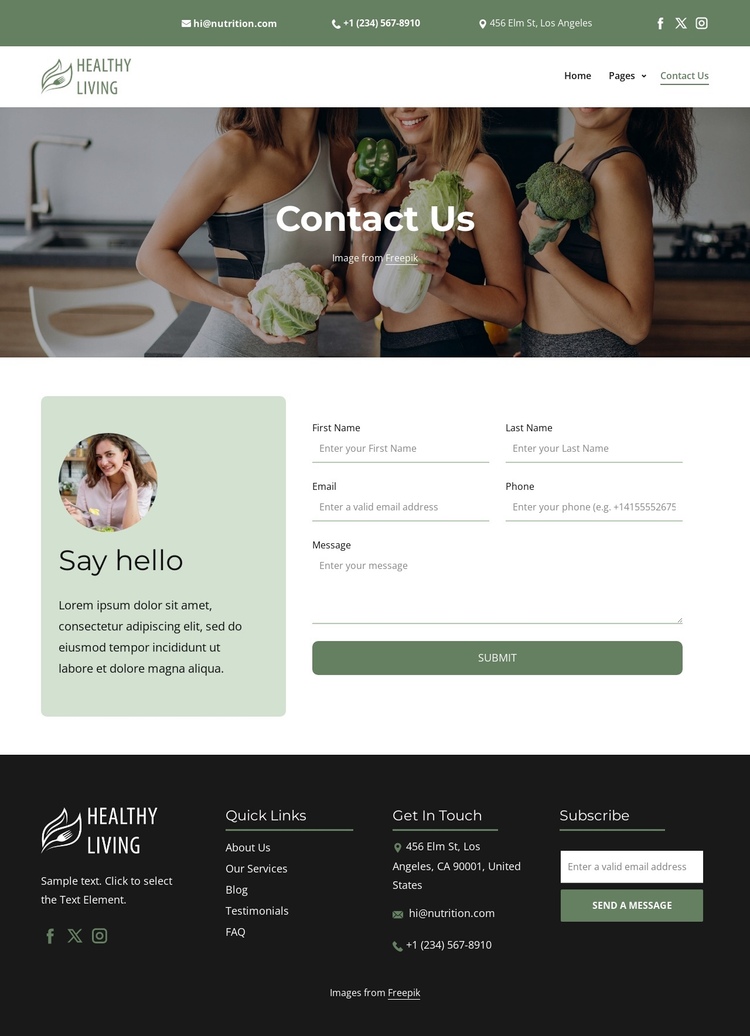
The page can be understood as a continuous sequence of meaningful content zones. The stacked header bars provide the opening destination for navigation, contact details, social links, and branding. Rather than treating those items as disconnected decorations, the two-bar arrangement lets visitors identify ways to reach the organization before entering the page-specific content.
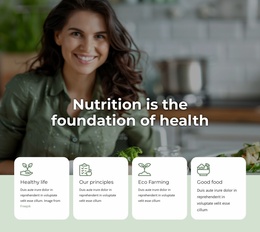
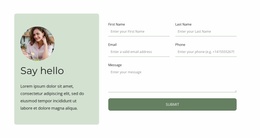
The Contact Us hero then acts as a visual introduction, using a large darkened lifestyle image and centered title to separate the shared header from the central interaction area. The Say hello section is the main destination for detailed communication. Its introductory image and contact form create a focused stop in the journey, with first name, last name, email, phone, and message inputs leading to the Submit action. Visitors can therefore move from orientation to direct inquiry without leaving the page.
The footer provides the final group of destinations through Quick Links, Get In Touch information, social links, branding, and the separate Subscribe form. This is different from a page built around one isolated form because several related sections remain available within one document. The structure could support section-based navigation if the project adds it, but the verified design itself primarily demonstrates the content sequence: shared contact access, page title, detailed inquiry, and continued communication at the bottom.
Customize with Nicepage
Open this ready-made template in the One Page Template Builder and customize it visually in the Nicepage editor. Replace demo content, edit page sections, and adapt the design to your project without rebuilding the template from scratch.
Build a Navigable One-Page Website
Connect the Menu to Page Sections
Organize the website as a sequence of sections on a single page and use the Menu For One-Page Site to connect menu items with individual page Blocks. Visitors can jump directly to sections such as About, Services, Testimonials, or Contact without opening separate pages.
Keep the Website on One URL
A one-page template can combine several parts of a small website within one continuous page. Arrange the Header, introduction, services, portfolio, company information, reviews, contact details, and other relevant sections in the order that fits the project while keeping them accessible through the same page navigation.
Make Long Pages Easier to Navigate
For longer one-page websites, keep navigation labels short and connected to meaningful sections so visitors can move through the page without relying only on scrolling. You can also use the Back To Top element to provide a quick way back to the beginning after longer sections.
This workflow makes the template suitable for compact websites that need several distinct content sections while keeping the complete visitor experience on one URL.