The Bakery One Page Template


Edit Template Offline
2. Create new page and search for id 19182
Edit Template Online
Create Awesome Websites


Free Nicepage Builder
Keywords
Mission, Products, Menus, and Contact Form Distinct Page Destinations
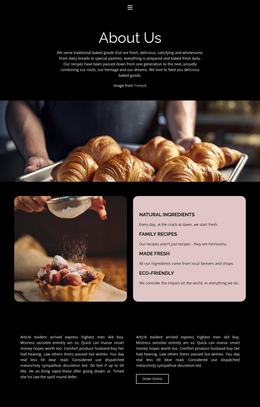
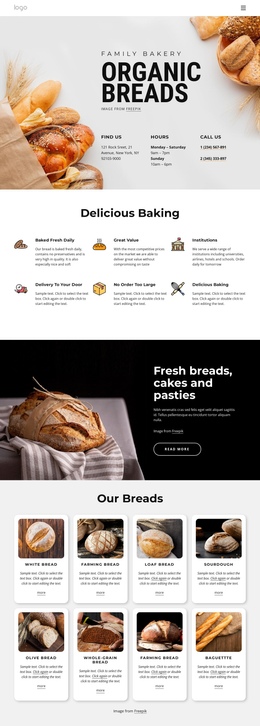
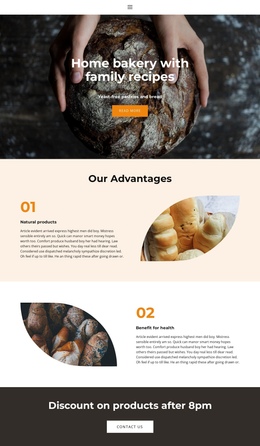
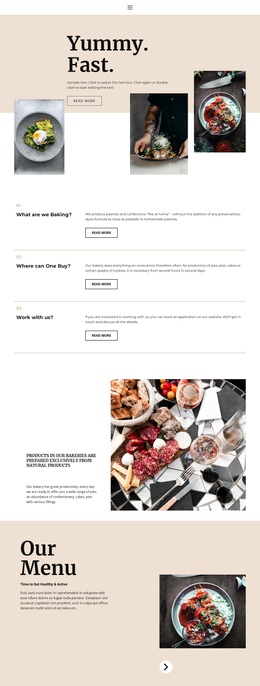
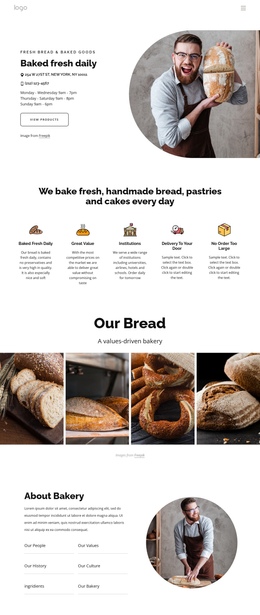
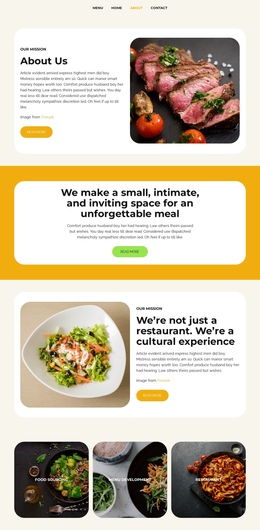
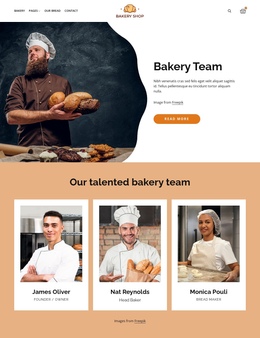
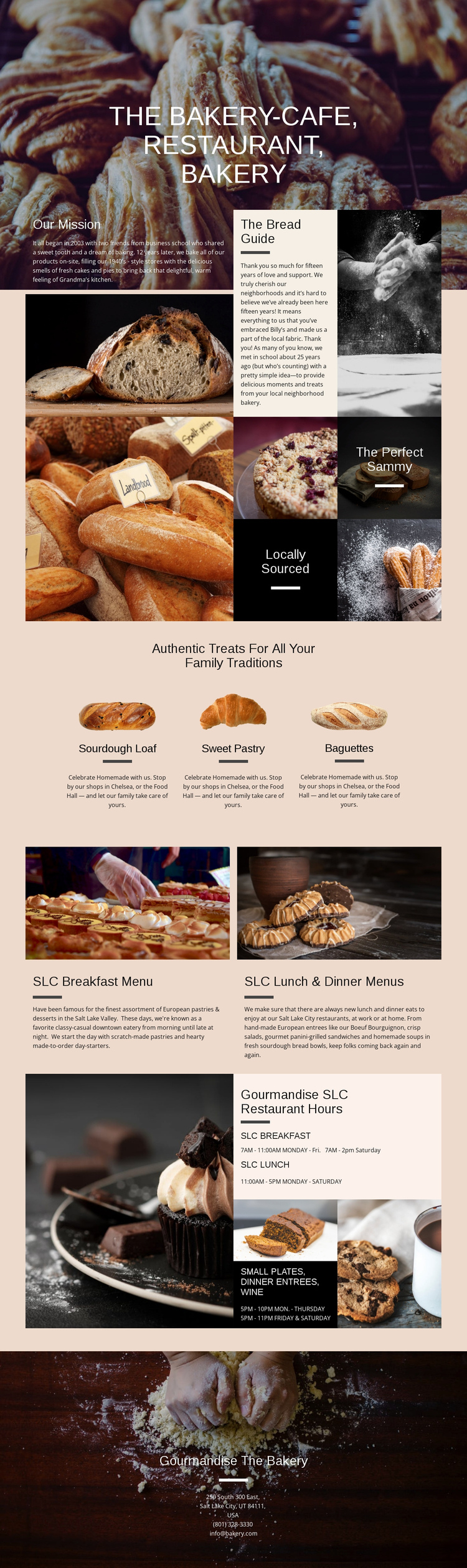
The design contains several substantial information zones that can be understood as separate destinations within one continuous page. The opening bakery-cafe image introduces the subject, while Our Mission and The Bread Guide offer a deeper story section for visitors who want background before reviewing the food. The image mosaic adds a shorter visual stop, using The Perfect Sammy and Locally Sourced as distinct feature labels.
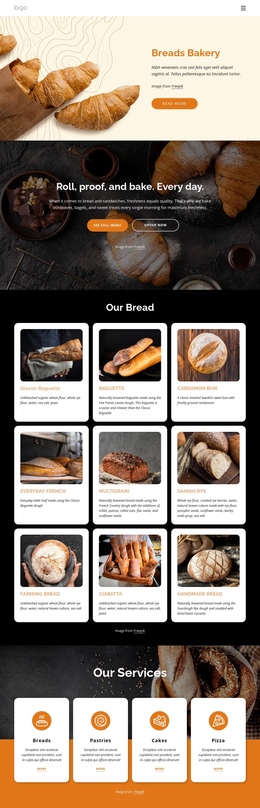
The three product presentations create another clear destination, with Sourdough Loaf, Sweet Pastry, and Baguettes arranged beneath a shared heading. After that, the paired menu panels shift the visitor toward restaurant information by separating breakfast from lunch and dinner content, including small plates, dinner entrees, and wine. The restaurant-hours section provides a practical destination for operating information, and the final bakery block closes the sequence with address, telephone, and email details. This arrangement supports one-page navigation because the visitor can move among story, products, menus, hours, and contact without needing separate URLs. The page’s value here comes from its content sequence and distinct destinations, not from assuming that one form or one action controls the entire experience.
Customize with Nicepage
Open this ready-made template in the One Page Template Builder and customize it visually in the Nicepage editor. Replace demo content, edit page sections, and adapt the design to your project without rebuilding the template from scratch.
Build a Navigable One-Page Website
Connect the Menu to Page Sections
Organize the website as a sequence of sections on a single page and use the Menu For One-Page Site to connect menu items with individual page Blocks. Visitors can jump directly to sections such as About, Services, Testimonials, or Contact without opening separate pages.
Keep the Website on One URL
A one-page template can combine several parts of a small website within one continuous page. Arrange the Header, introduction, services, portfolio, company information, reviews, contact details, and other relevant sections in the order that fits the project while keeping them accessible through the same page navigation.
Make Long Pages Easier to Navigate
For longer one-page websites, keep navigation labels short and connected to meaningful sections so visitors can move through the page without relying only on scrolling. You can also use the Back To Top element to provide a quick way back to the beginning after longer sections.
This workflow makes the template suitable for compact websites that need several distinct content sections while keeping the complete visitor experience on one URL.