Contacts of our restaurants One Page Template


Edit Template Offline
2. Create new page and search for id 5707813
Edit Template Online
Create Awesome Websites


Free Nicepage Builder
Keywords
The contact page moves from location information to a distinct reservation destination
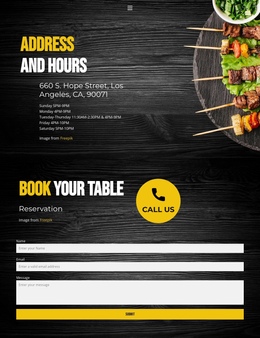
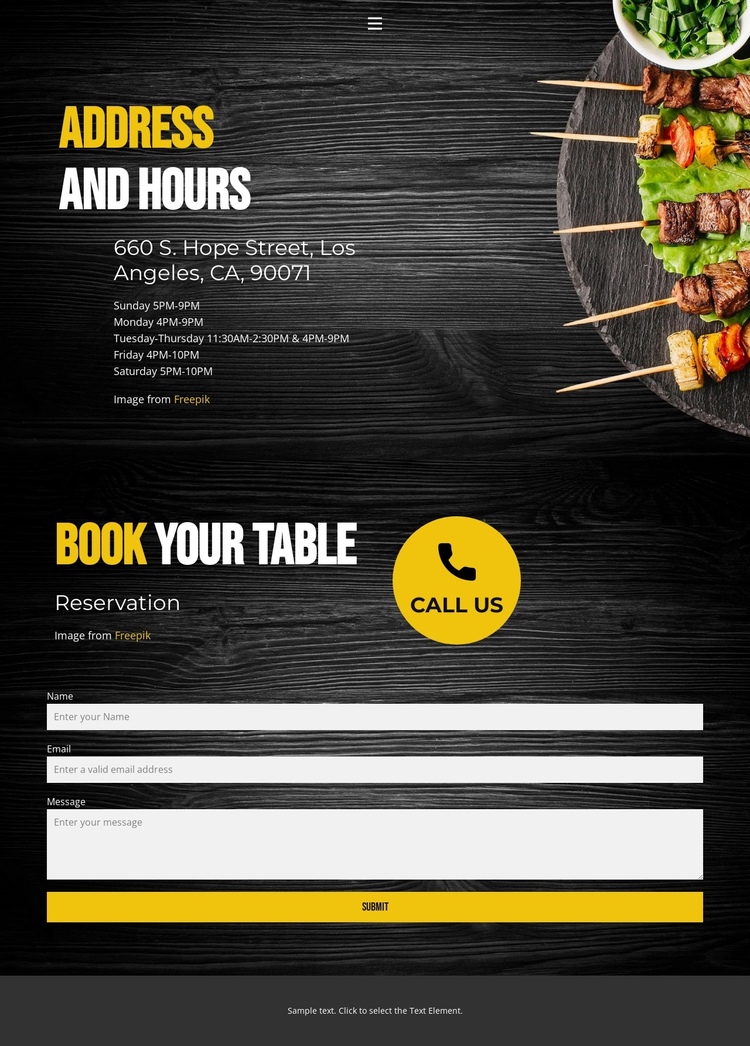
The design contains several meaningful information zones within one continuous document. The header navigation gives visitors routes to Home, Landing, and Contact, and its collapsible mobile control preserves the same orientation on smaller screens. Within the contact page itself, the Address and Hours section acts as the first destination: it presents 660 S. Hope Street, Los Angeles, CA, 90071 and places the weekly schedule beneath the location, with hours listed from Sunday through Saturday.
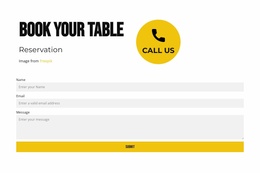
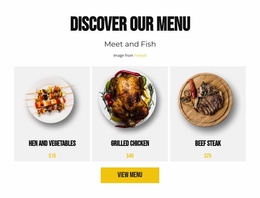
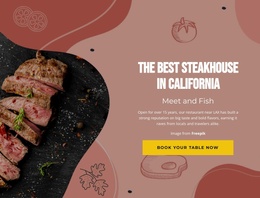
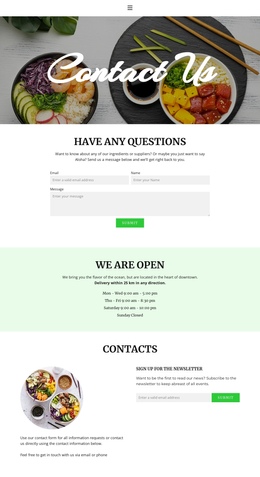
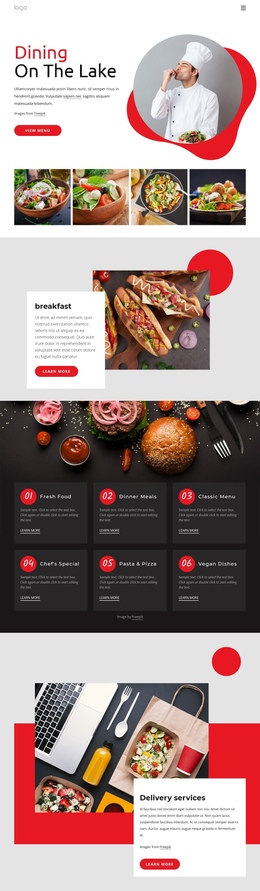
The next destination has a different role and should remain distinct in the page sequence. “Reservation” and “book your table” identify the booking area, while the “call us” prompt leads into a contact form requesting a name, email address, and message. Visitors can therefore move from where the restaurant is listed and when it operates to how they can request a table without leaving the page. Food imagery beside the contact content gives the transition a clear restaurant context, while dark wood-toned backgrounds and yellow-and-white typography connect the sections visually. The compact footer line closes the document after the form. This is a navigation and content-sequence interpretation rather than a claim that anchor links already exist: the verified sections themselves provide the meaningful stops for a one-page presentation.
Customize with Nicepage
Open this ready-made template in the One Page Template Builder and customize it visually in the Nicepage editor. Replace demo content, edit page sections, and adapt the design to your project without rebuilding the template from scratch.
Build a Navigable One-Page Website
Connect the Menu to Page Sections
Organize the website as a sequence of sections on a single page and use the Menu For One-Page Site to connect menu items with individual page Blocks. Visitors can jump directly to sections such as About, Services, Testimonials, or Contact without opening separate pages.
Keep the Website on One URL
A one-page template can combine several parts of a small website within one continuous page. Arrange the Header, introduction, services, portfolio, company information, reviews, contact details, and other relevant sections in the order that fits the project while keeping them accessible through the same page navigation.
Make Long Pages Easier to Navigate
For longer one-page websites, keep navigation labels short and connected to meaningful sections so visitors can move through the page without relying only on scrolling. You can also use the Back To Top element to provide a quick way back to the beginning after longer sections.
This workflow makes the template suitable for compact websites that need several distinct content sections while keeping the complete visitor experience on one URL.