Facts about company WordPress Theme


The image-led FAQ works as stable page content in a WordPress project
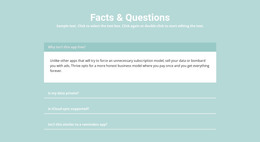
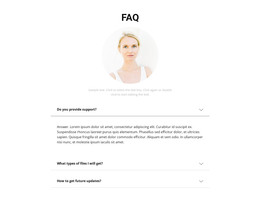
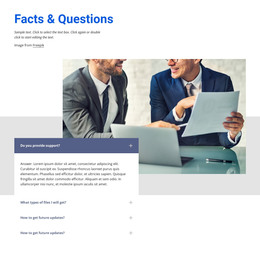
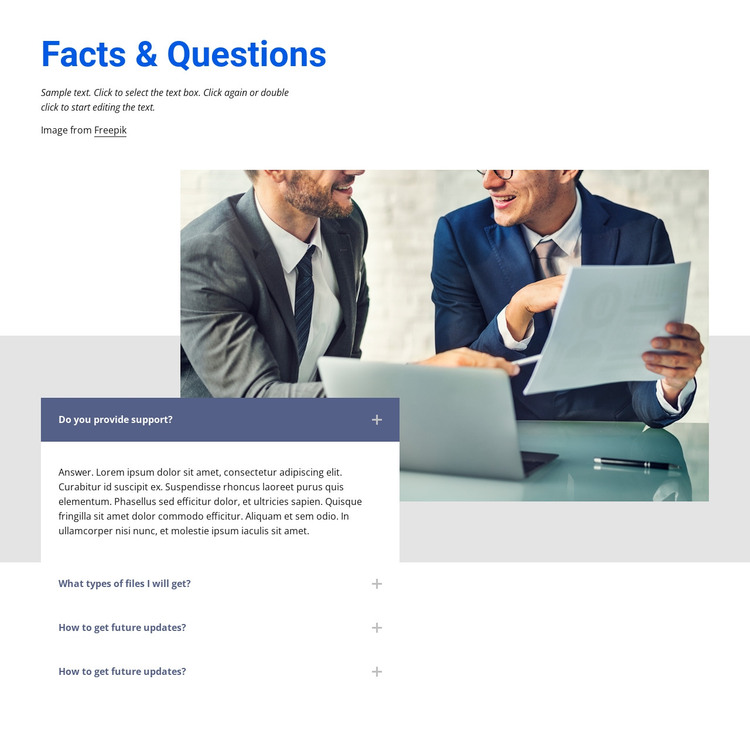
The heading “Facts & Questions” and the compact introductory copy give this block the character of stable informational content rather than a time-sensitive article stream. The business-meeting photograph supplies context, and the four-row accordion organizes practical questions in a compact page section. The first row asks whether support is provided and is expanded, while the remaining rows address file types and future updates in collapsed form.
Within a WordPress-managed page, this section can remain a consistent visual area while the broader project manages other content around it. It may sit beside or below service information, company details, or a contact section, giving visitors a place to resolve common concerns without turning the block into a complete theme or page system. The overlap between the answer panel and the lower image is part of its visual pattern and should remain coordinated with the surrounding page spacing.
The repeated future-update label in the third and fourth rows is part of the current block content and can be edited as the page is prepared for publication. The section’s page-oriented value comes from its stable questions and compact disclosure pattern. WordPress can provide the broader content environment, while this block supplies one designed FAQ region with its own hierarchy, image treatment, and interaction.
Customize with Nicepage
Open this ready-made template in the WordPress Website Builder and customize it visually in the Nicepage editor. Replace demo content, edit page sections, and adapt the design to your project without rebuilding the template from scratch.
Edit Template Offline
2. Create a new page or select existing
3. Click Add new block, search for id 273165 and click enter
Edit Template Online
Create Awesome Websites


Free Nicepage Builder
Keywords
Manage and Edit This Theme in WordPress
Customize and Install the WordPress Theme
Start with this ready-made theme instead of building the WordPress design from scratch. Customize its layout, content, typography, images, sections, and other design elements visually in Nicepage editor, then export and install the WordPress Theme, Plugin, and Pages on your WordPress site. The Nicepage WordPress Plugin lets you continue working with the site after installation.
Edit the Theme Directly in WordPress
After installation, you can edit the WordPress Theme directly in WordPress with the Nicepage WordPress Plugin. Use Site Style to customize site Colors, Fonts, Header, Footer, Blog, and Post Page Templates while working within your WordPress website.
Edit WordPress Pages Visually
Use the Nicepage WordPress Plugin to edit page content directly from the WordPress admin area. Open a WordPress Page with Nicepage and visually change its text, images, sections, and other page elements while continuing to manage the Page through WordPress.
WordPress Content and Theme Integration
Use the customized theme with WordPress Pages, Posts, Blog and Post Templates, menus, widgets, and other CMS-managed content. Shared theme elements such as Colors, Fonts, Header, Footer, Blog, and Post Page Templates can be managed as part of the overall site design, while WordPress provides the CMS environment for managing site content.
This workflow combines a ready-made WordPress Theme with visual customization, direct theme editing in WordPress, and continued content management through the Nicepage WordPress Plugin.