Faq on design WordPress Theme


Stable FAQ Content for a WordPress-Managed Page
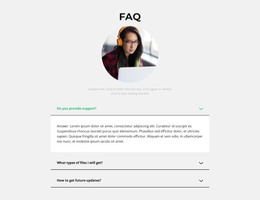
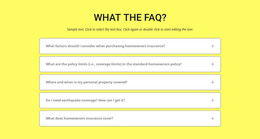
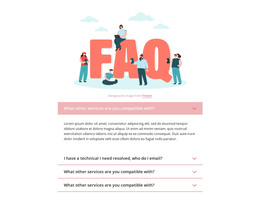
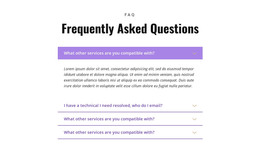
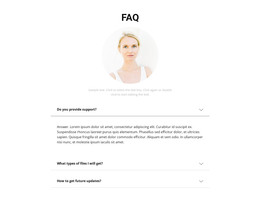
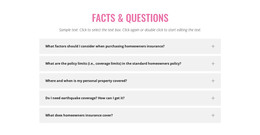
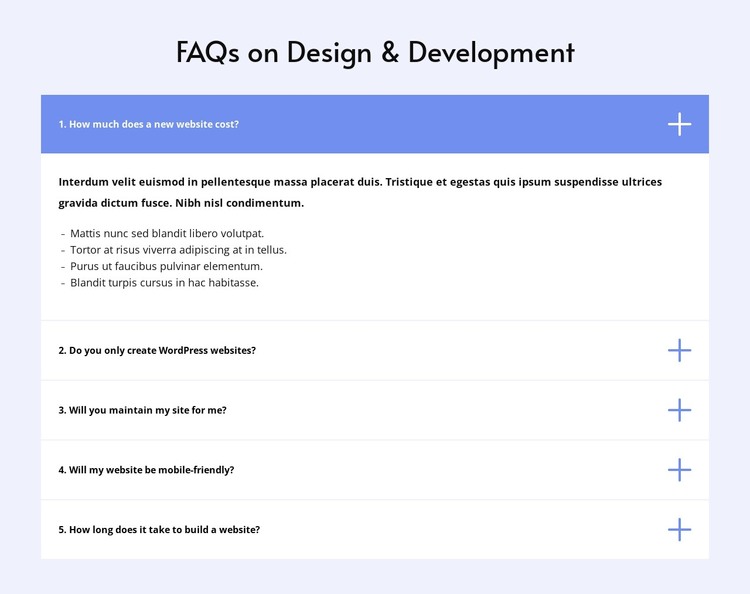
The heading and five numbered questions form stable page-oriented content that can fit naturally within a WordPress-managed site. The section addresses practical concerns rather than time-sensitive editorial material: the cost of a new website, whether only WordPress websites are created, ongoing maintenance, mobile-friendliness, and development time. Its accordion presentation keeps those related questions in one reusable content region.
The first item is expanded, showing an answer paragraph followed by four bullet points. The four remaining questions stay collapsed, allowing the section to remain compact while still making the broader subject visible. A centered heading introduces the group, and the wide column keeps all rows aligned. The pale lavender background, white panels, thin separators, blue active-state accents, and plus icons give the page content a defined visual pattern that can remain consistent alongside other sections.
In a WordPress-oriented project, this block can occupy a stable FAQ area on a services or information page while the wider site manages its other content separately. The block does not need to become a theme-level structure to be useful: its value is the reusable relationship between the heading, five questions, and revealed answer. A surrounding project can place contact, service, or proof content before or after it, leaving this section to handle practical clarification.
Customize with Nicepage
Open this ready-made template in the WordPress Website Builder and customize it visually in the Nicepage editor. Replace demo content, edit page sections, and adapt the design to your project without rebuilding the template from scratch.
Edit Template Offline
2. Create a new page or select existing
3. Click Add new block, search for id 6349632 and click enter
Edit Template Online
Create Awesome Websites


Free Nicepage Builder
Keywords
Manage and Edit This Theme in WordPress
Customize and Install the WordPress Theme
Start with this ready-made theme instead of building the WordPress design from scratch. Customize its layout, content, typography, images, sections, and other design elements visually in Nicepage editor, then export and install the WordPress Theme, Plugin, and Pages on your WordPress site. The Nicepage WordPress Plugin lets you continue working with the site after installation.
Edit the Theme Directly in WordPress
After installation, you can edit the WordPress Theme directly in WordPress with the Nicepage WordPress Plugin. Use Site Style to customize site Colors, Fonts, Header, Footer, Blog, and Post Page Templates while working within your WordPress website.
Edit WordPress Pages Visually
Use the Nicepage WordPress Plugin to edit page content directly from the WordPress admin area. Open a WordPress Page with Nicepage and visually change its text, images, sections, and other page elements while continuing to manage the Page through WordPress.
WordPress Content and Theme Integration
Use the customized theme with WordPress Pages, Posts, Blog and Post Templates, menus, widgets, and other CMS-managed content. Shared theme elements such as Colors, Fonts, Header, Footer, Blog, and Post Page Templates can be managed as part of the overall site design, while WordPress provides the CMS environment for managing site content.
This workflow combines a ready-made WordPress Theme with visual customization, direct theme editing in WordPress, and continued content management through the Nicepage WordPress Plugin.