Personal nutrition consultation WordPress Theme


Stable FAQ Content Supports a WordPress-Managed Inquiry Area
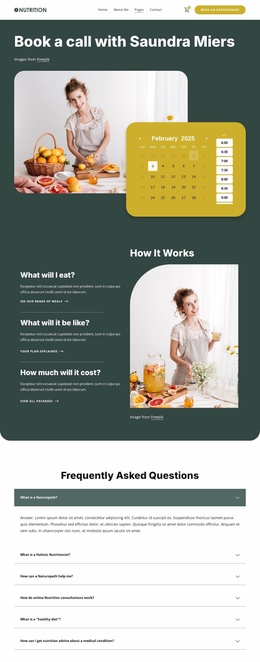
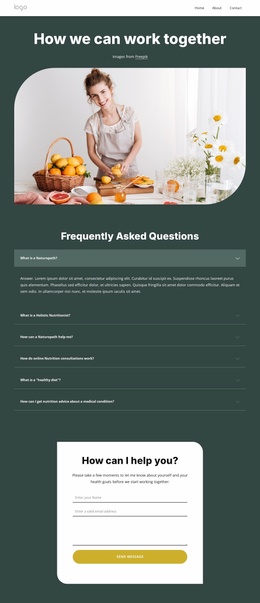
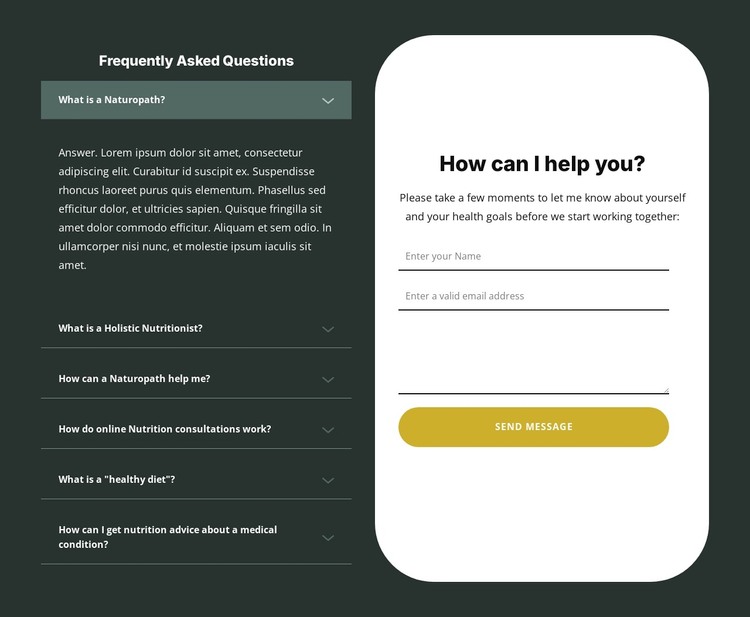
The six FAQ questions read as durable informational content for a services-oriented page. They organize recurring topics—naturopathy, holistic nutrition, online consultations, healthy diets, and nutrition advice for medical conditions—inside an accordion, with the first answer expanded in the preview. This makes the left column suitable for a page section visitors can consult before deciding whether to make an inquiry.
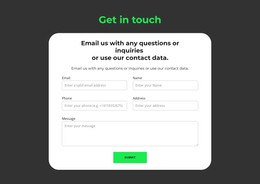
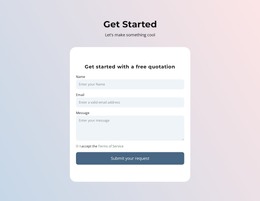
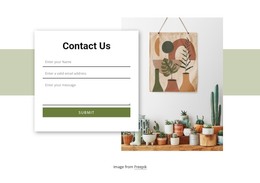
The right column treats the inquiry as a separate publishable content area. A centered heading and supporting paragraph introduce name, email, and message fields inside a white rounded panel, followed by the Send Message control. In a WordPress-managed project, this visual section can remain part of stable page content while the surrounding site handles its wider pages and editorial material. The distinction between the FAQ information and the form submission area is useful for maintaining the section's purpose: visitors can review common questions, then describe a health goal in their own words. The dark green field, light accordion details, rounded white panel, and gold button provide a consistent presentation for this page content while leaving the broader theme and CMS structure outside the block.
Customize with Nicepage
Open this ready-made template in the WordPress Website Builder and customize it visually in the Nicepage editor. Replace demo content, edit page sections, and adapt the design to your project without rebuilding the template from scratch.
Edit Template Offline
2. Create a new page or select existing
3. Click Add new block, search for id 6423512 and click enter
Edit Template Online
Create Awesome Websites


Free Nicepage Builder
Keywords
Manage and Edit This Theme in WordPress
Customize and Install the WordPress Theme
Start with this ready-made theme instead of building the WordPress design from scratch. Customize its layout, content, typography, images, sections, and other design elements visually in Nicepage editor, then export and install the WordPress Theme, Plugin, and Pages on your WordPress site. The Nicepage WordPress Plugin lets you continue working with the site after installation.
Edit the Theme Directly in WordPress
After installation, you can edit the WordPress Theme directly in WordPress with the Nicepage WordPress Plugin. Use Site Style to customize site Colors, Fonts, Header, Footer, Blog, and Post Page Templates while working within your WordPress website.
Edit WordPress Pages Visually
Use the Nicepage WordPress Plugin to edit page content directly from the WordPress admin area. Open a WordPress Page with Nicepage and visually change its text, images, sections, and other page elements while continuing to manage the Page through WordPress.
WordPress Content and Theme Integration
Use the customized theme with WordPress Pages, Posts, Blog and Post Templates, menus, widgets, and other CMS-managed content. Shared theme elements such as Colors, Fonts, Header, Footer, Blog, and Post Page Templates can be managed as part of the overall site design, while WordPress provides the CMS environment for managing site content.
This workflow combines a ready-made WordPress Theme with visual customization, direct theme editing in WordPress, and continued content management through the Nicepage WordPress Plugin.