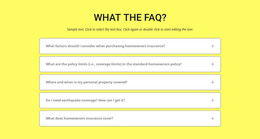
You ask, we answer WordPress Theme


Permanent FAQ Content With a Clear WordPress Page Role
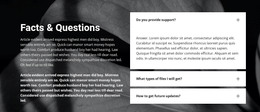
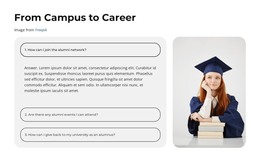
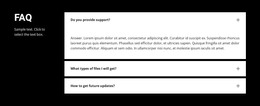
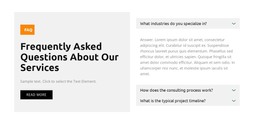
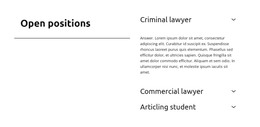
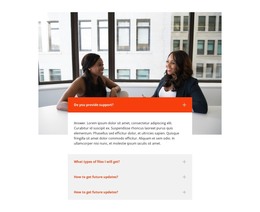
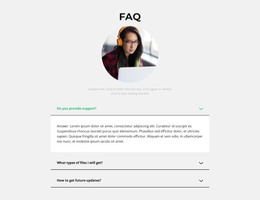
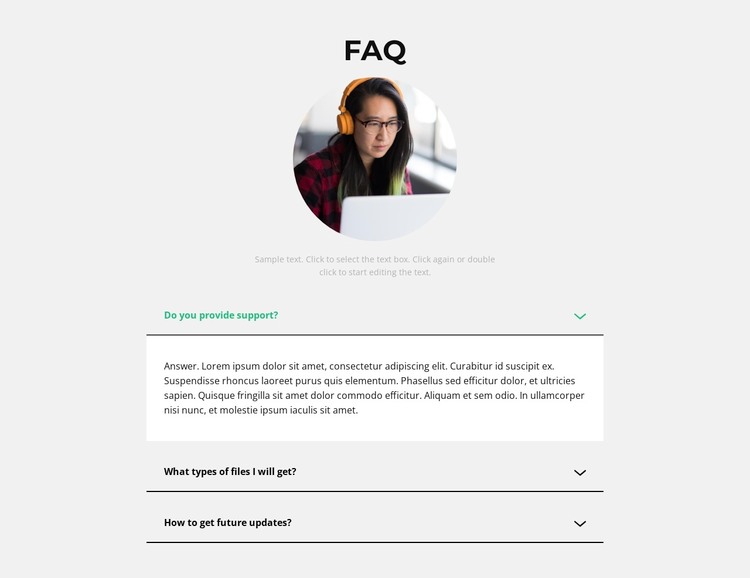
The heading, portrait, and introductory paragraph establish this block as a stable information area rather than a transient announcement. Beneath them, the three questions organize practical page content about support, file types, and future updates. That subject grouping fits a WordPress-managed page where visitors need access to recurring answers, while the accordion keeps the section compact enough to coexist with other content on the same page.
The expanded support item demonstrates the block’s content behavior. Its answer appears in a white panel beneath the selected row, while thin dark separators keep the closed questions distinct. The green active question and icon provide a visible state marker, and the light gray background contains the whole FAQ area without competing with neighboring content. The circular portrait gives the section a human visual anchor, but the information remains carried by the heading, paragraph, and question rows.
Nicepage’s WordPress Pages workflow provides relevant CMS context for placing designed content within WordPress. The FAQ block can participate as one reusable page section while the wider project manages other pages and content separately. Its accordion, portrait, and styling remain properties of this section, not a claim that the block itself is a complete WordPress Theme.
Customize with Nicepage
Open this ready-made template in the WordPress Website Builder and customize it visually in the Nicepage editor. Replace demo content, edit page sections, and adapt the design to your project without rebuilding the template from scratch.
Edit Template Offline
2. Create a new page or select existing
3. Click Add new block, search for id 2234497 and click enter
Edit Template Online
Create Awesome Websites


Free Nicepage Builder
Keywords
Manage and Edit This Theme in WordPress
Customize and Install the WordPress Theme
Start with this ready-made theme instead of building the WordPress design from scratch. Customize its layout, content, typography, images, sections, and other design elements visually in Nicepage editor, then export and install the WordPress Theme, Plugin, and Pages on your WordPress site. The Nicepage WordPress Plugin lets you continue working with the site after installation.
Edit the Theme Directly in WordPress
After installation, you can edit the WordPress Theme directly in WordPress with the Nicepage WordPress Plugin. Use Site Style to customize site Colors, Fonts, Header, Footer, Blog, and Post Page Templates while working within your WordPress website.
Edit WordPress Pages Visually
Use the Nicepage WordPress Plugin to edit page content directly from the WordPress admin area. Open a WordPress Page with Nicepage and visually change its text, images, sections, and other page elements while continuing to manage the Page through WordPress.
WordPress Content and Theme Integration
Use the customized theme with WordPress Pages, Posts, Blog and Post Templates, menus, widgets, and other CMS-managed content. Shared theme elements such as Colors, Fonts, Header, Footer, Blog, and Post Page Templates can be managed as part of the overall site design, while WordPress provides the CMS environment for managing site content.
This workflow combines a ready-made WordPress Theme with visual customization, direct theme editing in WordPress, and continued content management through the Nicepage WordPress Plugin.