Reserve Your Spot Now WordPress Theme


Stable FAQ Content for a WordPress-Managed Page Area
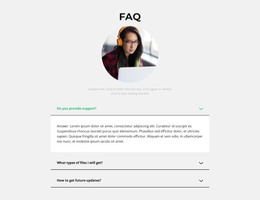
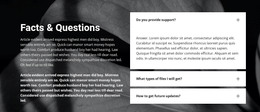
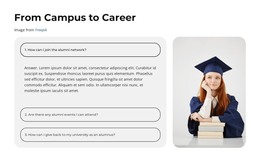
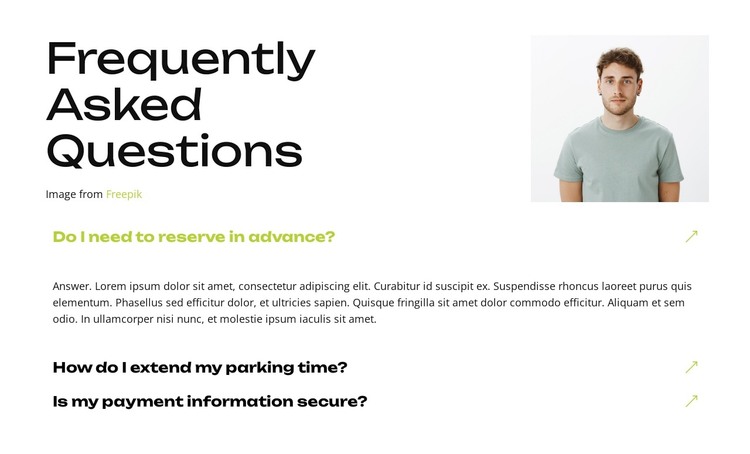
The section reads as durable page content rather than a time-sensitive stream of updates. Its heading, “Frequently Asked Questions,” introduces a defined subject, and the three question items organize practical information about advance reservation, extending parking time, and payment information security. That makes the block suitable for a stable FAQ area within a WordPress-managed page, while the wider project can contain other types of content around it.
The visual structure supports this content role. A large multiline heading and attribution sit beside a portrait image in a pale rectangular area, creating a recognizable opening before the full-width accordion begins. The first item is expanded and displays an answer paragraph; the other two remain collapsed so visitors can choose which question to open. Bold dark labels, thin separators, generous vertical spacing, and lime green active emphasis keep the repeated content orderly and readable.
In a WordPress-oriented project, this block can remain a reusable visual section for practical visitor questions while surrounding pages handle navigation, additional information, and broader site publishing needs. Its value is the combination of clearly grouped page content and compact interaction. The section does not need to become a complete theme to provide a consistent FAQ destination that can be placed wherever reservation and payment questions are relevant.
Customize with Nicepage
Open this ready-made template in the WordPress Website Builder and customize it visually in the Nicepage editor. Replace demo content, edit page sections, and adapt the design to your project without rebuilding the template from scratch.
Edit Template Offline
2. Create a new page or select existing
3. Click Add new block, search for id 6547913 and click enter
Edit Template Online
Create Awesome Websites


Free Nicepage Builder
Keywords
Manage and Edit This Theme in WordPress
Customize and Install the WordPress Theme
Start with this ready-made theme instead of building the WordPress design from scratch. Customize its layout, content, typography, images, sections, and other design elements visually in Nicepage editor, then export and install the WordPress Theme, Plugin, and Pages on your WordPress site. The Nicepage WordPress Plugin lets you continue working with the site after installation.
Edit the Theme Directly in WordPress
After installation, you can edit the WordPress Theme directly in WordPress with the Nicepage WordPress Plugin. Use Site Style to customize site Colors, Fonts, Header, Footer, Blog, and Post Page Templates while working within your WordPress website.
Edit WordPress Pages Visually
Use the Nicepage WordPress Plugin to edit page content directly from the WordPress admin area. Open a WordPress Page with Nicepage and visually change its text, images, sections, and other page elements while continuing to manage the Page through WordPress.
WordPress Content and Theme Integration
Use the customized theme with WordPress Pages, Posts, Blog and Post Templates, menus, widgets, and other CMS-managed content. Shared theme elements such as Colors, Fonts, Header, Footer, Blog, and Post Page Templates can be managed as part of the overall site design, while WordPress provides the CMS environment for managing site content.
This workflow combines a ready-made WordPress Theme with visual customization, direct theme editing in WordPress, and continued content management through the Nicepage WordPress Plugin.