Popular questions and answers WordPress Theme


The Accordion Keeps Permanent Learning Content Easy to Explore
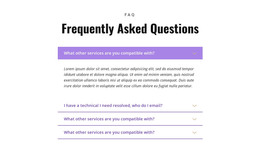
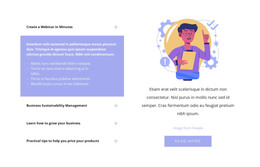
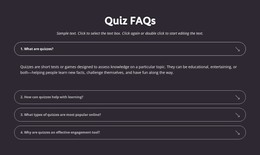
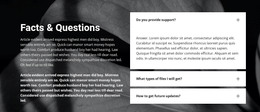
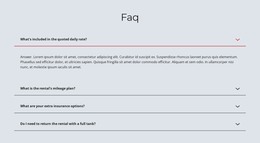
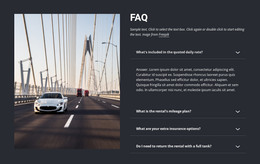
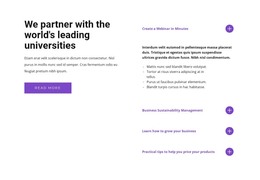
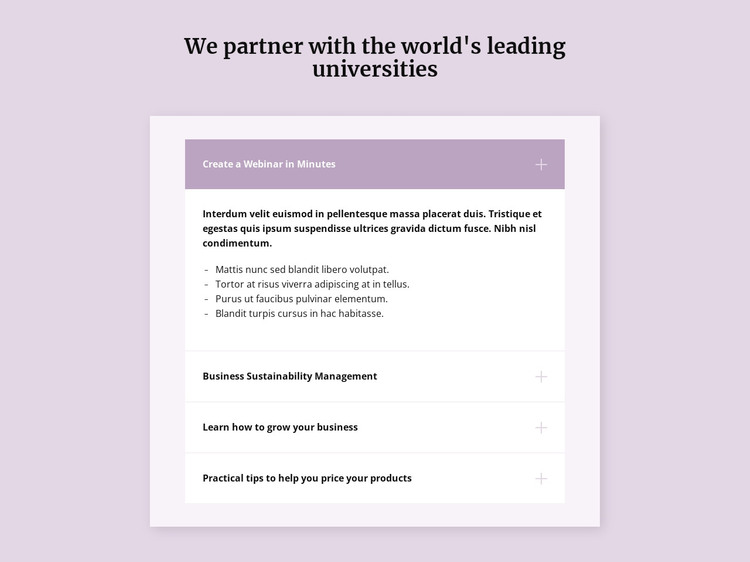
The four topic rows give this section a stable page-content role. Visitors can identify separate information areas for creating a webinar, sustainability management, business growth, and product pricing, while the accordion prevents all supporting material from appearing at once. The first row is expanded in the rendering and includes a paragraph plus four bullet points, showing how a topic can hold deeper explanation without changing the overall single-column structure.
For a WordPress-oriented project, this block can sit within a broader managed page as a reusable FAQ or business-learning region. Its content logic is visual and sectional: the centered heading introduces the subject, the white inset panel contains the expandable topics, and lavender active styling indicates the current selection. The arrangement can remain recognizable even as surrounding page content is managed separately.
The section does not need to carry blog, category, or site-wide functions to be useful in that context. Other CMS-managed areas can handle additional editorial material, while this block preserves a focused group of educational questions and answers. Its calm spacing and dark serif heading also make it suitable for a page that needs explanatory content to feel distinct from more promotional or transactional sections.
Customize with Nicepage
Open this ready-made template in the WordPress Website Builder and customize it visually in the Nicepage editor. Replace demo content, edit page sections, and adapt the design to your project without rebuilding the template from scratch.
Edit Template Offline
2. Create a new page or select existing
3. Click Add new block, search for id 487772 and click enter
Edit Template Online
Create Awesome Websites


Free Nicepage Builder
Keywords
Manage and Edit This Theme in WordPress
Customize and Install the WordPress Theme
Start with this ready-made theme instead of building the WordPress design from scratch. Customize its layout, content, typography, images, sections, and other design elements visually in Nicepage editor, then export and install the WordPress Theme, Plugin, and Pages on your WordPress site. The Nicepage WordPress Plugin lets you continue working with the site after installation.
Edit the Theme Directly in WordPress
After installation, you can edit the WordPress Theme directly in WordPress with the Nicepage WordPress Plugin. Use Site Style to customize site Colors, Fonts, Header, Footer, Blog, and Post Page Templates while working within your WordPress website.
Edit WordPress Pages Visually
Use the Nicepage WordPress Plugin to edit page content directly from the WordPress admin area. Open a WordPress Page with Nicepage and visually change its text, images, sections, and other page elements while continuing to manage the Page through WordPress.
WordPress Content and Theme Integration
Use the customized theme with WordPress Pages, Posts, Blog and Post Templates, menus, widgets, and other CMS-managed content. Shared theme elements such as Colors, Fonts, Header, Footer, Blog, and Post Page Templates can be managed as part of the overall site design, while WordPress provides the CMS environment for managing site content.
This workflow combines a ready-made WordPress Theme with visual customization, direct theme editing in WordPress, and continued content management through the Nicepage WordPress Plugin.