Most Popular Construction Questions WordPress Theme


Expandable Sustainability Questions Form Stable Page Content
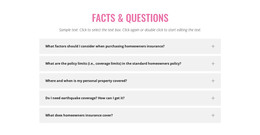
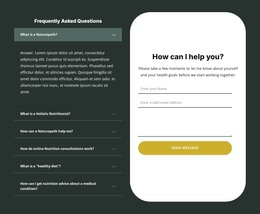
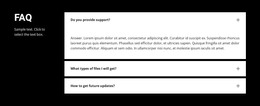
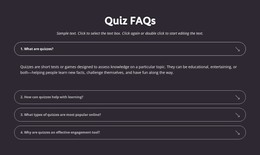
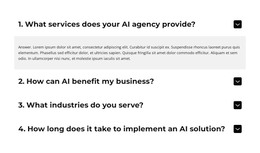
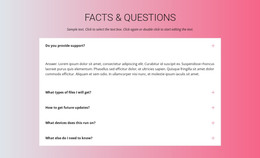
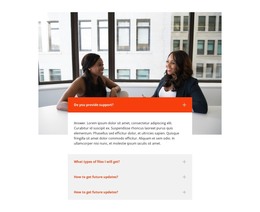
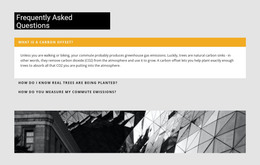
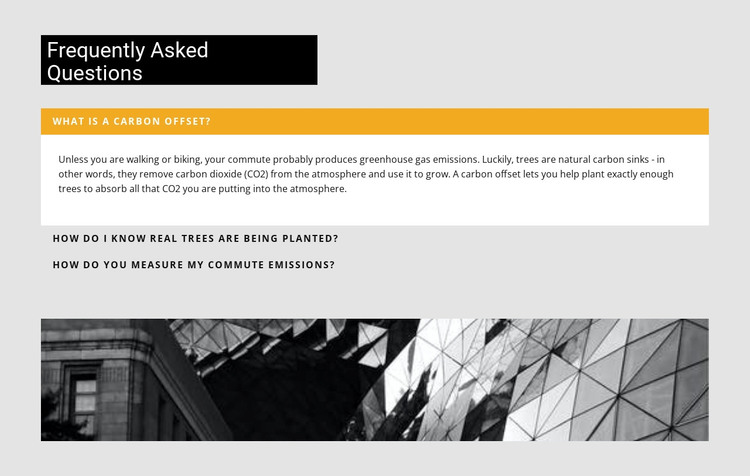
The three questions give this block a clear page-content role in a WordPress-managed project. The first asks what a carbon offset is and is paired with an answer explaining carbon dioxide absorption by trees. The second addresses how real trees are verified as planted, while the third asks how commute emissions are measured. Together, these items provide a compact explanatory resource that can remain associated with a relevant page without requiring the section to function as a complete theme or site.
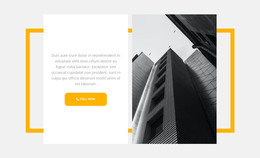
The accordion keeps the information organized: each question is a visible label, and its answer can occupy the white panel beneath it when opened. The black heading panel gives the content a stable introduction, while the amber bar identifies the active item and the wide monochrome architectural image creates a separate closing region. In a WordPress-oriented project, this block can serve as permanent FAQ content around which other page sections and CMS-managed material are arranged. Nicepage’s WordPress Pages workflow provides relevant project context, but the key value here remains the block’s publishable question-and-answer structure. The section can retain its visual pattern while the broader site handles its other content, templates, and navigation independently.
Customize with Nicepage
Open this ready-made template in the WordPress Website Builder and customize it visually in the Nicepage editor. Replace demo content, edit page sections, and adapt the design to your project without rebuilding the template from scratch.
Edit Template Offline
2. Create a new page or select existing
3. Click Add new block, search for id 346162 and click enter
Edit Template Online
Create Awesome Websites


Free Nicepage Builder
Keywords
Manage and Edit This Theme in WordPress
Customize and Install the WordPress Theme
Start with this ready-made theme instead of building the WordPress design from scratch. Customize its layout, content, typography, images, sections, and other design elements visually in Nicepage editor, then export and install the WordPress Theme, Plugin, and Pages on your WordPress site. The Nicepage WordPress Plugin lets you continue working with the site after installation.
Edit the Theme Directly in WordPress
After installation, you can edit the WordPress Theme directly in WordPress with the Nicepage WordPress Plugin. Use Site Style to customize site Colors, Fonts, Header, Footer, Blog, and Post Page Templates while working within your WordPress website.
Edit WordPress Pages Visually
Use the Nicepage WordPress Plugin to edit page content directly from the WordPress admin area. Open a WordPress Page with Nicepage and visually change its text, images, sections, and other page elements while continuing to manage the Page through WordPress.
WordPress Content and Theme Integration
Use the customized theme with WordPress Pages, Posts, Blog and Post Templates, menus, widgets, and other CMS-managed content. Shared theme elements such as Colors, Fonts, Header, Footer, Blog, and Post Page Templates can be managed as part of the overall site design, while WordPress provides the CMS environment for managing site content.
This workflow combines a ready-made WordPress Theme with visual customization, direct theme editing in WordPress, and continued content management through the Nicepage WordPress Plugin.