Faq on light background WordPress Theme


Stable rental guidance fits a WordPress page section
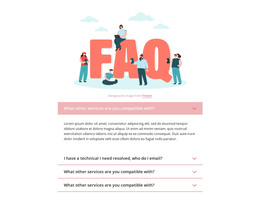
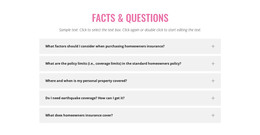
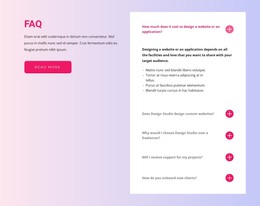
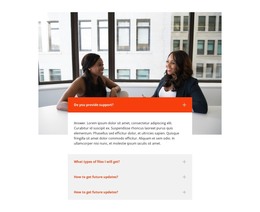
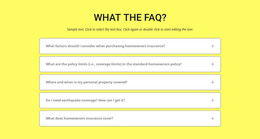
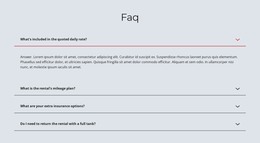
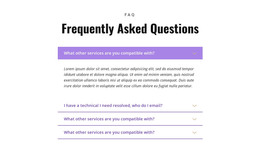
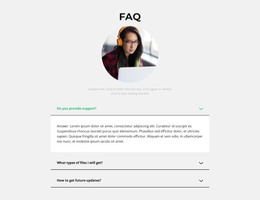
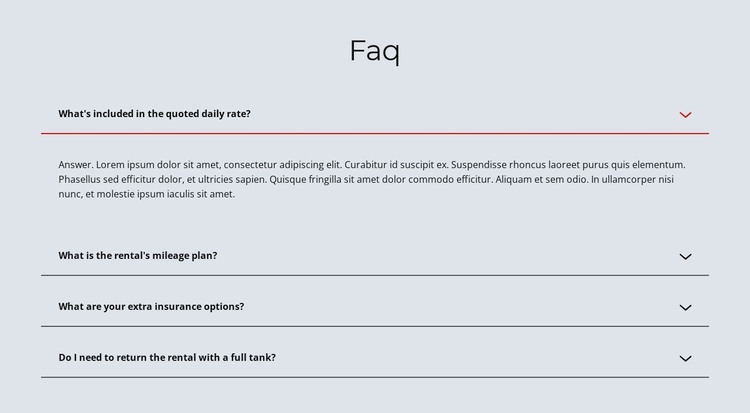
The four questions read as durable page information that visitors may need whenever they review a rental offering. Daily-rate inclusions, mileage plans, insurance options, and fuel-return expectations are separated into individual topics, making the content easier to revisit than a single long paragraph. The centered “Faq” heading names the information area, and the accordion keeps the detailed answer space available without displaying every explanation at once.
In a WordPress-oriented project, this section can remain a reusable part of a stable services or rental page while the wider site manages other content around it. The block itself supplies the visual and content arrangement: four labeled rows, repeated chevrons, thin separators, and an expandable answer panel. Its CMS context is therefore about how the section participates in publishable page content, not about treating the block as a complete WordPress Theme or assuming particular posts, categories, or widgets are inside it.
The pale blue-gray surface and dark typography provide a calm presentation for practical conditions. The open first item demonstrates the interaction visitors encounter, while the collapsed rows preserve a compact page rhythm for the remaining questions.
Customize with Nicepage
Open this ready-made template in the WordPress Website Builder and customize it visually in the Nicepage editor. Replace demo content, edit page sections, and adapt the design to your project without rebuilding the template from scratch.
Edit Template Offline
2. Create a new page or select existing
3. Click Add new block, search for id 1177027 and click enter
Edit Template Online
Create Awesome Websites


Free Nicepage Builder
Keywords
Manage and Edit This Theme in WordPress
Customize and Install the WordPress Theme
Start with this ready-made theme instead of building the WordPress design from scratch. Customize its layout, content, typography, images, sections, and other design elements visually in Nicepage editor, then export and install the WordPress Theme, Plugin, and Pages on your WordPress site. The Nicepage WordPress Plugin lets you continue working with the site after installation.
Edit the Theme Directly in WordPress
After installation, you can edit the WordPress Theme directly in WordPress with the Nicepage WordPress Plugin. Use Site Style to customize site Colors, Fonts, Header, Footer, Blog, and Post Page Templates while working within your WordPress website.
Edit WordPress Pages Visually
Use the Nicepage WordPress Plugin to edit page content directly from the WordPress admin area. Open a WordPress Page with Nicepage and visually change its text, images, sections, and other page elements while continuing to manage the Page through WordPress.
WordPress Content and Theme Integration
Use the customized theme with WordPress Pages, Posts, Blog and Post Templates, menus, widgets, and other CMS-managed content. Shared theme elements such as Colors, Fonts, Header, Footer, Blog, and Post Page Templates can be managed as part of the overall site design, while WordPress provides the CMS environment for managing site content.
This workflow combines a ready-made WordPress Theme with visual customization, direct theme editing in WordPress, and continued content management through the Nicepage WordPress Plugin.