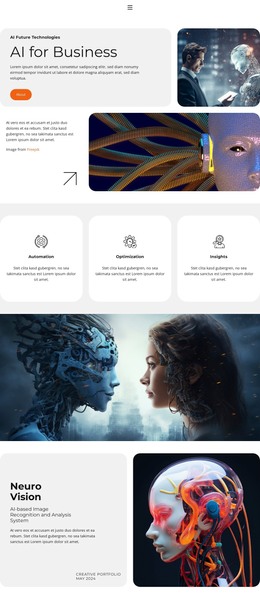
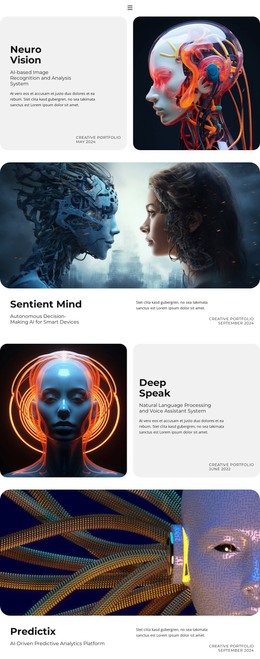
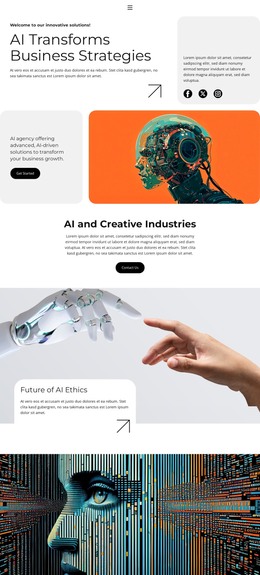
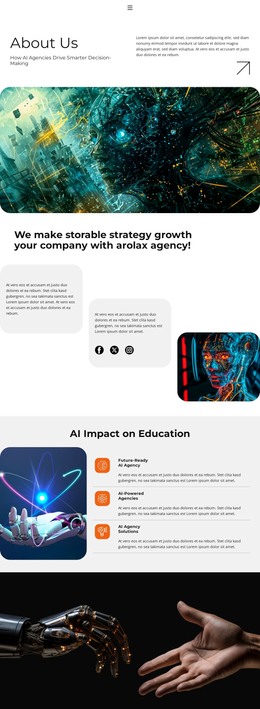
Future of AI Ethics WordPress Theme


Stable AI FAQ Content With a Reusable Accordion Structure
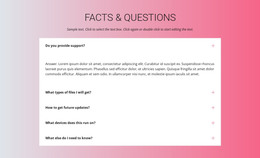
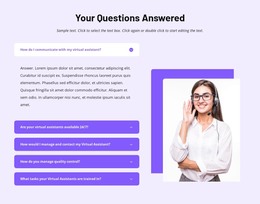
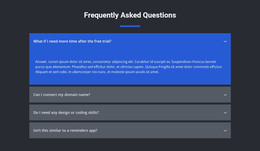
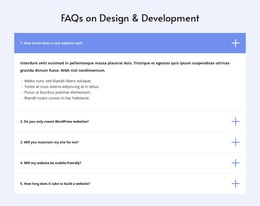
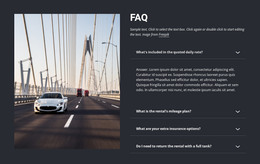
The four questions give the block a stable page-content role: visitors can learn what an AI agency provides, consider possible business benefits, check whether their industry is covered, and understand the expected implementation timeframe. Each topic is paired with an answer paragraph inside the same repeated accordion structure. This makes the section suitable for information that belongs with a service presentation rather than a sequence of dated updates.
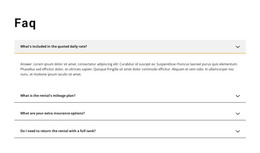
The vertical arrangement keeps the content focused. A question appears first, its answer pane follows when opened, and the right-side rounded-square icon indicates the available state change. The first answer is already expanded, showing how the section presents content on arrival, while the other three questions remain compact. In a WordPress-oriented project, this visual pattern can remain a consistent section on a services or informational page while the surrounding site manages other page content separately.
The white background, bold dark labels, and light-gray answer panel also provide a repeatable presentation for the section. They can be retained while the four question topics and answer paragraphs are adapted to the site's actual content. The block itself remains one page section, not a standalone theme. A broader WordPress project can provide its wider page structure and publishing environment, while this accordion contributes focused, reusable FAQ content that helps explain an AI services offering.
Customize with Nicepage
Open this ready-made template in the WordPress Website Builder and customize it visually in the Nicepage editor. Replace demo content, edit page sections, and adapt the design to your project without rebuilding the template from scratch.
Edit Template Offline
2. Create a new page or select existing
3. Click Add new block, search for id 6363946 and click enter
Edit Template Online
Create Awesome Websites


Free Nicepage Builder
Keywords
Manage and Edit This Theme in WordPress
Customize and Install the WordPress Theme
Start with this ready-made theme instead of building the WordPress design from scratch. Customize its layout, content, typography, images, sections, and other design elements visually in Nicepage editor, then export and install the WordPress Theme, Plugin, and Pages on your WordPress site. The Nicepage WordPress Plugin lets you continue working with the site after installation.
Edit the Theme Directly in WordPress
After installation, you can edit the WordPress Theme directly in WordPress with the Nicepage WordPress Plugin. Use Site Style to customize site Colors, Fonts, Header, Footer, Blog, and Post Page Templates while working within your WordPress website.
Edit WordPress Pages Visually
Use the Nicepage WordPress Plugin to edit page content directly from the WordPress admin area. Open a WordPress Page with Nicepage and visually change its text, images, sections, and other page elements while continuing to manage the Page through WordPress.
WordPress Content and Theme Integration
Use the customized theme with WordPress Pages, Posts, Blog and Post Templates, menus, widgets, and other CMS-managed content. Shared theme elements such as Colors, Fonts, Header, Footer, Blog, and Post Page Templates can be managed as part of the overall site design, while WordPress provides the CMS environment for managing site content.
This workflow combines a ready-made WordPress Theme with visual customization, direct theme editing in WordPress, and continued content management through the Nicepage WordPress Plugin.