Questions and quick answers WordPress Theme


The Expanded Compatibility Answer Establishes Stable FAQ Page Content
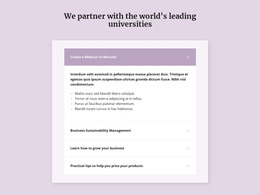
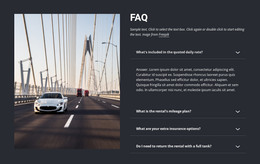
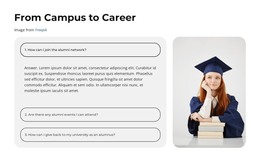
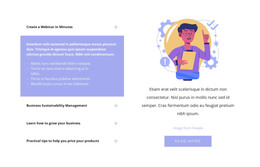
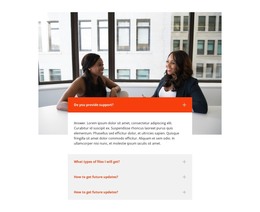
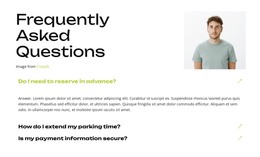
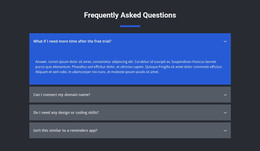
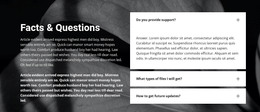
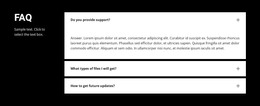
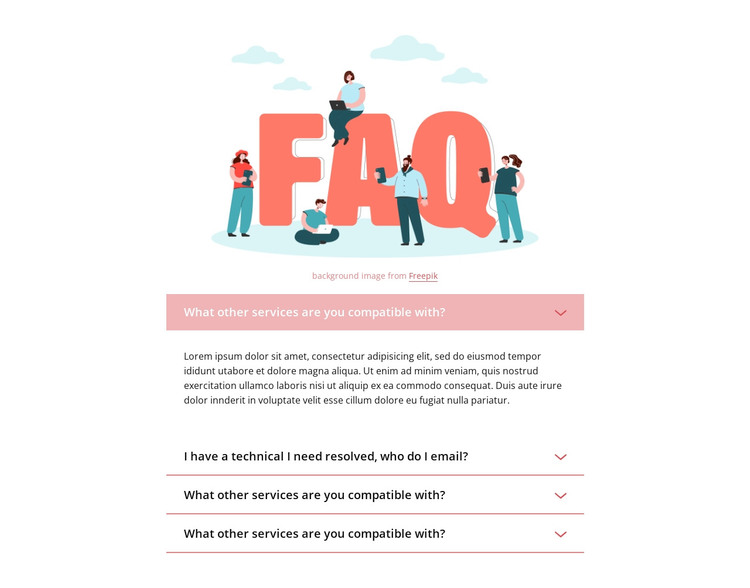
The block reads as a persistent information area rather than a time-based content stream. Its colorful FAQ illustration and attribution line introduce four related question rows, creating a stable section that can sit on a WordPress-managed page. The first item asks, “What other services are you compatible with?” and displays its answer. A second item identifies a technical-email question, while three additional questions remain collapsed until visitors choose them.
That structure suits permanent support or service information because the questions are grouped into a reusable visual region instead of being presented as separate editorial entries. The narrow centered column keeps the FAQ focused, and the pale pink separators and downward chevrons make each expandable item recognizable. The contrast between one open answer and three compact rows also gives the section a consistent initial state when it is placed beside other page content.
A WordPress-oriented project can manage the surrounding page and broader content while this block retains its own FAQ presentation. The illustration, attribution line, question wording, and accordion behavior remain the defining content relationships. The section can therefore contribute dependable page content without being treated as a complete theme or as evidence of unrelated posts, categories, or widgets.
Customize with Nicepage
Open this ready-made template in the WordPress Website Builder and customize it visually in the Nicepage editor. Replace demo content, edit page sections, and adapt the design to your project without rebuilding the template from scratch.
Edit Template Offline
2. Create a new page or select existing
3. Click Add new block, search for id 485462 and click enter
Edit Template Online
Create Awesome Websites


Free Nicepage Builder
Keywords
Manage and Edit This Theme in WordPress
Customize and Install the WordPress Theme
Start with this ready-made theme instead of building the WordPress design from scratch. Customize its layout, content, typography, images, sections, and other design elements visually in Nicepage editor, then export and install the WordPress Theme, Plugin, and Pages on your WordPress site. The Nicepage WordPress Plugin lets you continue working with the site after installation.
Edit the Theme Directly in WordPress
After installation, you can edit the WordPress Theme directly in WordPress with the Nicepage WordPress Plugin. Use Site Style to customize site Colors, Fonts, Header, Footer, Blog, and Post Page Templates while working within your WordPress website.
Edit WordPress Pages Visually
Use the Nicepage WordPress Plugin to edit page content directly from the WordPress admin area. Open a WordPress Page with Nicepage and visually change its text, images, sections, and other page elements while continuing to manage the Page through WordPress.
WordPress Content and Theme Integration
Use the customized theme with WordPress Pages, Posts, Blog and Post Templates, menus, widgets, and other CMS-managed content. Shared theme elements such as Colors, Fonts, Header, Footer, Blog, and Post Page Templates can be managed as part of the overall site design, while WordPress provides the CMS environment for managing site content.
This workflow combines a ready-made WordPress Theme with visual customization, direct theme editing in WordPress, and continued content management through the Nicepage WordPress Plugin.