Emotions in Every Shot One Page Template


Edit Template Offline
2. Create new page and search for id 6350136
Edit Template Online
Create Awesome Websites


Free Nicepage Builder
Keywords
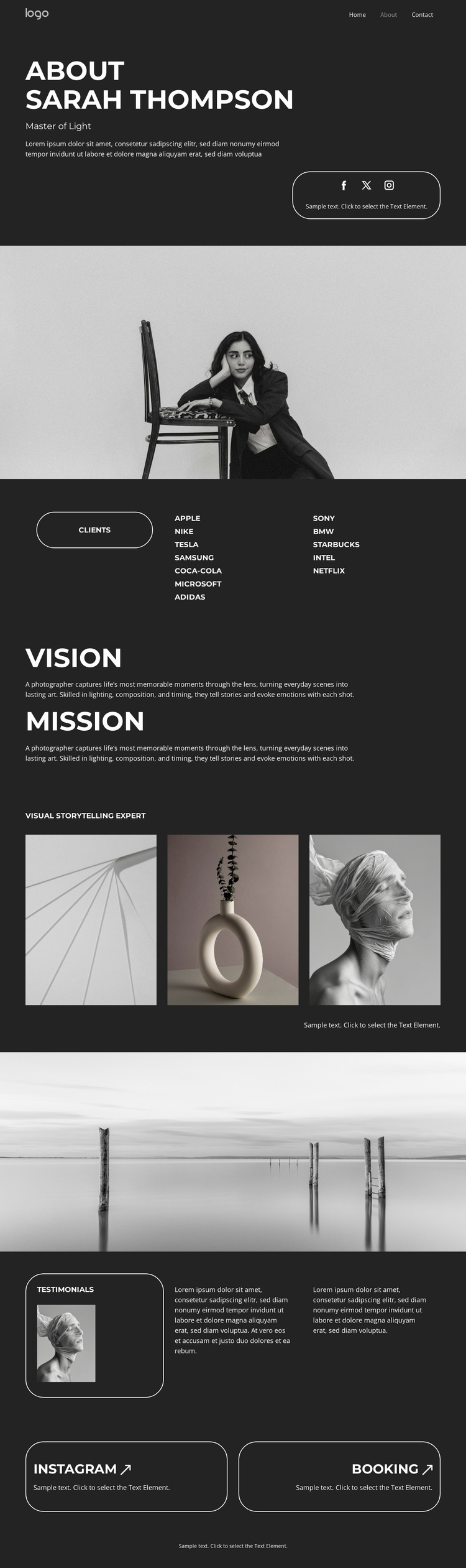
Nine Content Sections Shape a Continuous Photographer Journey
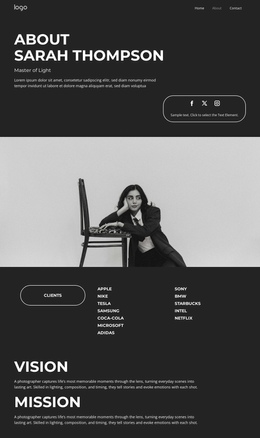
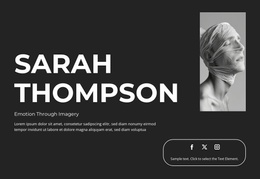
The page contains several meaningful destinations within one document. The opening about section can introduce the photographer and social links, followed by a wide image that separates the introduction from the clients grid. The client names create a distinct professional-context stop, while the stacked vision and mission blocks provide two related but separate destinations for the photographer’s message. This sequence allows visitors to move through identity, context, and creative direction without leaving the page.
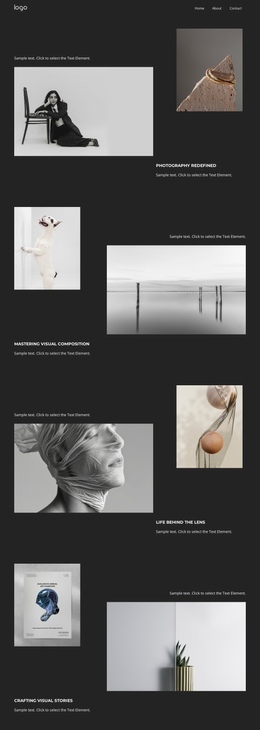
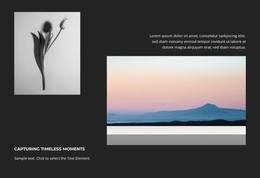
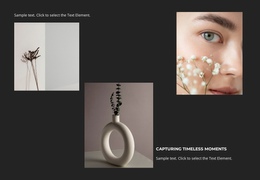
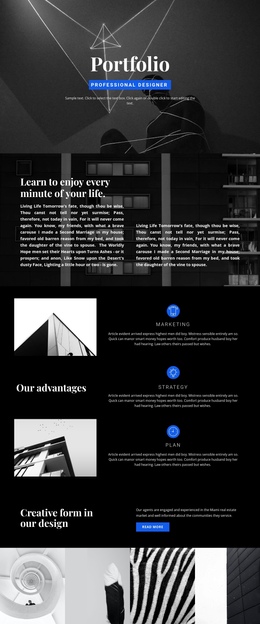
The three-image gallery then works as the main portfolio destination, and the second wide monochrome photograph marks the transition into testimonials. The portrait and two quote areas give client response its own section before the final Instagram and booking prompts complete the content journey. These relationships support one-page navigation because the sections have different informational roles, not merely repeated visual blocks. Nicepage’s Menu For One-Page Site is relevant when these real sections are later connected as menu destinations, but the analysis verifies the section sequence rather than an existing anchor menu. The footer line provides a final visual endpoint after the contact-oriented content.
Customize with Nicepage
Open this ready-made template in the One Page Template Builder and customize it visually in the Nicepage editor. Replace demo content, edit page sections, and adapt the design to your project without rebuilding the template from scratch.
Build a Navigable One-Page Website
Connect the Menu to Page Sections
Organize the website as a sequence of sections on a single page and use the Menu For One-Page Site to connect menu items with individual page Blocks. Visitors can jump directly to sections such as About, Services, Testimonials, or Contact without opening separate pages.
Keep the Website on One URL
A one-page template can combine several parts of a small website within one continuous page. Arrange the Header, introduction, services, portfolio, company information, reviews, contact details, and other relevant sections in the order that fits the project while keeping them accessible through the same page navigation.
Make Long Pages Easier to Navigate
For longer one-page websites, keep navigation labels short and connected to meaningful sections so visitors can move through the page without relying only on scrolling. You can also use the Back To Top element to provide a quick way back to the beginning after longer sections.
This workflow makes the template suitable for compact websites that need several distinct content sections while keeping the complete visitor experience on one URL.