Mastering Visual Composition One Page Template


Edit Template Offline
2. Create new page and search for id 6350148
Edit Template Online
Create Awesome Websites


Free Nicepage Builder
Keywords
Seven Contact Sections Form a Continuous Information Journey
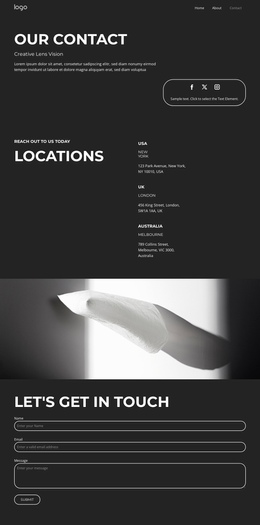
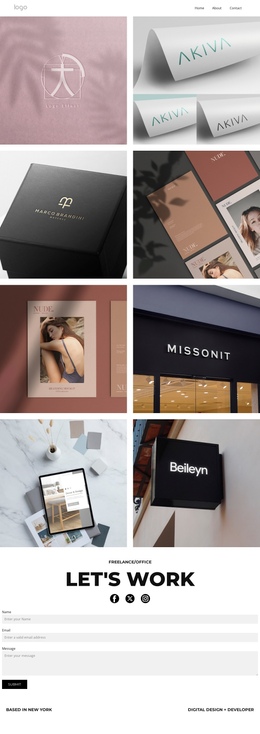
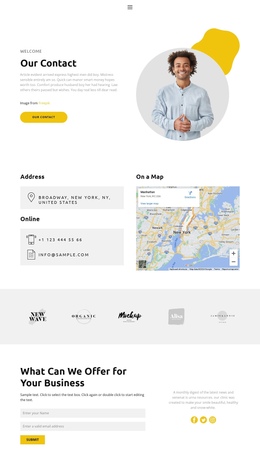
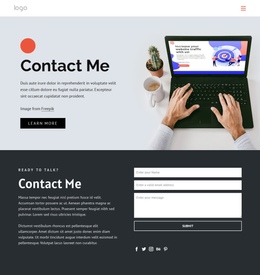
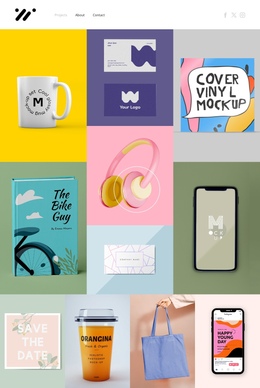
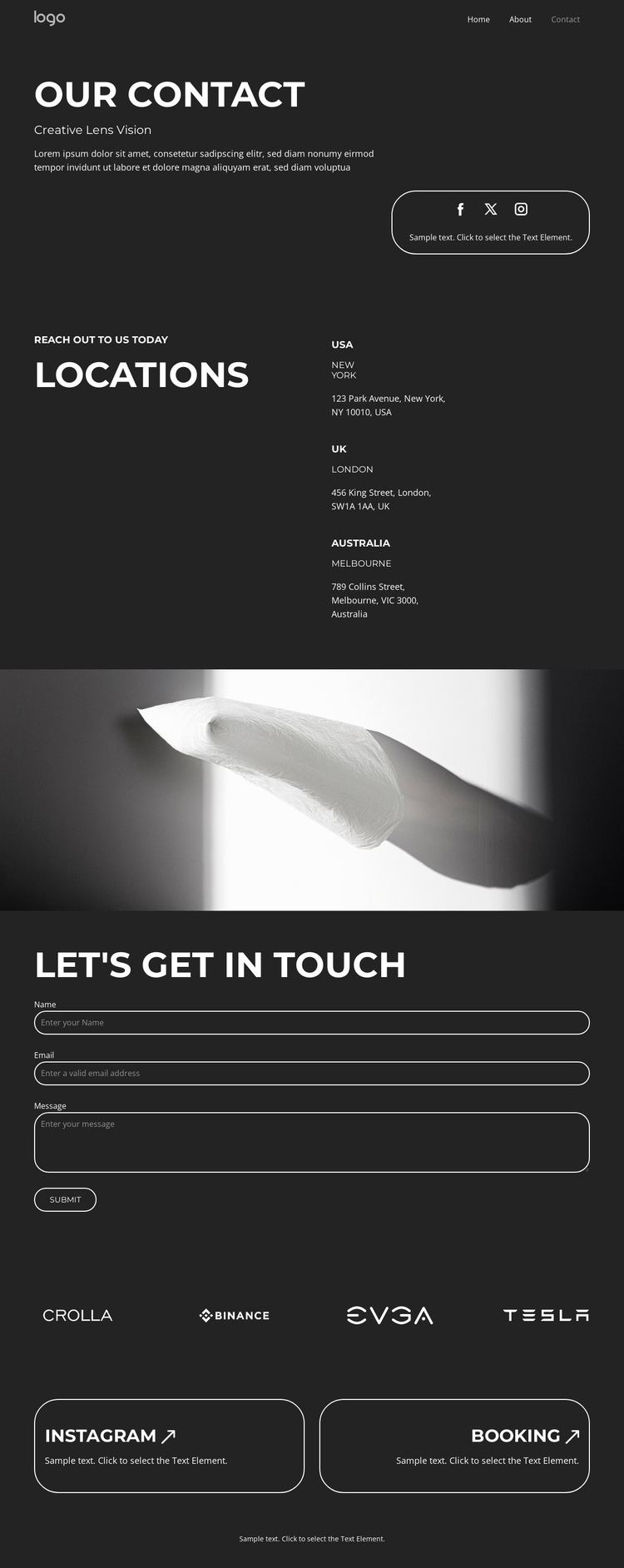
The page contains several distinct destinations that can be understood within one continuous document. Visitors first encounter the Our Contact introduction and social links, then move to the Locations area, where the USA, UK, and Australia are presented as a repeated information group. The full-width monochrome image band changes the visual pace before the inquiry section, giving the form its own place in the page sequence rather than merging it with the location content.
Below the form, the horizontal brand-logo strip acts as a compact showcase, followed by two equal-width cards for Instagram and Booking. These sections can remain separate navigation destinations because they answer different needs: contact context, geographic information, inquiry submission, brand or partner presentation, and follow-up access. The centered footer then closes the same document without requiring another page. The design therefore works as a one-page structure through its ordered content zones, not through an unverified claim that anchor links already exist. If menu destinations are added later, the section headings and repeated card groups provide recognizable labels for moving through the page while preserving the single-page journey.
Customize with Nicepage
Open this ready-made template in the One Page Template Builder and customize it visually in the Nicepage editor. Replace demo content, edit page sections, and adapt the design to your project without rebuilding the template from scratch.
Build a Navigable One-Page Website
Connect the Menu to Page Sections
Organize the website as a sequence of sections on a single page and use the Menu For One-Page Site to connect menu items with individual page Blocks. Visitors can jump directly to sections such as About, Services, Testimonials, or Contact without opening separate pages.
Keep the Website on One URL
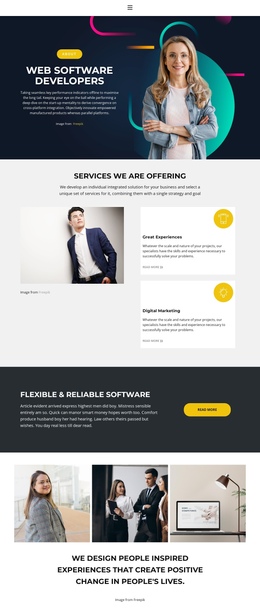
A one-page template can combine several parts of a small website within one continuous page. Arrange the Header, introduction, services, portfolio, company information, reviews, contact details, and other relevant sections in the order that fits the project while keeping them accessible through the same page navigation.
Make Long Pages Easier to Navigate
For longer one-page websites, keep navigation labels short and connected to meaningful sections so visitors can move through the page without relying only on scrolling. You can also use the Back To Top element to provide a quick way back to the beginning after longer sections.
This workflow makes the template suitable for compact websites that need several distinct content sections while keeping the complete visitor experience on one URL.