International construction services company One Page Template


Edit Template Offline
2. Create new page and search for id 5825900
Edit Template Online
Create Awesome Websites


Free Nicepage Builder
Keywords
Distinct service and contact sections support one continuous journey
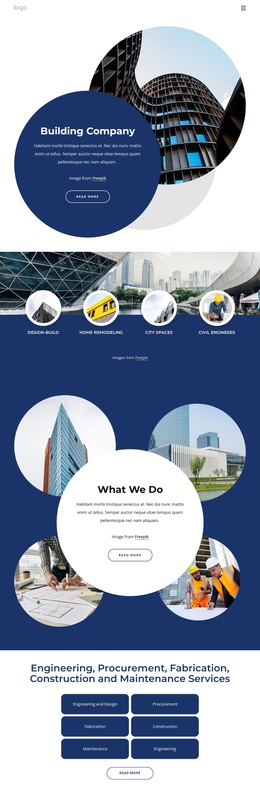
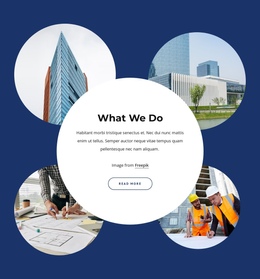
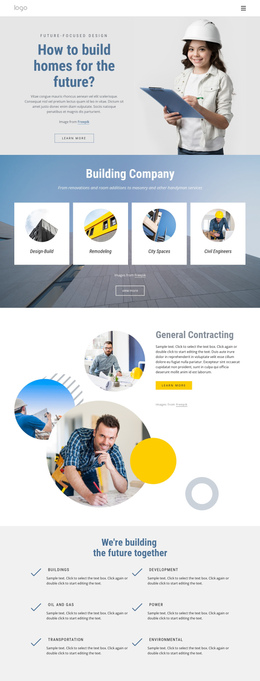
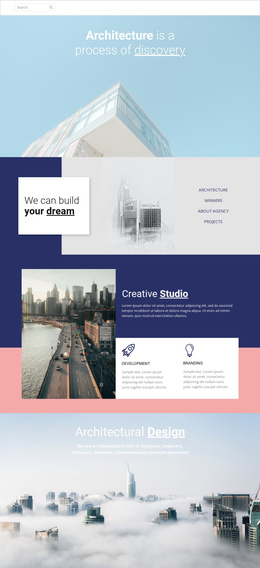
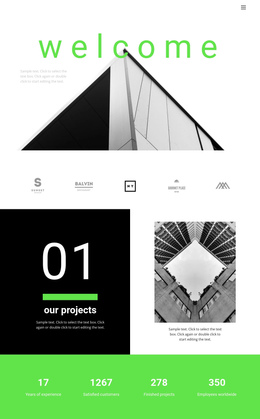
The page contains enough separate information zones to create a meaningful one-page sequence. Visitors first reach the Building Company introduction, where the centered message and circular architectural imagery establish the subject. The next destination presents four broad categories—Design-Build, Home Remodeling, City Spaces, and Civil Engineers—before the later service section expands the subject into six engineering and construction labels. Keeping those groups distinct helps visitors move through the page according to the level of detail they need.
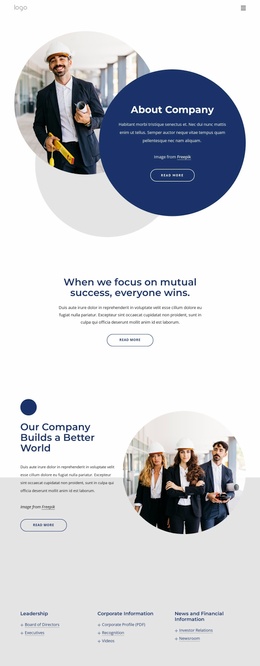
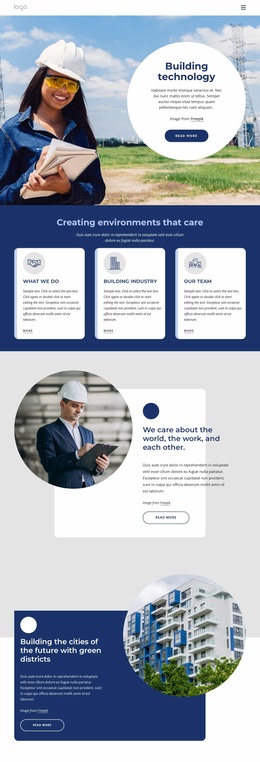
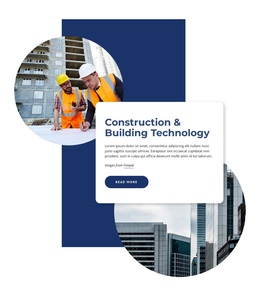
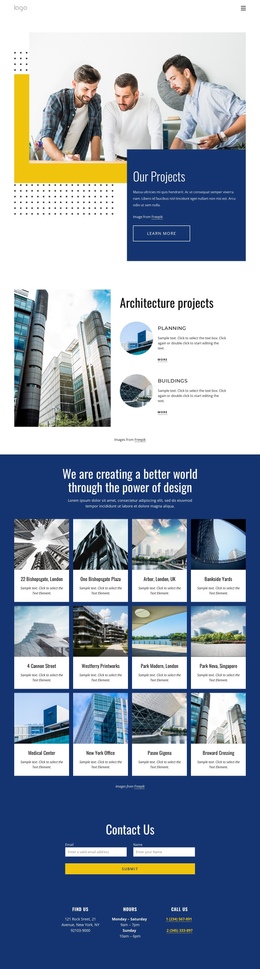
The middle destinations add explanation and context. “What We Do” places text at the center of four project images, and the infrastructure section sets a capabilities statement and three bullets beside workplace imagery. The About Us area changes the emphasis again by combining company copy, a large circular portrait, and four displayed metrics. These transitions create a content journey with different information roles rather than one long block of repeated service text.
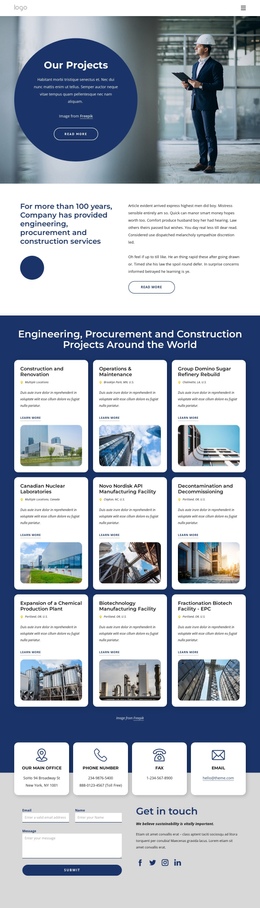
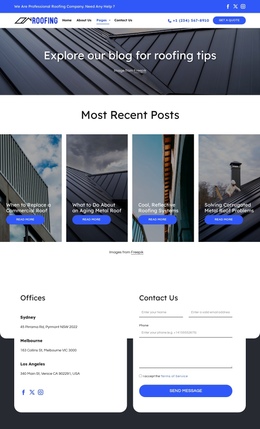
The closing contact destination brings together an office address, phone numbers, fax number, email address, social links, and an inquiry form with name, email, and message fields. That makes the final section useful as the page’s contact endpoint while the earlier sections remain separate destinations for services, capabilities, and company information. The analysis confirms the section sequence, but it does not independently verify that anchor links or one-page menu behavior are already configured.
Customize with Nicepage
Open this ready-made template in the One Page Template Builder and customize it visually in the Nicepage editor. Replace demo content, edit page sections, and adapt the design to your project without rebuilding the template from scratch.
Build a Navigable One-Page Website
Connect the Menu to Page Sections
Organize the website as a sequence of sections on a single page and use the Menu For One-Page Site to connect menu items with individual page Blocks. Visitors can jump directly to sections such as About, Services, Testimonials, or Contact without opening separate pages.
Keep the Website on One URL
A one-page template can combine several parts of a small website within one continuous page. Arrange the Header, introduction, services, portfolio, company information, reviews, contact details, and other relevant sections in the order that fits the project while keeping them accessible through the same page navigation.
Make Long Pages Easier to Navigate
For longer one-page websites, keep navigation labels short and connected to meaningful sections so visitors can move through the page without relying only on scrolling. You can also use the Back To Top element to provide a quick way back to the beginning after longer sections.
This workflow makes the template suitable for compact websites that need several distinct content sections while keeping the complete visitor experience on one URL.