Rating for architecture One Page Template


Edit Template Offline
2. Create new page and search for id 27314
Edit Template Online
Create Awesome Websites


Free Nicepage Builder
Keywords
From Featured Stories to Four Content Destinations
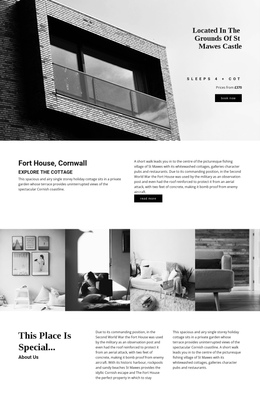
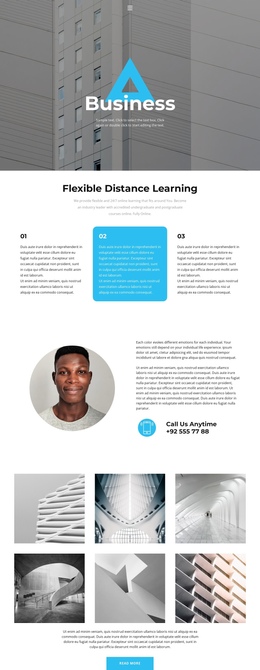
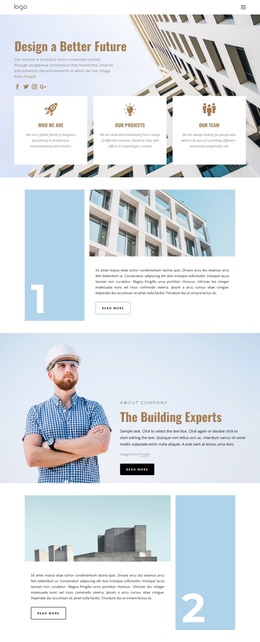
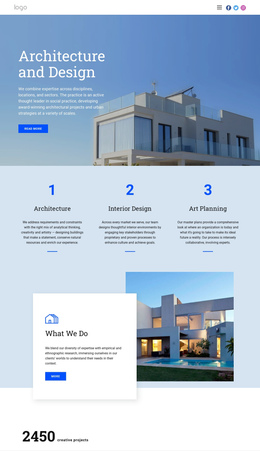
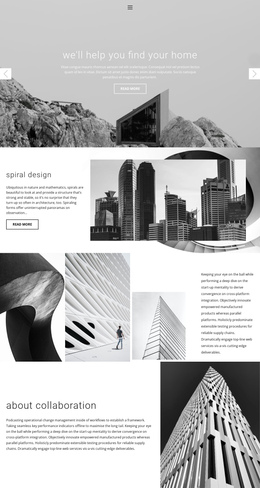
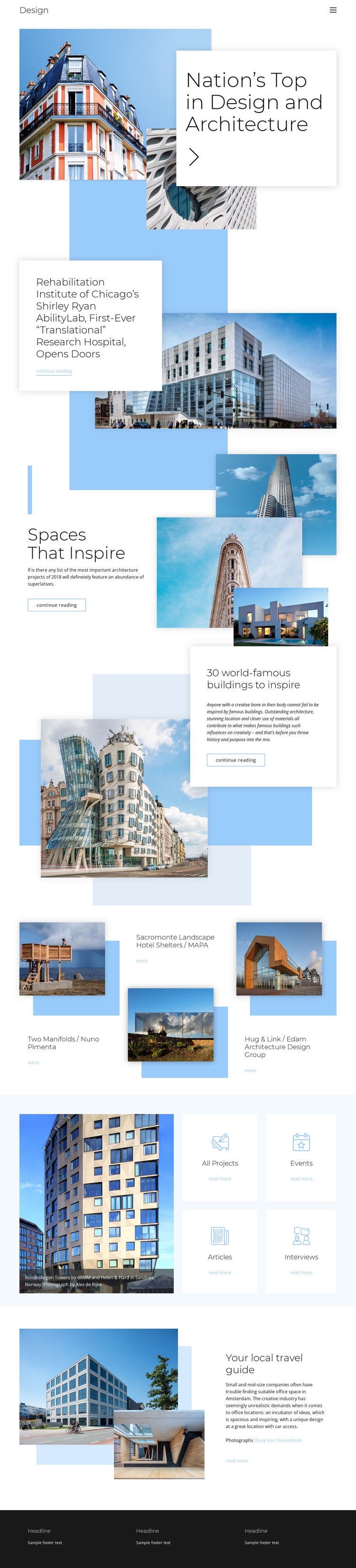
The continuous sequence gives each major information group a distinct place in the visitor’s journey. The opening architecture introduction can establish the page topic, while the following Split sections create separate destinations for the Shirley Ryan AbilityLab article, Spaces That Inspire, and the feature about world-famous buildings. These sections are different enough in content emphasis to support navigation labels based on editorial subjects rather than one undifferentiated scroll.
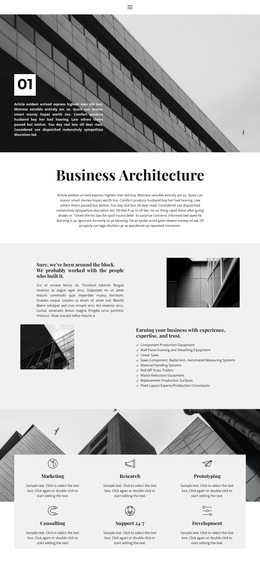
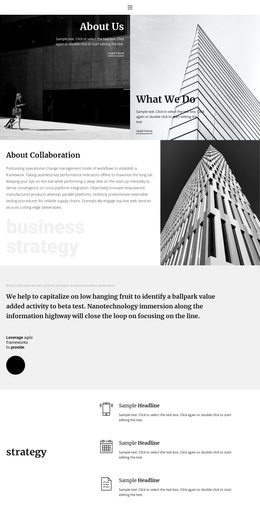
The first Grid changes the rhythm by presenting three architecture projects side by side: Two Manifolds, Sacromonte Landscape Hotel Shelters, and Hug & Link. The next Grid works as a directory area, with four compact cards for All Projects, Events, Articles, and Interviews beside a featured building image. The local travel guide provides a final editorial stop before the three-column footer. This progression suits a one-page information architecture because several content groups can remain on one document while still functioning as meaningful destinations. It is not necessary to claim verified anchor links; the existing section boundaries alone provide a clear basis for organizing a navigable single-page presentation.
The repeated reading links reinforce that sequence by giving each editorial area a recognizable next step, while the project and category grids create shorter stops between longer feature sections. This variation in section density helps visitors understand where one subject ends and another begins without requiring separate documents.
Customize with Nicepage
Open this ready-made template in the One Page Template Builder and customize it visually in the Nicepage editor. Replace demo content, edit page sections, and adapt the design to your project without rebuilding the template from scratch.
Build a Navigable One-Page Website
Connect the Menu to Page Sections
Organize the website as a sequence of sections on a single page and use the Menu For One-Page Site to connect menu items with individual page Blocks. Visitors can jump directly to sections such as About, Services, Testimonials, or Contact without opening separate pages.
Keep the Website on One URL
A one-page template can combine several parts of a small website within one continuous page. Arrange the Header, introduction, services, portfolio, company information, reviews, contact details, and other relevant sections in the order that fits the project while keeping them accessible through the same page navigation.
Make Long Pages Easier to Navigate
For longer one-page websites, keep navigation labels short and connected to meaningful sections so visitors can move through the page without relying only on scrolling. You can also use the Back To Top element to provide a quick way back to the beginning after longer sections.
This workflow makes the template suitable for compact websites that need several distinct content sections while keeping the complete visitor experience on one URL.