Our commitment to your privacy One Page Template


Edit Template Offline
2. Create new page and search for id 6543093
Edit Template Online
Create Awesome Websites


Free Nicepage Builder
Keywords
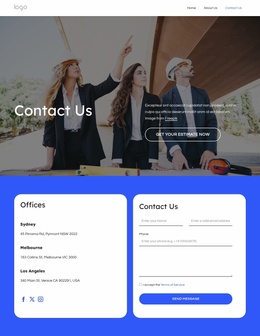
Policy, questions, offices, and contact form form one continuous route
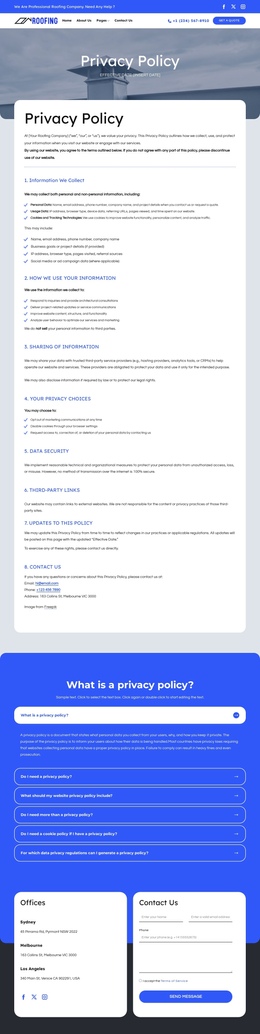
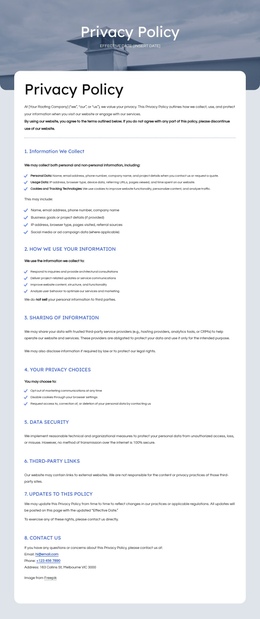
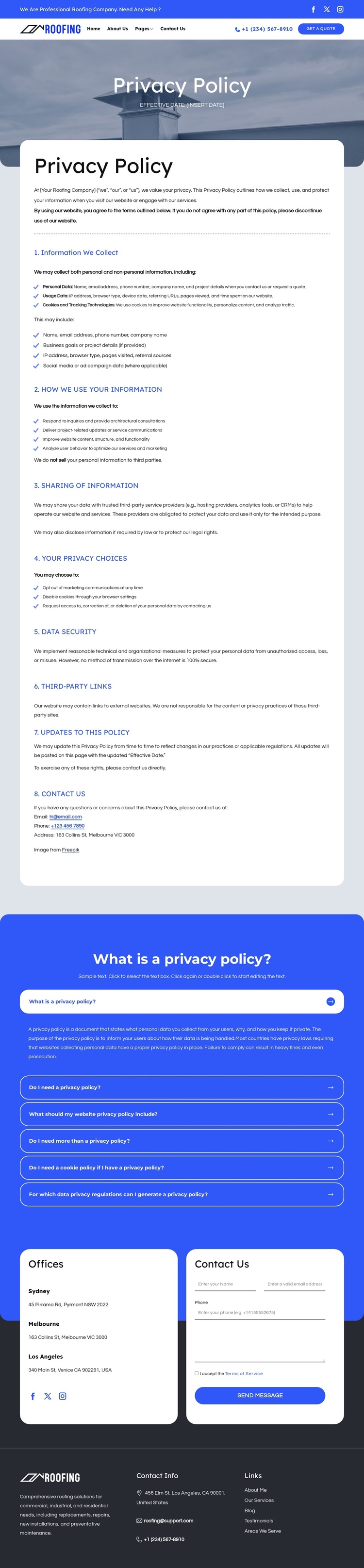
The page’s sections create several meaningful destinations within a single document. Visitors first encounter the shared header with navigation, social links, phone contact, and a quote action. The main policy card then provides the formal destination: eight numbered sections cover how information is collected, used, shared, protected, and updated. Because the sections remain together in one reading area, the design can present the complete policy without scattering related information across separate pages.
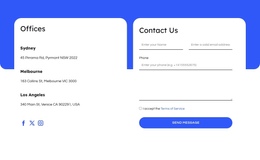
The privacy FAQ adds a distinct second destination rather than repeating the card line by line. Six expandable questions introduce a more compact way to explore common concerns, while the accordion format keeps the long page from presenting every answer at once. The offices section creates another recognizable stop, with Sydney, Melbourne, and Los Angeles listings positioned beside a contact form. That pairing connects location information with a practical communication area while keeping both content types visible.
The dark Contact Info footer closes the journey with company summary, address, email, phone, and useful links. Together, these areas support a continuous page flow from navigation, to policy reading, to question-based clarification, to offices and contact. A one-page implementation could treat each major block as a separate navigation destination, while preserving the underlying relationship between legal information and visitor communication.
Customize with Nicepage
Open this ready-made template in the One Page Template Builder and customize it visually in the Nicepage editor. Replace demo content, edit page sections, and adapt the design to your project without rebuilding the template from scratch.
Build a Navigable One-Page Website
Connect the Menu to Page Sections
Organize the website as a sequence of sections on a single page and use the Menu For One-Page Site to connect menu items with individual page Blocks. Visitors can jump directly to sections such as About, Services, Testimonials, or Contact without opening separate pages.
Keep the Website on One URL
A one-page template can combine several parts of a small website within one continuous page. Arrange the Header, introduction, services, portfolio, company information, reviews, contact details, and other relevant sections in the order that fits the project while keeping them accessible through the same page navigation.
Make Long Pages Easier to Navigate
For longer one-page websites, keep navigation labels short and connected to meaningful sections so visitors can move through the page without relying only on scrolling. You can also use the Back To Top element to provide a quick way back to the beginning after longer sections.
This workflow makes the template suitable for compact websites that need several distinct content sections while keeping the complete visitor experience on one URL.