
Architecture One Page Templates
An adaptive-reuse studio may have a focused portfolio but a distinctive story to tell. A one-page layout gives its projects, design philosophy, and consultation details a deliberate order, with section links for quick access.
-

-

-
-
-
-
-
-
-
-
-
-
-
-
-
-
-
-
-
-
-
-
-
-
-
-
Build Website with no CodingDownload
-
-
-
-
-
-
-
-

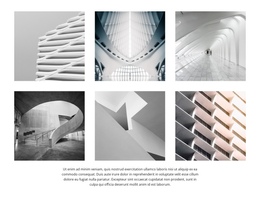













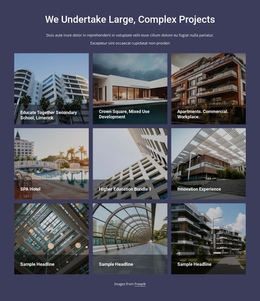
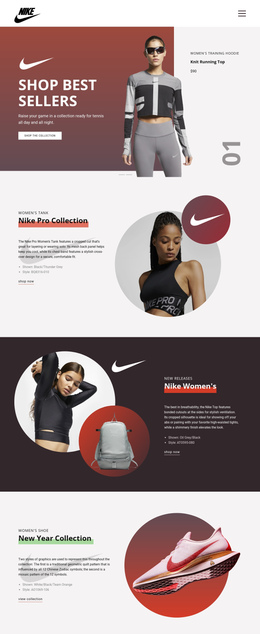
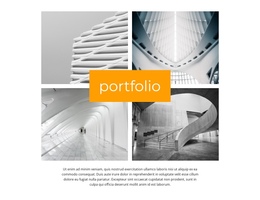

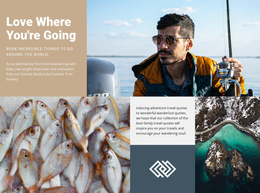

More Website & HTML Templates for Architecture





























Other Architecture & Building One Page Templates
Modern Architecture One-Page Template for Featured Projects and Studio Profiles
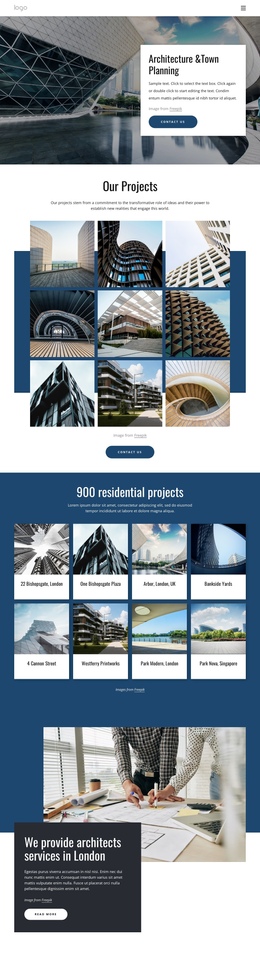
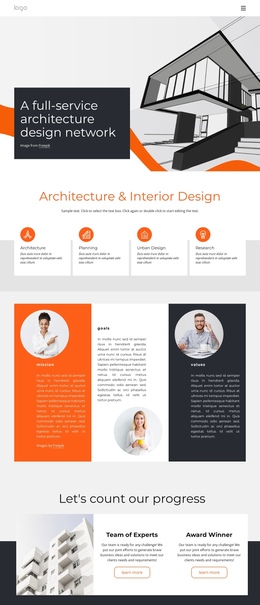
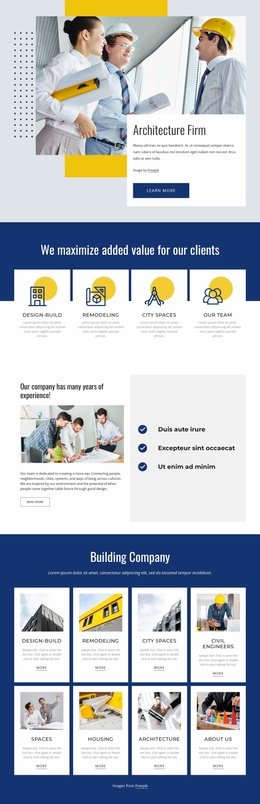
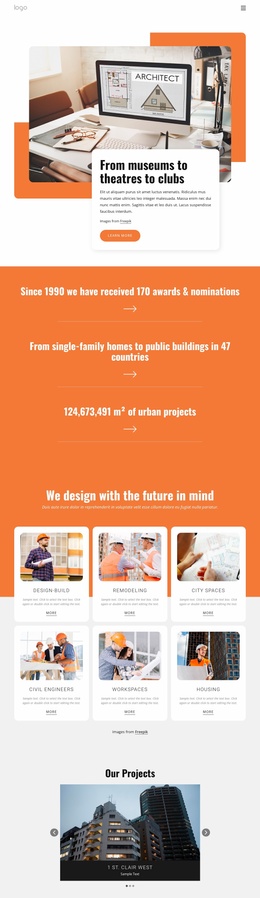
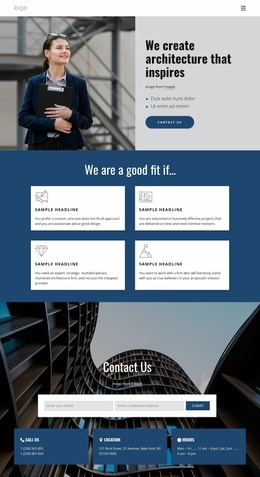
On a single URL, an architecture one-page template lines up selected projects, a studio introduction, and contact details in a deliberate sequence. Visitors get the essentials without opening separate pages. The format suits an independent architect with a handful of completed houses, and a larger practice can use it to showcase a curated selection of recent work. In a preview, the opening screen and the project blocks deserve the closest look.
Arranging Selected Work Down the Page
A typical layout in this format includes these blocks:
- An opening screen with a large building image and the studio's name, built around a signature commission or a quieter shot that sums up the practice.
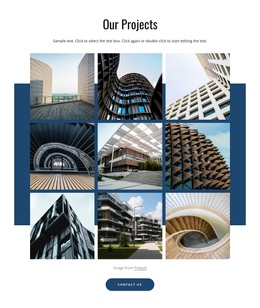
- Selected projects, where each entry pairs a building photo with its location and a few lines on the brief.
- A studio section on the people and principles behind the work, plus a note on process if it helps.
- A contact block with a form or at least an email address, depending on the template.
You can change the order or drop a section. Every project you add pushes the contact block further down, so deciding what to leave out becomes part of the design. When several commissions need long technical descriptions and stacks of drawings, separate project pages serve them better.
Jumping Between Blocks by Anchor
A single long page still needs navigation. In Nicepage, the Menu Element can point to Block Anchors on the current page, so labels such as Work, Studio, and Contact take readers straight to those sections. Someone who already knows your work can go directly to the projects or to Contact.
Since people move through the projects one after another, the Header's Sticky on Scroll option keeps those links within reach the whole way down. Test the anchor destinations in preview: after a jump, a heading such as Work or Contact should not hide under the fixed header. On a very long scroll, the Back To Top element adds a corner button that returns readers to the opening screen.
Telling Buildings Apart on Small Screens
On phones, everything stacks into a long vertical scroll, and photos of different buildings can merge into an endless run of similar facades. Project names and short captions under each image help, as do section headings that mark where the projects end and the studio begins.
Before settling on a design, scroll its demo from top to bottom and try every menu link. Your key projects should fit without crowding, each jump should land on a visible heading, and the contact block should be easy to spot.