Dynamic architectural design One Page Template



Edit Template Offline
2. Create new page and search for id 1643151
Edit Template Online
Create Awesome Websites


Free Nicepage Builder
Keywords
Four Service Cards Lead Into Distinct Architectural Destinations
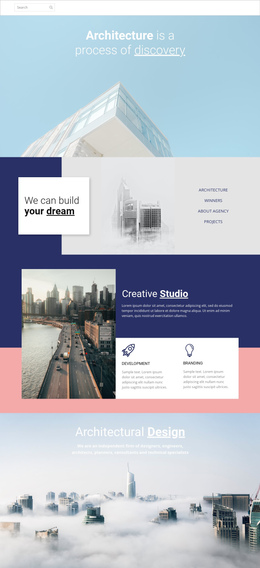
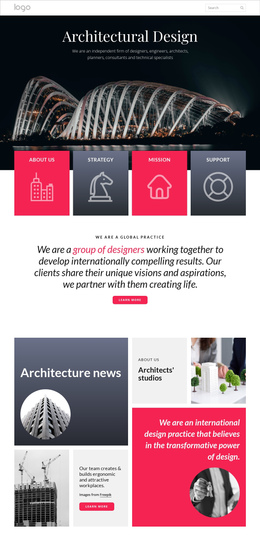
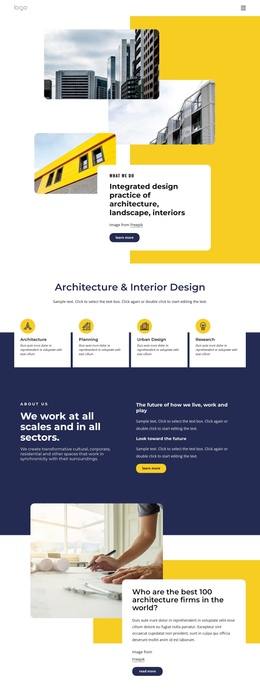
The page contains several substantial information zones that can be understood as destinations within one continuous document. The mission area introduces the agency and its future-focused message, while the Architectural Design & Research block separates four primary categories into repeated cards. Urban planning, Interior Design, Landscape design, and Science and Technology can each receive a clear place in the page journey without requiring visitors to leave the main document.
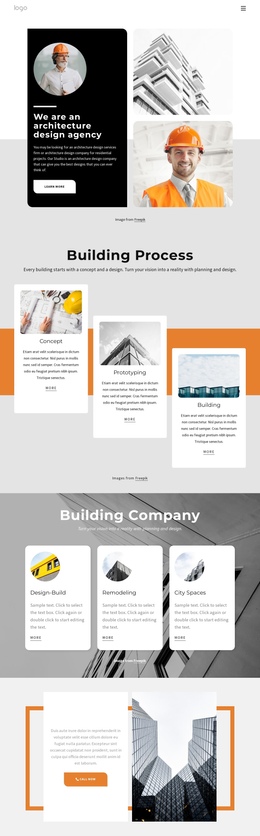
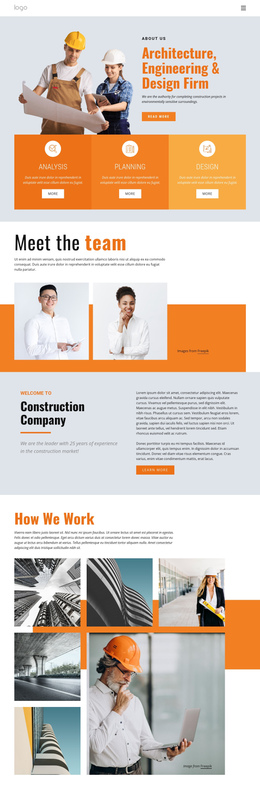
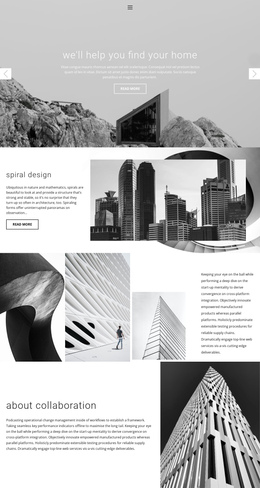
The next destination is the three-part Architectural Agency section, where Buildings, Planning, and Our Projects are connected to large photographs and colored text panels. About Company then changes the rhythm by placing a building image beside a white text card. Building Expertise uses another overlapping image-and-copy arrangement, and the Our Team section creates a people-focused destination with four profile cards, role labels, and social links. These changes in subject and layout help visitors understand where they are as they move down the page.
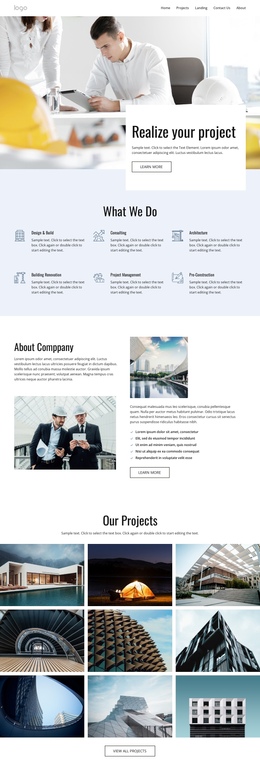
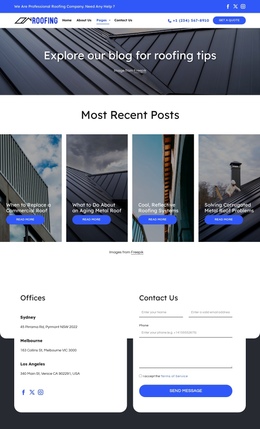
The final informational section, contact area, and dark footer provide a natural closing sequence. The contact form offers name, email, message, consent, and Submit controls after the visitor has encountered the agency’s categories, focus areas, company context, and team. The design therefore supports one-page navigation through multiple meaningful content destinations, not only a single conversion message. Its continuity comes from keeping those varied sections within the same ordered experience.
Customize with Nicepage
Open this ready-made template in the One Page Template Builder and customize it visually in the Nicepage editor. Replace demo content, edit page sections, and adapt the design to your project without rebuilding the template from scratch.
Build a Navigable One-Page Website
Connect the Menu to Page Sections
Organize the website as a sequence of sections on a single page and use the Menu For One-Page Site to connect menu items with individual page Blocks. Visitors can jump directly to sections such as About, Services, Testimonials, or Contact without opening separate pages.
Keep the Website on One URL
A one-page template can combine several parts of a small website within one continuous page. Arrange the Header, introduction, services, portfolio, company information, reviews, contact details, and other relevant sections in the order that fits the project while keeping them accessible through the same page navigation.
Make Long Pages Easier to Navigate
For longer one-page websites, keep navigation labels short and connected to meaningful sections so visitors can move through the page without relying only on scrolling. You can also use the Back To Top element to provide a quick way back to the beginning after longer sections.
This workflow makes the template suitable for compact websites that need several distinct content sections while keeping the complete visitor experience on one URL.