
Contractor One Page Templates
When a homeowner finds loose deck boards or a leaning fence, they immediately ask who serves the area and what happens next. A contractor one-page template arranges those answers along a short, purposeful scroll.




















More Website & HTML Templates for Contractor









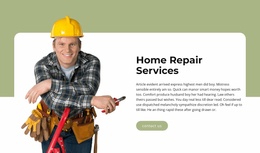
















































More One Page Templates from Architecture & Building Category



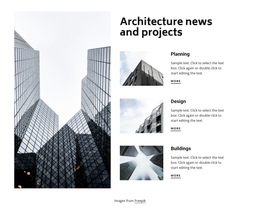

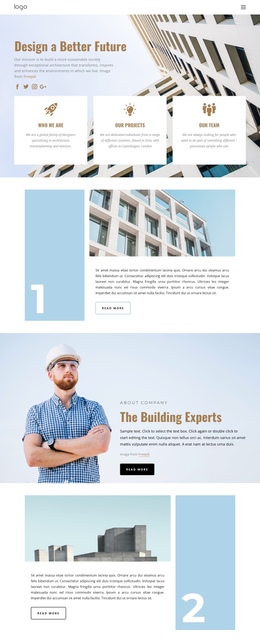


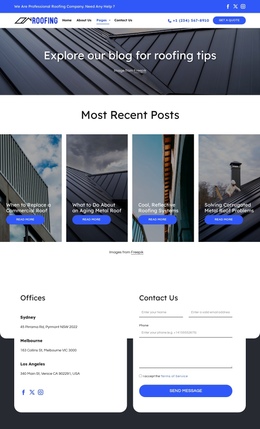
Other Architecture & Building One Page Templates
Simple Contractor One-Page Template
A contractor one-page template puts your services, proof of past work, and quote request on a single scrolling page. A homeowner with a sagging deck and a property manager collecting bids both find what they need without clicking around. The format suits roofers, renovation companies, and builders promoting one line of work, as long as it all fits comfortably on one scroll.
Which Block Comes Next
For a general contractor doing remodels and small builds, a sensible running order looks like this:
- Services come first, so visitors can tell right away whether you handle their kind of job.
- A few finished projects follow, with photos and a review or license number, since people want proof before reaching out.
- A brief process block explains how an inquiry becomes an assessment and then an estimate, without promising a fixed price.
- The request form comes last, with a button label that fits how you work, such as Request a Quote or Book an Inspection.
The first screen deserves the closest look. Your trade and main button should fit there, plus your service area if you list one, with no big photo crowding them out on a phone.
Anchor Links Tested on Phones
Nicepage supports one-page menus linked to block anchors, so items like Services, Projects, and Contact jump to their sections without loading anything new. The Button Element can also link to a chosen block, letting a hero button send visitors straight to the request form. Repeating it after the portfolio is fine, but a call to action on every screen can start to feel pushy.
Grab a phone and run these checks on every design you are considering:
- Tap each menu item and see whether the section title lands below the sticky header and stays fully visible.
- Scroll past the projects and confirm the contact button is still easy to reach.
- Fill in the form with your thumb and cut any field you would skip yourself.
Knowing How Much One Scroll Can Hold
Whether this format fits depends on how much you need to show. A small roofer with many separate services may need several pages, while a large builder can run a one-page site for a single campaign. Once every job gets a full case study, the page turns into a slog. A layout with fewer sections and tighter copy avoids that. Fill a template with your own services and photos, scroll it on a phone, and notice how long it feels. Each menu jump should land cleanly, and the form should be easy to send.