Design of Architecture One Page Template


Edit Template Offline
2. Create new page and search for id 27023
Edit Template Online
Create Awesome Websites


Free Nicepage Builder
Keywords
Nine Distinct Editorial Stops Within One Continuous Page
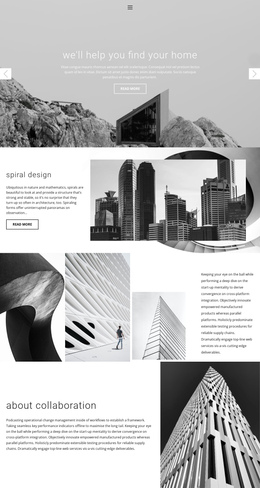
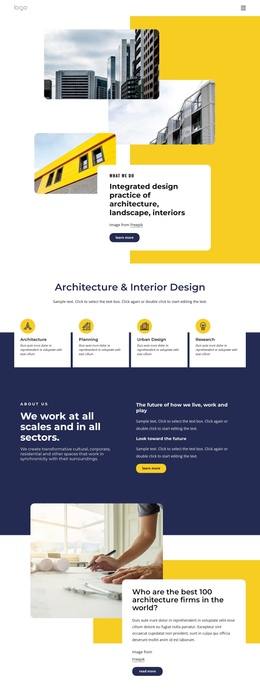
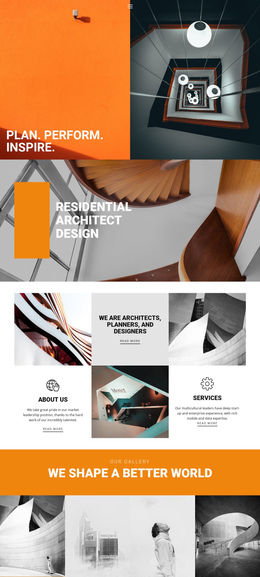
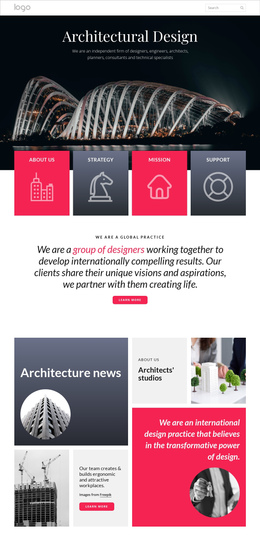
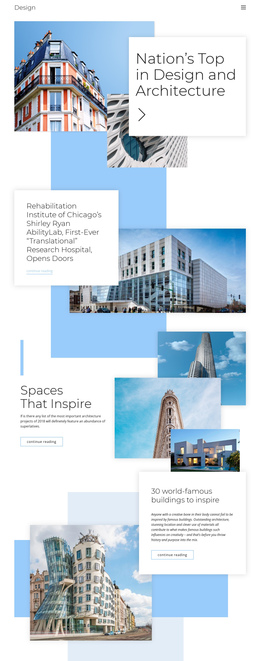
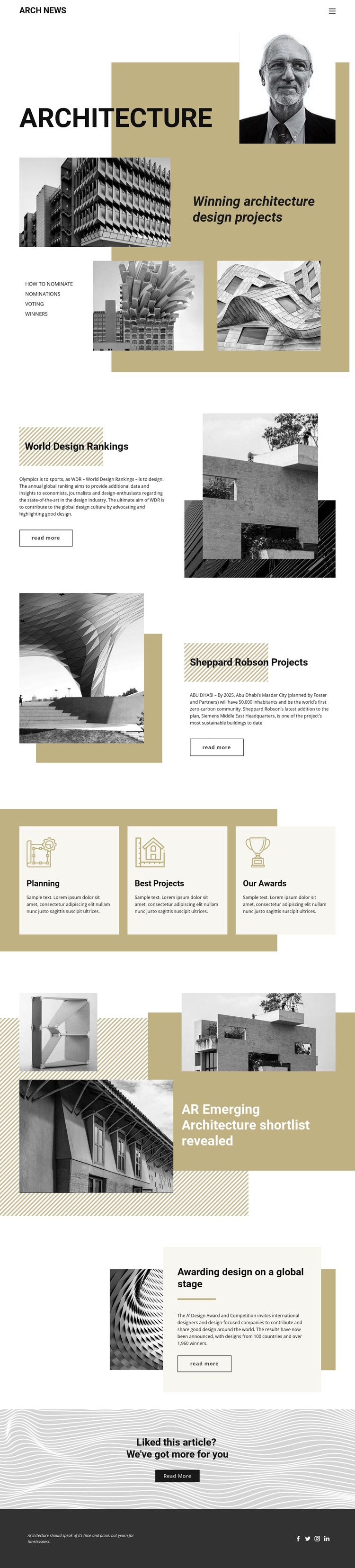
The page works as a continuous information journey because its sections are visually distinct without becoming separate, disconnected screens. Visitors first encounter the compact ARCH NEWS header and navigation, then move into the Architecture hero, where the dominant title and layered imagery define the publication’s subject. The World Design Rankings and Sheppard Robson sections follow as separate article destinations, each using a split image-and-text composition to mark a change of topic.
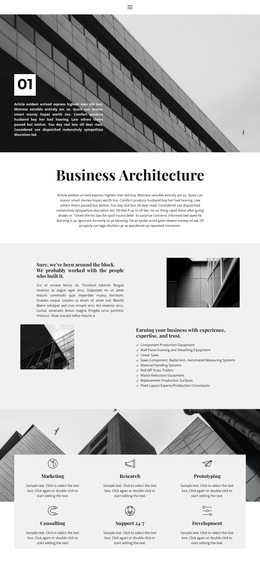
The three equal cards create a shorter middle stop for Planning, Best Projects, and Our Awards. They differ from the longer editorial features by presenting peer categories in a compact row, giving the page a useful change in density before the emerging-architecture shortlist and global award feature resume the larger story rhythm. The verified award section adds international scope through references to 100 countries and over 1,960 winners, while the project section gives the page a concrete architectural case.
The centered further-reading prompt provides a natural late-page destination, and the social footer completes the sequence with a quotation and four social links. This structure supports one-page navigation because readers can move through multiple meaningful content areas on the same document rather than relying on a single conversion action.
Customize with Nicepage
Open this ready-made template in the One Page Template Builder and customize it visually in the Nicepage editor. Replace demo content, edit page sections, and adapt the design to your project without rebuilding the template from scratch.
Build a Navigable One-Page Website
Connect the Menu to Page Sections
Organize the website as a sequence of sections on a single page and use the Menu For One-Page Site to connect menu items with individual page Blocks. Visitors can jump directly to sections such as About, Services, Testimonials, or Contact without opening separate pages.
Keep the Website on One URL
A one-page template can combine several parts of a small website within one continuous page. Arrange the Header, introduction, services, portfolio, company information, reviews, contact details, and other relevant sections in the order that fits the project while keeping them accessible through the same page navigation.
Make Long Pages Easier to Navigate
For longer one-page websites, keep navigation labels short and connected to meaningful sections so visitors can move through the page without relying only on scrolling. You can also use the Back To Top element to provide a quick way back to the beginning after longer sections.
This workflow makes the template suitable for compact websites that need several distinct content sections while keeping the complete visitor experience on one URL.