
Vehicle WordPress Themes
Vehicle pages often combine specifications, model photography, service details, and inquiry information. A structured HTML template keeps those content types distinct, while responsive markup helps drivers compare vehicles or contact a business on smaller screens.

















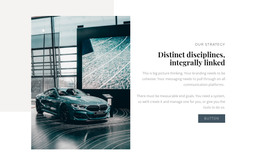
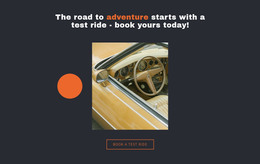

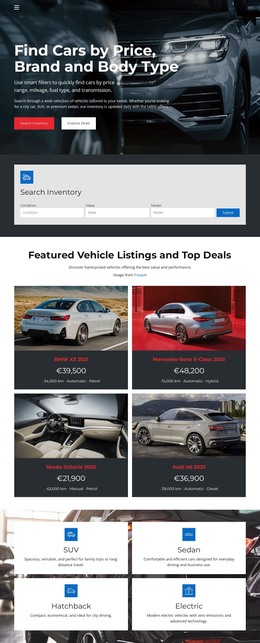

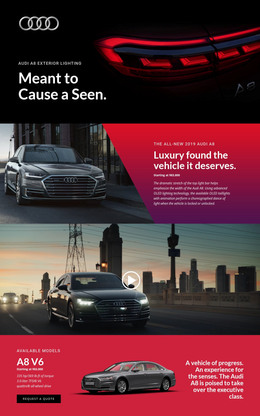

























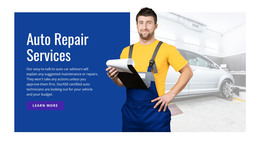
Other Cars & Transportation WordPress Themes
Advanced Vehicle WordPress Themes for Dealers, Rentals, and Repair Shops
Few businesses update their sites as often as the ones that sell, rent, or fix vehicles. Stock comes and goes, prices move, and offers change with the seasons. A vehicle WordPress theme can give these sites ready layouts for inventory listings, model pages, and service menus, while WordPress handles the steady stream of new entries. The theme decides how every car looks, and the dashboard is where someone adds the next one.
Listings Customers Can Compare
People scan cars faster when every listing follows the same order:
- A gallery that opens on the best exterior shot.
- Key specs such as make and model, mileage, and fuel type.
- The price or current offer, with financing details if the dealer provides them.
- A button for an inquiry, a test drive, or a rental booking.
A good theme keeps that order whether a car has a full photo set or only a few shots. Filtering by make, price, or mileage usually comes from a listings plugin, and the theme decides whether those results look like part of the same site.
Routine Updates Without Redesigns
Most of the work after launch is routine, and it looks a little different for each business:
- A dealer adds a fresh arrival, and its new inventory listing matches the cars around it.
- A rental company updates availability, rates, or terms for each car class as the season changes.
- A workshop publishes a seasonal offer, such as winter tire fitting, next to its regular service pages.
Financing details and the service menu can sit on regular pages that rarely change. Sold cars keep drawing clicks from old ads and search results, so a listing that can show a Sold label saves visitors from a dead end. Some designs here are also WooCommerce themes, handy for a dealer selling parts online.
Shopping for an Automotive Theme
The theme itself sets the frame, from the header and footer to the layouts for listings and model pages. In a typical Nicepage workflow, you design the theme in the Desktop Application, export it, and activate it in WordPress. The Editor Plugin then imports the content, so later edits to pages and the Site Style can happen inside WordPress. A Multi-Row Header can keep the phone number and a booking button in one row and inventory links in another.
When comparing themes, look past the hero photo at the listing layout and the space it leaves for search results. The model pages and the route to an inquiry or booking need the same attention, since those steps turn a visitor into a lead.