Auto works repair WordPress Theme



Preventive Work becomes a focused WordPress page-content region
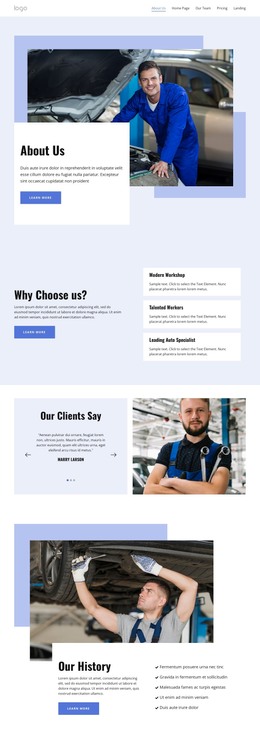
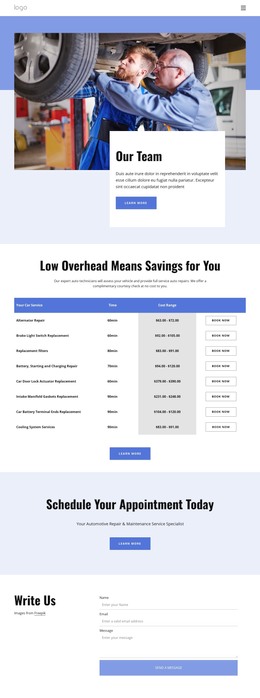
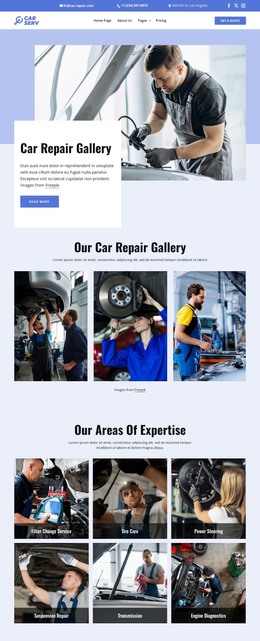
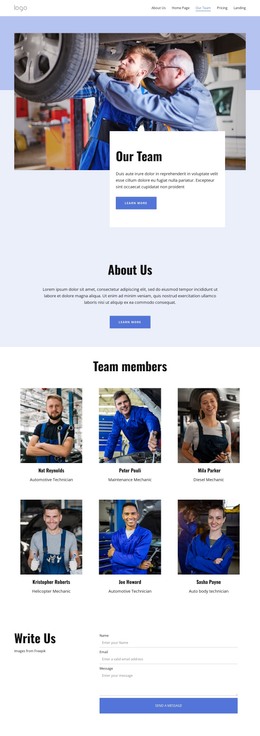
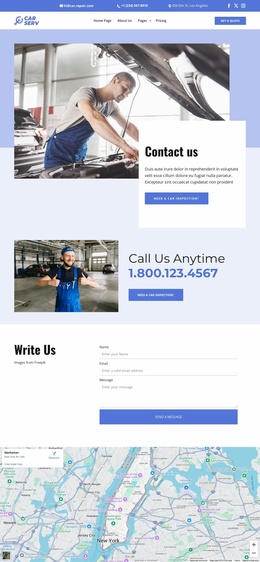
The “Preventive Work” heading, supporting paragraph, and “Learn more” button form a stable service message that can sit within a WordPress-managed page. The two automotive photographs give that message visual context, showing mechanics and vehicles through an overlapping arrangement rather than a repeated post or product grid. Their position near the upper-left leads into the pale blue panel below and to the right, where the explanatory content remains easy to identify.
This content model suits a permanent services area more closely than time-sensitive editorial material. A WordPress-oriented project can use the section to present preventive automotive work while other page content handles additional repairs, testimonials, contact details, or business information. The block’s value lies in keeping this particular service explanation visually consistent as the surrounding site develops, not in supplying a complete theme or CMS structure.
The white background and generous whitespace also give the section room to coexist with different page layouts. The static interaction keeps attention on the photographs, heading, paragraph, and information action, while the offset card provides a clear boundary for the service content. In this context, the block functions as a reusable visual content region that can be maintained alongside the broader WordPress-managed page and site.
Customize with Nicepage
Open this ready-made template in the WordPress Website Builder and customize it visually in the Nicepage editor. Replace demo content, edit page sections, and adapt the design to your project without rebuilding the template from scratch.
Edit Template Offline
2. Create a new page or select existing
3. Click Add new block, search for id 6307823 and click enter
Edit Template Online
Create Awesome Websites


Free Nicepage Builder
Keywords
Manage and Edit This Theme in WordPress
Customize and Install the WordPress Theme
Start with this ready-made theme instead of building the WordPress design from scratch. Customize its layout, content, typography, images, sections, and other design elements visually in Nicepage editor, then export and install the WordPress Theme, Plugin, and Pages on your WordPress site. The Nicepage WordPress Plugin lets you continue working with the site after installation.
Edit the Theme Directly in WordPress
After installation, you can edit the WordPress Theme directly in WordPress with the Nicepage WordPress Plugin. Use Site Style to customize site Colors, Fonts, Header, Footer, Blog, and Post Page Templates while working within your WordPress website.
Edit WordPress Pages Visually
Use the Nicepage WordPress Plugin to edit page content directly from the WordPress admin area. Open a WordPress Page with Nicepage and visually change its text, images, sections, and other page elements while continuing to manage the Page through WordPress.
WordPress Content and Theme Integration
Use the customized theme with WordPress Pages, Posts, Blog and Post Templates, menus, widgets, and other CMS-managed content. Shared theme elements such as Colors, Fonts, Header, Footer, Blog, and Post Page Templates can be managed as part of the overall site design, while WordPress provides the CMS environment for managing site content.
This workflow combines a ready-made WordPress Theme with visual customization, direct theme editing in WordPress, and continued content management through the Nicepage WordPress Plugin.