From Concept to Launch Website Template


Edit Template Offline
2. Create new page and search for id 6542434
Edit Template Online
Create Awesome Websites


Free Nicepage Builder
Keywords
Capabilities, Proof, and Contact Create a Site Foundation
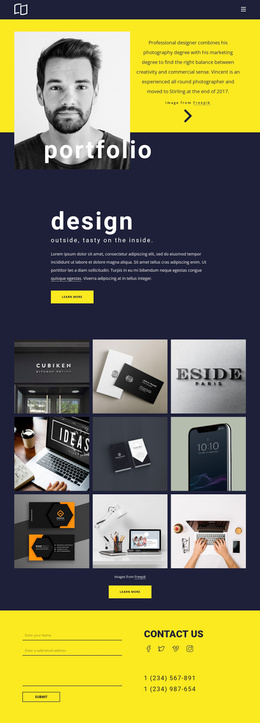
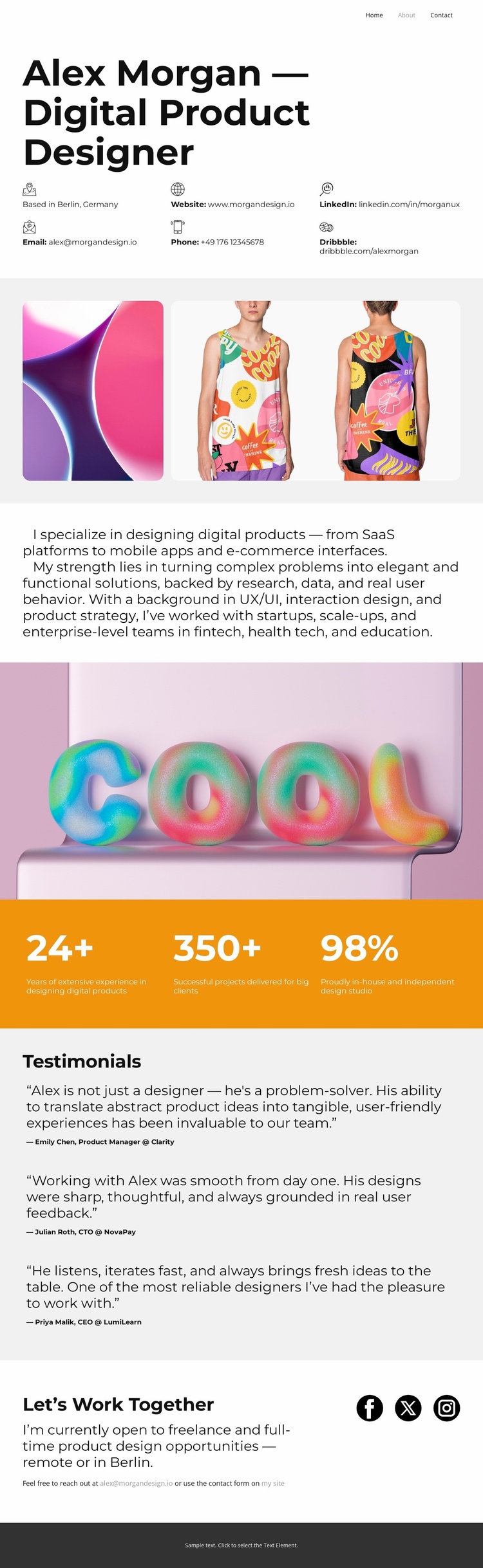
The opening identity section gives a broader website project a clear core subject: Alex Morgan, a digital product designer associated with Berlin. Contact details, website and professional social links are grouped near the introduction, so the foundation already includes a practical way to connect the personal brand with future site content. The gallery that follows can represent selected work, while the profile text defines the main service areas: SaaS platforms, mobile apps, e-commerce interfaces, UX/UI, interaction design, and product strategy.
The page also establishes several content categories that could support expansion. The three displayed metrics provide a compact experience or results area, and the three testimonial entries create a dedicated proof section rather than leaving recommendations mixed into the biography. The “Let’s Work Together” block supplies an opportunity-focused contact destination for freelance or full-time work, while social links can remain part of shared personal-brand navigation. Mobile-navigation support and the consistent visual system help these areas remain recognizable if additional pages are added later. The template should therefore be understood as a strong foundation for organizing a designer’s site around identity, capabilities, work evidence, recommendations, and contact—not as proof that a complete multi-page website is already present.
Customize with Nicepage
Open this ready-made template in the Website Template Builder and customize it visually in the Nicepage editor. Replace demo content, edit page sections, and adapt the design to your project without rebuilding the template from scratch.
Build a Complete Website From This Template
Customize the Website Visually
Use this ready-made website template as a starting point for your project and adapt its pages visually in Nicepage. Change content, images, typography, navigation, sections, and other design elements while keeping the website together as a single editable project.
Manage Website Pages in One Project
Use the Pages panel to open, add, duplicate, and manage the pages of your website. Work on individual pages while keeping navigation and the overall site structure accessible from the same project, making it easier to develop a complete website instead of managing separate page files.
Expand the Website With Matching Designs
When you need additional pages or sections, use Page Design Sets to find Page and Block Designs created in the same visual style. Design Sets group matching designs together, making it easier to expand the website with new content while maintaining a consistent look across its pages and sections.
Organize Larger Multi-Page Websites
As the website grows, use Page Folders to organize related pages and keep larger multi-page projects easier to navigate in the editor. This is especially useful for websites with separate service pages, company information, contacts, landing pages, and other content areas.
This workflow makes the template a practical foundation for building and expanding a complete website while managing its pages, content, and visual design within one Nicepage project.