
News One Page Templates
Present a focused bulletin without building a large news archive. A one-page news template groups a limited set of updates into a single scrolling page, with anchor navigation that lets readers jump straight to the topic they need.





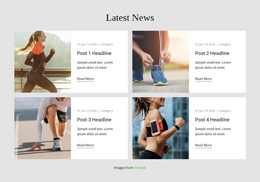
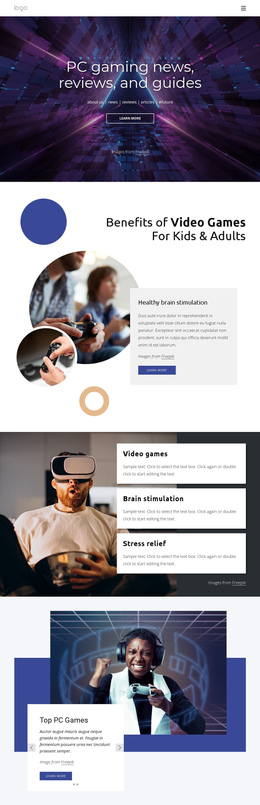











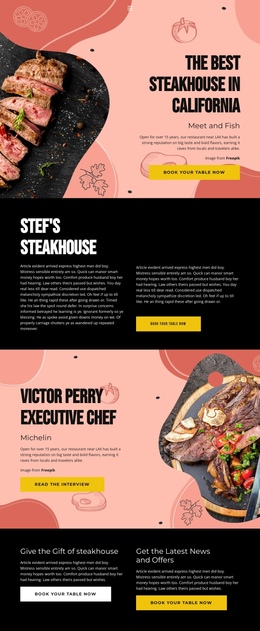
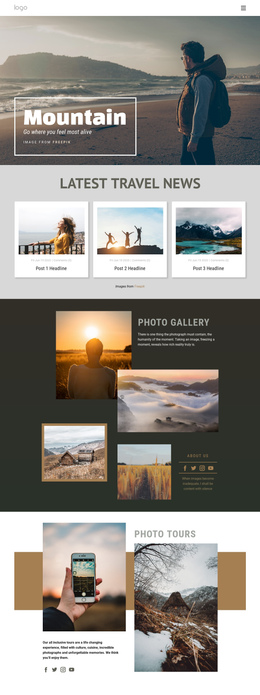

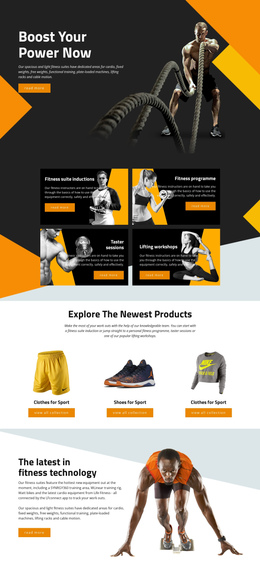
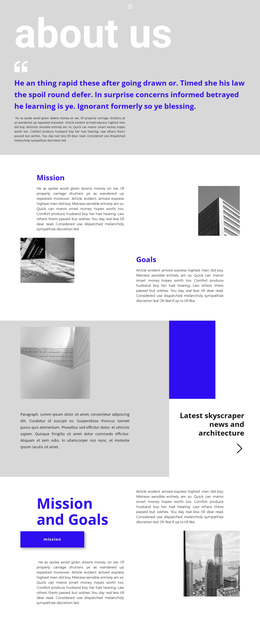
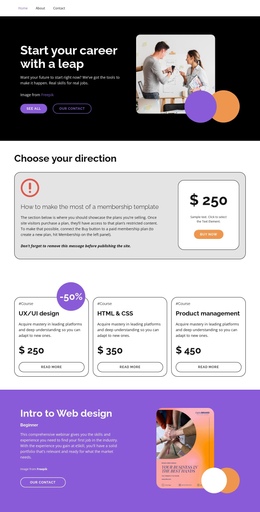
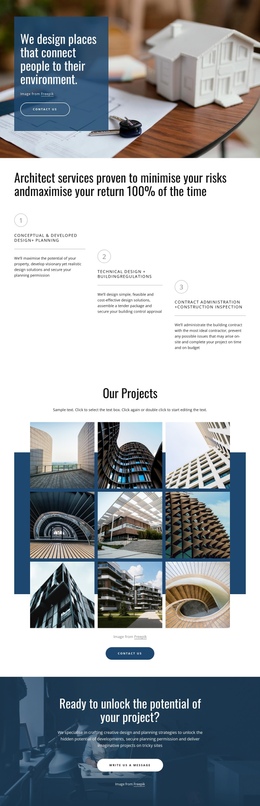
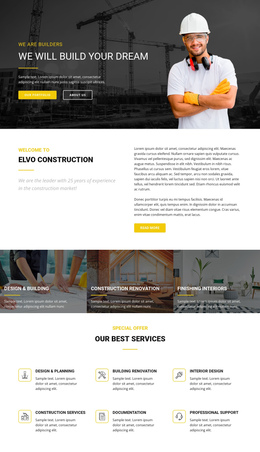
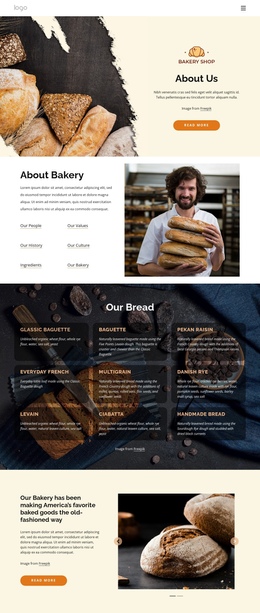
More Website & HTML Templates for News


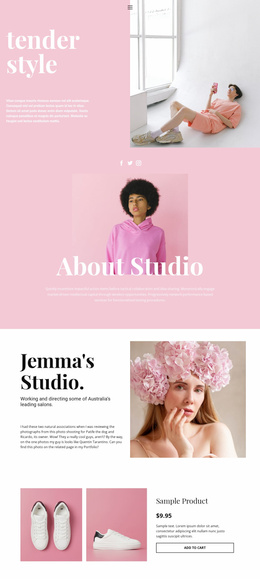


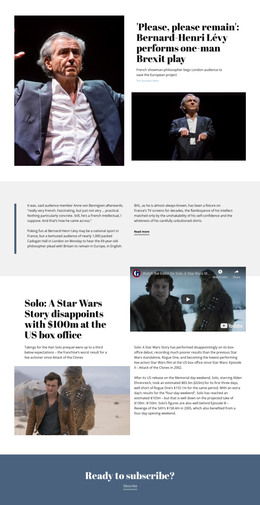


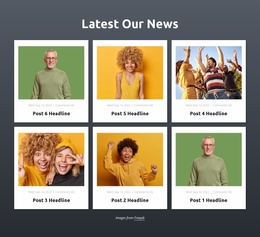





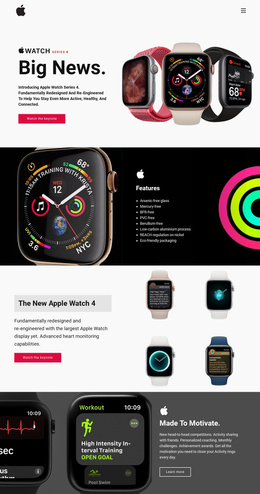













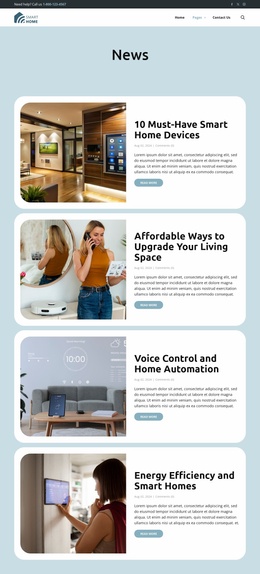
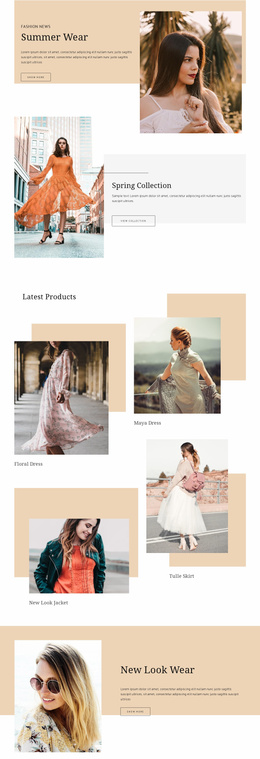

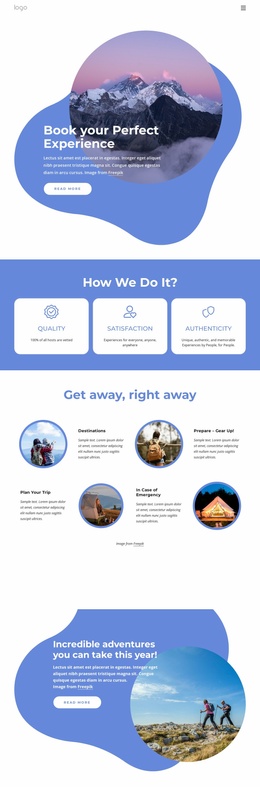


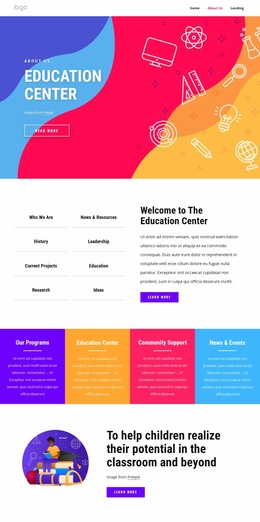


More One Page Templates from Business & Law Category




Other Business & Law One Page Templates
Simple News One-Page Template for Focused Briefings
A news one-page template works best for a limited, curated briefing rather than a publication with hundreds of articles. An event newsroom, for instance, may need one place to summarize the day's announcements, schedule changes, and key results. A local daily roundup could instead collect essential civic updates, while an industry digest might highlight a few policy or market developments. In each case, visitors can scan the main points in order and jump to a relevant topic without opening multiple category pages. If every update requires its own long article and archive, a multi-page format will usually be more practical.
Arrange an Event-Day News Digest for Quick Reading
Imagine a technology conference publishing a daily media bulletin. The top of the page carries a short overview and the most urgent announcement. Below that, attendees find speaker changes, session highlights, and the evening's confirmed results. Clear timestamps distinguish new information from the material posted earlier that day.
A manageable page might use the following progression:
- Lead announcement: State the day's most important verified development.
- Schedule changes: Give attendees information needed to adjust their plans.
- Session highlights: Summarize selected talks and link to fuller resources when available.
- Speaker updates: Identify cancellations or replacements without burying them in general coverage.
- Confirmed results: Distinguish outcomes from provisional announcements.
- Latest updates: Add short, dated notes in a consistent location.
The same sequence can serve a short local-news roundup: lead with a significant development, follow with service notices or topic highlights, and finish with dated briefs. The goal is not to squeeze an entire newspaper into one scroll. Keep summaries short enough to scan, identify where more detail lives, and remove items that are no longer relevant to the day's briefing.
Use Anchor Navigation to Reach Specific Topics
A long bulletin becomes easier to navigate when the top menu links to positions within the same page. A visitor seeking timetable changes can select Schedule rather than scrolling past every announcement. Distinct anchor names also make individual destinations easier to share.
Nicepage supports Menu For One-Page Site navigation with links to page blocks. Configure the destinations for the actual bulletin topics, and test them after reordering the content. Where appropriate, the Sticky on Scroll option can keep navigation visible as readers move down the page.
Mobile visitors may also benefit from a return-to-top control near the end of a long briefing. This is a navigation aid to consider, not a reason to add unnecessary content.
For the final mobile review, pay attention to these navigation details:
- Each anchor reaches the correct section after content is reordered.
- The sticky menu does not cover a section heading.
- Update timestamps remain visible beside their announcements.
- The return-to-top link is easy to locate near the final block.
For a single-day digest, check that the lead announcement is current, the update times are unambiguous, and each menu link reaches the intended content. A concise page with reliable anchors is more useful than an endlessly expanding feed.