High-quality courses One Page Template


Edit Template Offline
2. Create new page and search for id 6070564
Edit Template Online
Create Awesome Websites


Free Nicepage Builder
Keywords
Ten sections create a continuous learning and inquiry journey
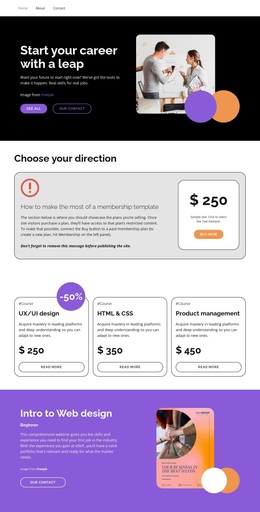
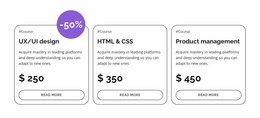
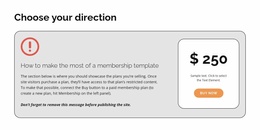
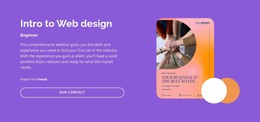
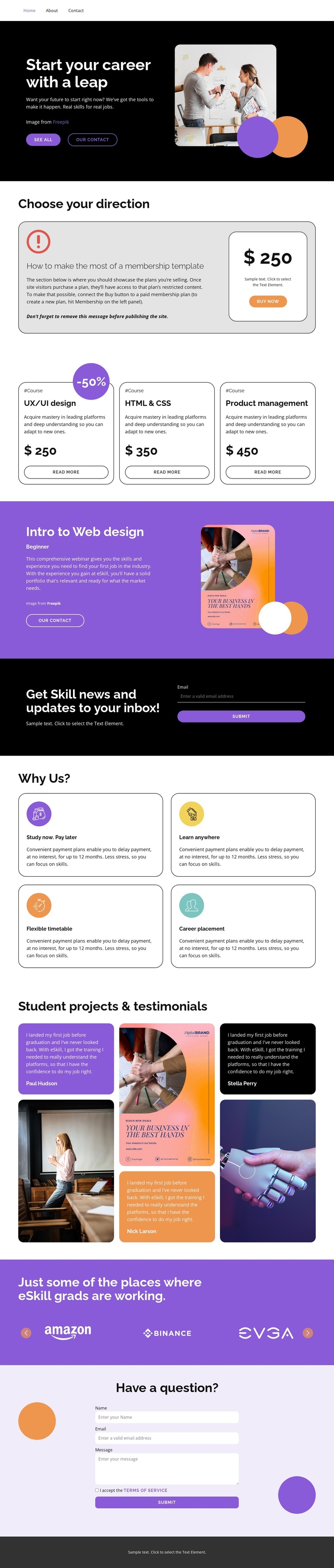
The page has enough distinct content groups to support a continuous one-page information journey. The career hero introduces the subject, then the pricing block gives membership information a separate destination before the three-card course catalog presents the main learning choices. The featured Beginner web design webinar changes the focus from a group of courses to one highlighted opportunity, creating a meaningful stop within the longer document.
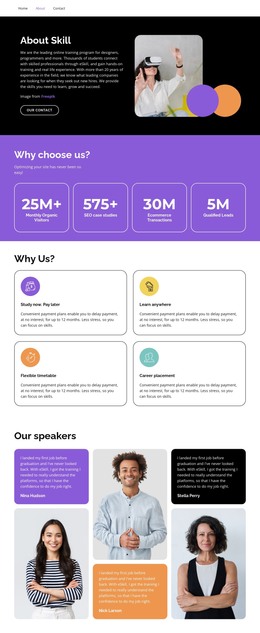
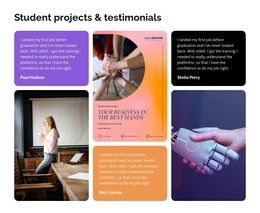
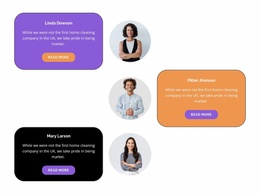
Further down, the subscription area, four benefit cards, and student project and testimonial section serve different navigation purposes. The subscription block is about skill news and updates, the benefits explain how learning works, and the testimonials connect student experiences with visible project work. The employer-logo strip then provides a compact graduate-outcome reference before the question form gives visitors a final inquiry destination.
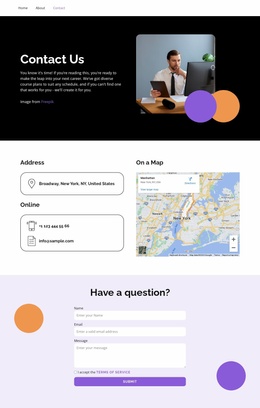
This ordering supports section-based exploration without requiring every topic to become a separate page. A visitor can move from career direction to plans, courses, featured learning, benefits, proof, employer context, and contact while remaining within one document. The rounded cards and alternating dark, light, and purple bands help mark the transitions between those destinations. The design therefore works as a one-page content structure because it contains several meaningful sections, not merely because it is long or includes forms.
Customize with Nicepage
Open this ready-made template in the One Page Template Builder and customize it visually in the Nicepage editor. Replace demo content, edit page sections, and adapt the design to your project without rebuilding the template from scratch.
Build a Navigable One-Page Website
Connect the Menu to Page Sections
Organize the website as a sequence of sections on a single page and use the Menu For One-Page Site to connect menu items with individual page Blocks. Visitors can jump directly to sections such as About, Services, Testimonials, or Contact without opening separate pages.
Keep the Website on One URL
A one-page template can combine several parts of a small website within one continuous page. Arrange the Header, introduction, services, portfolio, company information, reviews, contact details, and other relevant sections in the order that fits the project while keeping them accessible through the same page navigation.
Make Long Pages Easier to Navigate
For longer one-page websites, keep navigation labels short and connected to meaningful sections so visitors can move through the page without relying only on scrolling. You can also use the Back To Top element to provide a quick way back to the beginning after longer sections.
This workflow makes the template suitable for compact websites that need several distinct content sections while keeping the complete visitor experience on one URL.