Fashion & Music One Page Template


Edit Template Offline
2. Create new page and search for id 16309
Edit Template Online
Create Awesome Websites


Free Nicepage Builder
Keywords
New York, exposure, contact, and subscription form a continuous section journey
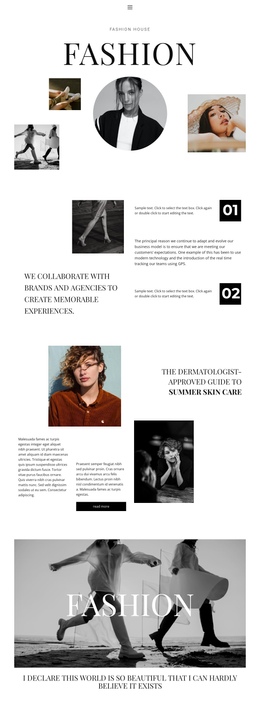
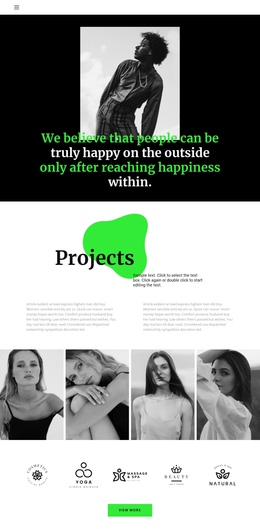
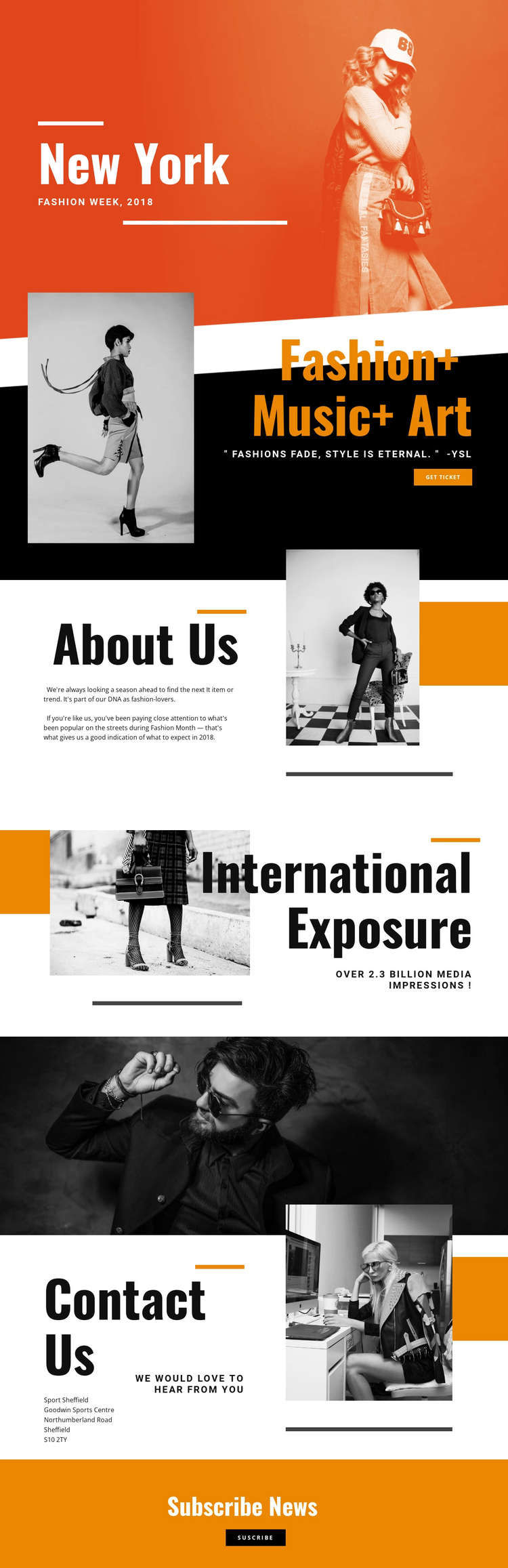
The page works as a continuous document because its major topics are already separated into recognizable destinations. New York and Fashion Week 2018 provide the opening orientation, followed by Fashion+ Music+ Art, where the event message and get ticket action can serve as the first substantial content stop. About Us then changes the purpose from promotion to editorial explanation, giving visitors a reason to continue through the page rather than treating every block as another sales statement.
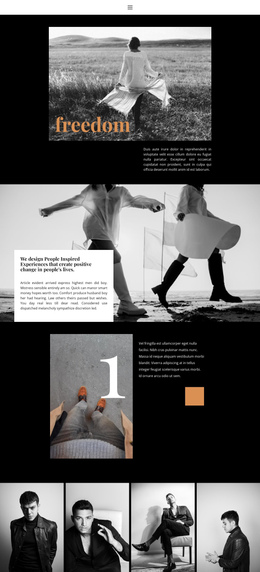
International Exposure introduces a distinct reach-focused destination beside a fashion photograph. After that, the wide monochrome image creates a visual interval before Contact Us returns to practical information and the displayed contact details. Subscribe News forms the final content stop, using an orange background and a single action to close the sequence with an invitation to stay informed.
This ordering supports navigation between several content purposes without requiring the visitor to leave the document: event identity, program description, editorial perspective, exposure, contact, and subscription. The page does not need to be described as a multi-page site to be useful as a One Page Template. Its value is the way the existing blocks can be treated as meaningful destinations within one sustained fashion-event experience, with typography and photography providing continuity between them.
Customize with Nicepage
Open this ready-made template in the One Page Template Builder and customize it visually in the Nicepage editor. Replace demo content, edit page sections, and adapt the design to your project without rebuilding the template from scratch.
Build a Navigable One-Page Website
Connect the Menu to Page Sections
Organize the website as a sequence of sections on a single page and use the Menu For One-Page Site to connect menu items with individual page Blocks. Visitors can jump directly to sections such as About, Services, Testimonials, or Contact without opening separate pages.
Keep the Website on One URL
A one-page template can combine several parts of a small website within one continuous page. Arrange the Header, introduction, services, portfolio, company information, reviews, contact details, and other relevant sections in the order that fits the project while keeping them accessible through the same page navigation.
Make Long Pages Easier to Navigate
For longer one-page websites, keep navigation labels short and connected to meaningful sections so visitors can move through the page without relying only on scrolling. You can also use the Back To Top element to provide a quick way back to the beginning after longer sections.
This workflow makes the template suitable for compact websites that need several distinct content sections while keeping the complete visitor experience on one URL.