
Gadgets Website Templates
Electronics retailers and gadget brands need more than isolated product displays. A complete website connects device categories, featured collections, individual product pages, and customer information through consistent navigation, making a growing technology catalog easier to explore.
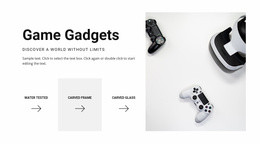
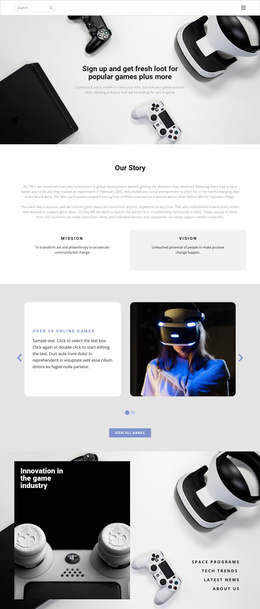

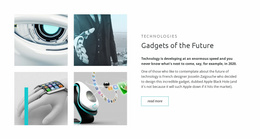
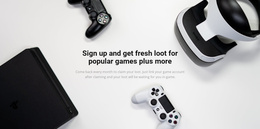
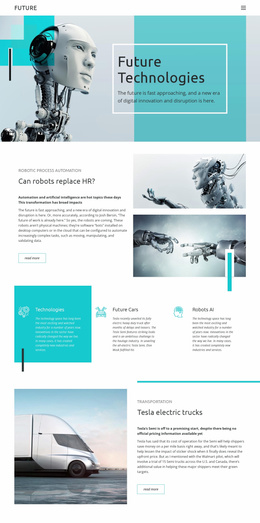
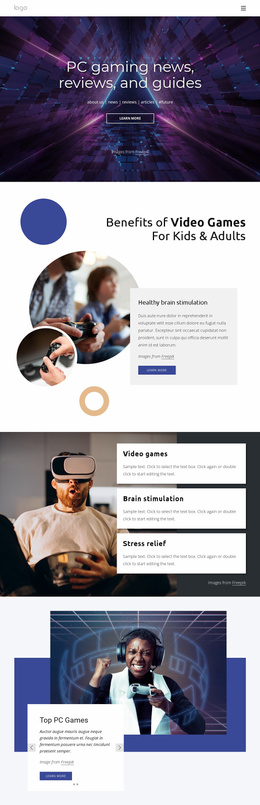


More Website Templates from Technology Category

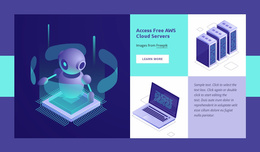












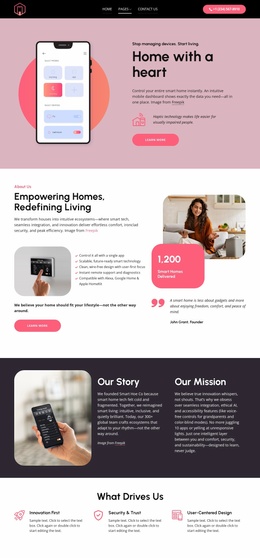

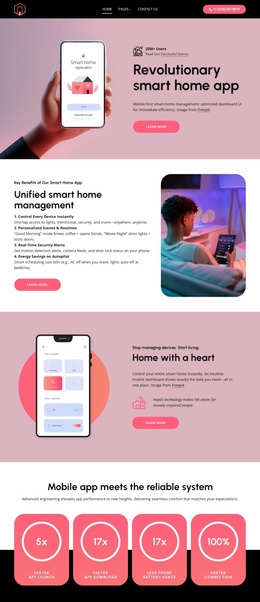
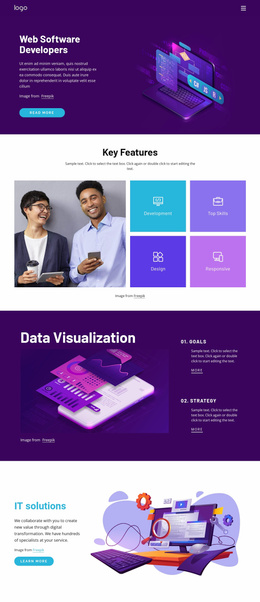



Other Technology Website Templates
Modern Gadgets Website Templates for Tech Brands, Stores, and Reviewers
Gadgets website templates have to serve very different owners. A retailer usually wants a catalog for many product families, while a brand launching a portable game console may need only a few screens built around the device. The gadgets category on Nicepage mixes full site designs with single pages and blocks, so it helps to know your project before browsing.
Matching Design With Project Type
The homepage depends on the project, so decide which of these is closest to yours:
- An online shop with several product families, where the homepage leads into categories and product cards.
- A launch site for one gadget, where the first screen belongs to the device and its main features.
- An accessory brand selling chargers and cases, where every product should say which phones it fits.
- A review site that needs room for articles and lists of recommended devices.
A cart icon in a demo only marks where checkout will go, so confirm your setup handles real orders.
Checking Product Screens Before Committing
A design built around glossy speaker photos may struggle with a long row of chargers that look like small black boxes. A few checks show whether a demo suits your devices:
- The first screen shows the main product clearly and leaves room for one next step.
- Product cards fit a photo, the model name, and a key spec, which helps when buyers compare similar earbuds.
- The product layout keeps the main photo, color options, and buy button close together.
- On a phone, visitors can reach a product from the menu without hunting for links.
Accessories are easier to shop when grouped by the phone they fit, and gaming gear when sorted by platform.
Growing Catalogs Under One Look
Nicepage supports a Multi-Row Header that can hold a menu, a search field, and a shopping cart on separate rows. It suits a shop with many product families. A launch site usually looks cleaner with a simple header.
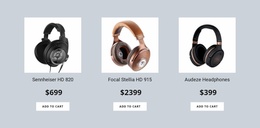
Say your shop starts selling wireless headphones. You copy an existing category page, swap the photos and headings, and link the new section from the menu. Theme Settings hold the global colors and fonts. The shared header and footer make the headphones section match the older ones. You still duplicate and fill in each new product card by hand. Shipping and warranty pages can reuse existing blocks in the same style.
Once you know your project type, look for a demo whose pages already resemble your lineup. If it has room for your bestselling device, accessory groups, and warranty notes, the rest is mostly swapping photos and text.