
Error Message HTML Templates
Error states should tell visitors what happened and where to go next. These HTML templates organize status text, explanations, and recovery actions into reusable markup for 404 pages, validation failures, and other system messages.

































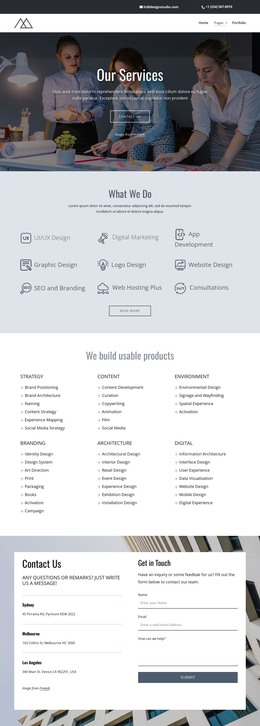



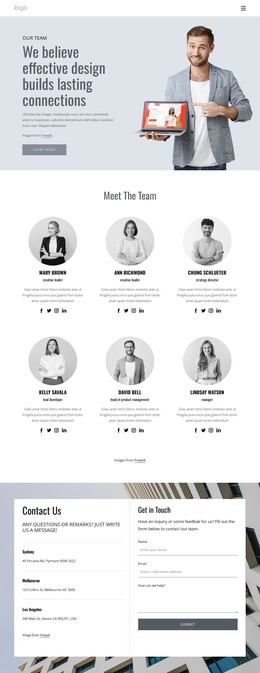


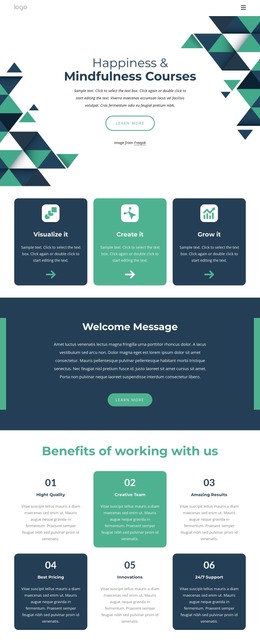

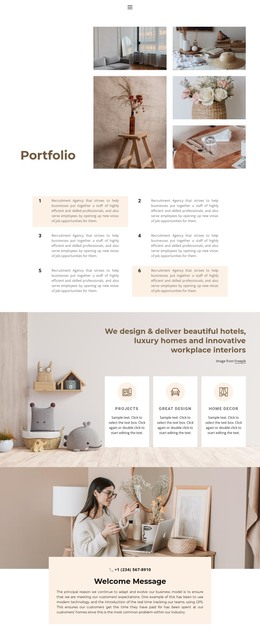


Other Text & Button HTML Templates
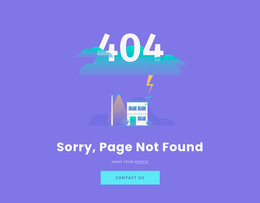
Clean Error Message HTML Templates
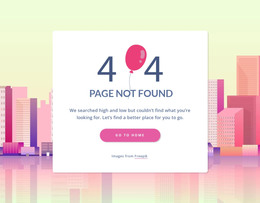
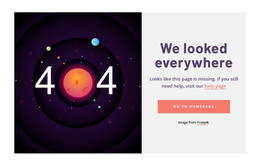
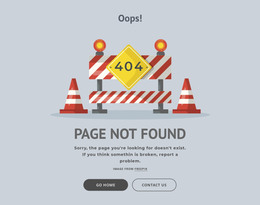
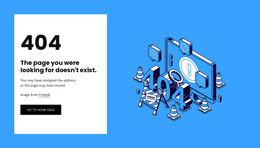
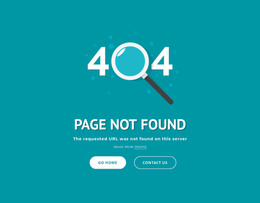
Error message HTML templates give you ready-made markup for when something breaks. Each one combines a heading that names the problem, a short explanation, and a link or button to move on. Many designs here are 404 screens and compact error blocks. The same pieces behave differently once an error moves inside a form or follows a failed request.
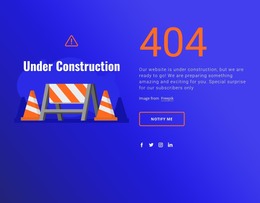
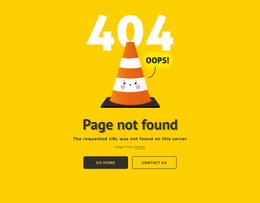
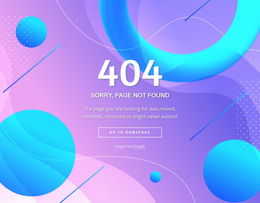
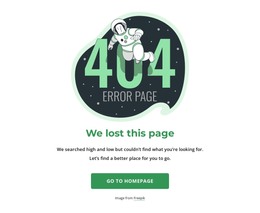
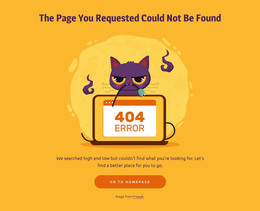
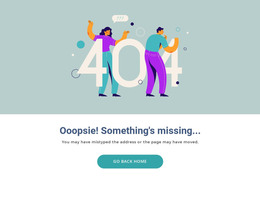
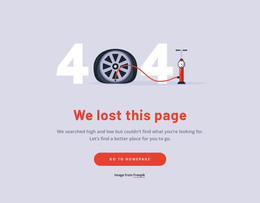
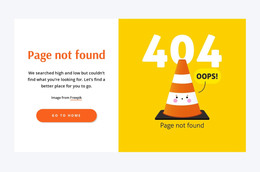
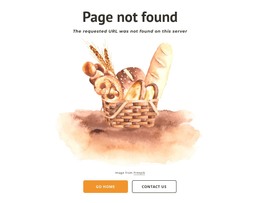
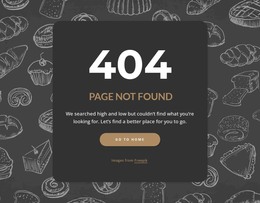
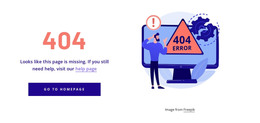
Markup Behind a Standalone 404 Page
When the error fills the whole page, the markup tends to settle into this order:
- A main heading that states the problem in plain words, since a giant 404 numeral means little to someone jumping between headings with a screen reader.
- A short paragraph below it that suggests a likely cause, such as a mistyped address or moved content.
- One primary link back to the homepage or to the section the visitor most likely wanted.
- Optional secondary navigation or a search field for people arriving from an old bookmark.
A server usually serves a custom 404 page for whatever broken address was requested, so relative links and image paths can fail when that address is several folders deep. Root-relative paths prevent a half-broken error page, which is an odd thing to show someone who is already lost.
Inline Feedback on Fields and Failed Submissions
Inside a form, the error shrinks from a full document to a sentence or two next to whatever failed. The markup then depends on the problem the visitor just ran into:
- A validation error belongs right after its field in the source order, and an "aria-describedby" reference lets assistive technology read the label and the fix together.
- A failed request needs a message near the control that triggered it, inside a live region that announces it without a reload. A real button suits retrying, since a link should lead somewhere else.
- A long form can open with a short summary where each problem is an in-page link that jumps straight to the input needing attention.
Reusable Blocks That Stay Accessible
An error block is easiest to reuse when its parts share a single container, so the unit can travel from a 404 page to a dashboard as a single unit. Nicepage's pre-designed Elements and Blocks make it quick to arrange such a unit on the canvas. The heading level and the choice between a link and a button still deserve a quick check in the exported HTML, since both shape how the block is announced.
The strongest error message HTML templates have markup that scales from a full page down to a single field while keeping its reading order and screen reader connections intact.