
Daycare HTML Templates
A classroom timetable can get confusing when toddler, preschool, and infant schedules share the same page. Daycare HTML templates keep time labels and activity entries grouped and in a logical reading order on phones.


More HTML Templates from Pets & Animals Category

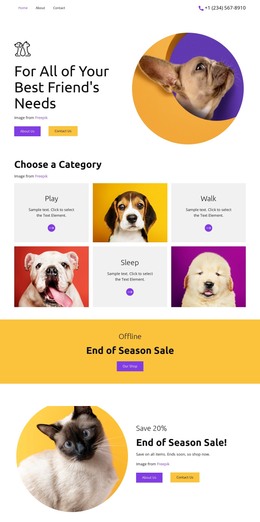

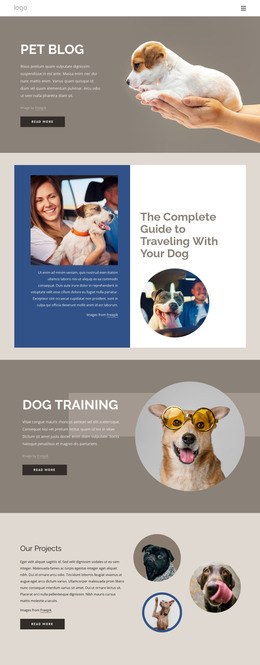



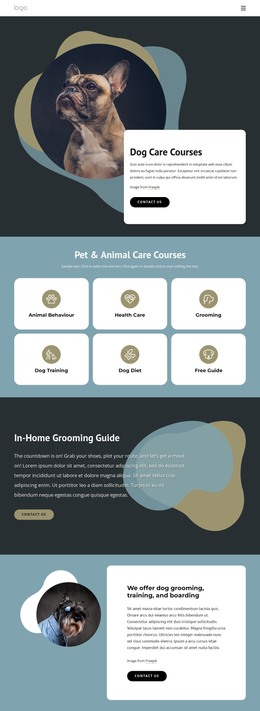

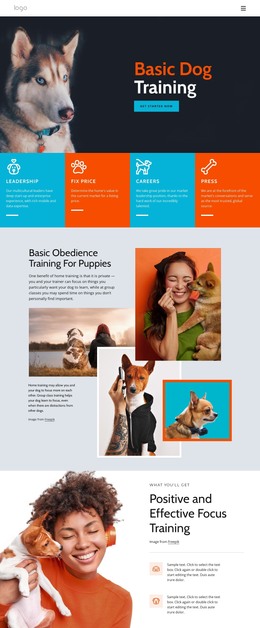

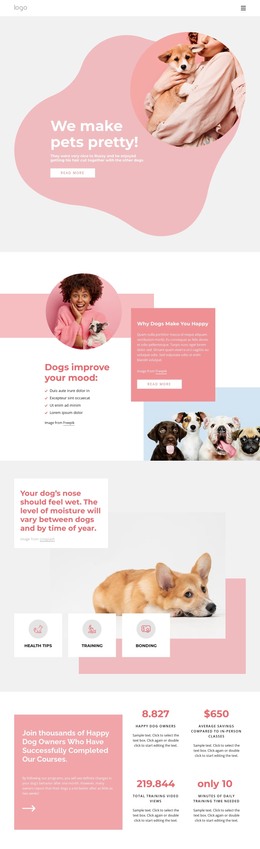

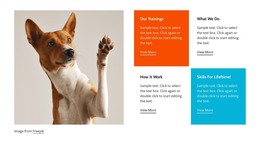


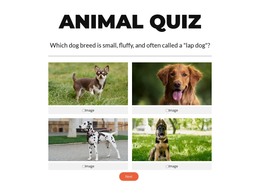



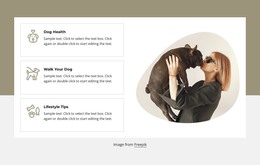

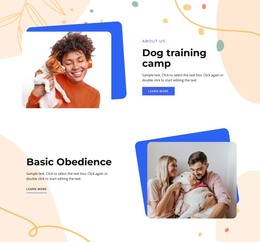

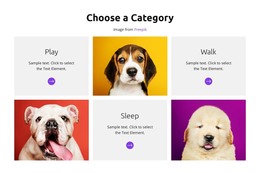












Other Pets & Animals HTML Templates
Smartphone-Optimized Daycare HTML Templates
Daycare HTML templates are prebuilt childcare sites with pages, images, and scripts that you can adapt and publish on your own hosting. A center owner can change everything in Nicepage's visual editor and export the result without writing code. A developer building a site for a local daycare gets the same files to edit by hand. Page sets vary between templates, so start with the preview.
Ready Pages and Editable Components
In the preview, these daycare parts need a close look:
- Each age group, from infant care to preschool, should get its own program card or page with a replaceable photo.
- The daily schedule should keep each time beside its activity on phones, and closures can go in a separate notice block.
- Teacher profiles and the room gallery have to accept your own photos without breaking the layout.
- A tour request form belongs near the program details, with fields you can edit.
A small center may need only one page, while several programs work better as separate pages linked from the menu. You can add or reorder cards and sections in Nicepage before export, so you have less to change in the code.
From Nicepage to Your Own Server
Getting a daycare HTML template online usually goes in this order:
- Replace the demo content in Nicepage with your programs, teachers, and hours.
- Check each page in Responsive Modes, watching program cards and the tour form at phone width.
- Export the project to HTML, either as a ZIP archive or, in the desktop app, straight to a folder.
- Upload the files to your hosting or hand them to your developer.
Then follow every link from the age group pages to the tour request and confirm that images and scripts load. Also send a test inquiry, because a form that looks right is no proof that messages arrive. If you keep editing in Nicepage, remember that a developer's hand edits won't carry over to a fresh export.
Before the Site Goes Live
Give each program page its own title and meta description so a search for toddler care can lead to the toddler page. Keep headings in a logical order and give room photos short alt text. W3C validation catches broken markup, but a clean report doesn't prove that the form works, the pages load fast, or the site ranks well. Check the license for demo photos too, since some templates show images only in the preview. When the pages fit your programs and the phone views hold up, the last test is whether the exported files run on your server without extra fixes.