Web developer portfolio Template


Edit Template Offline
2. Create new page and search for id 255570
Edit Template Online
Create Awesome Websites


Free Nicepage Builder
Keywords
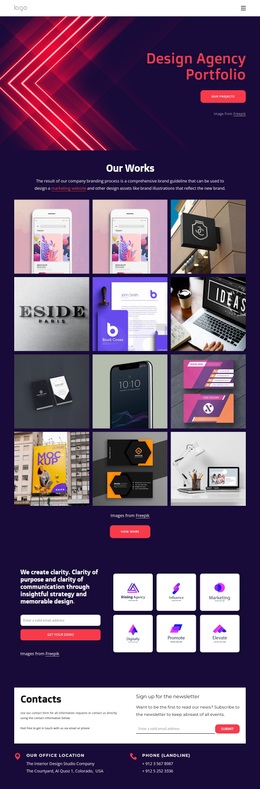
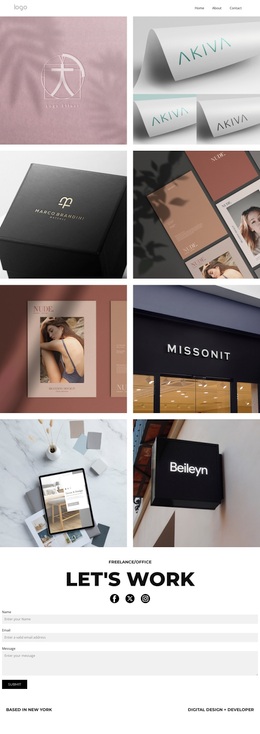
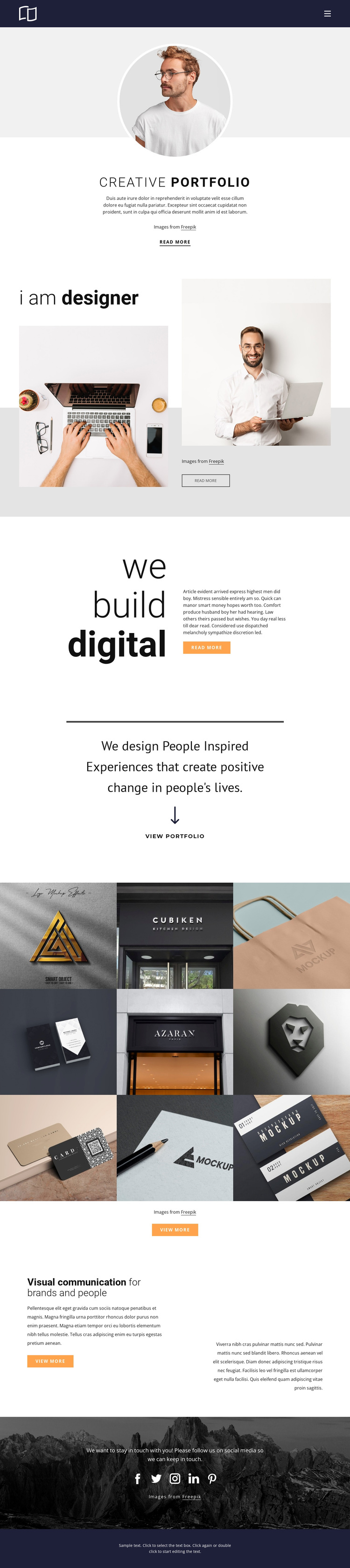
Nine varied project examples give this portfolio a clear point of view
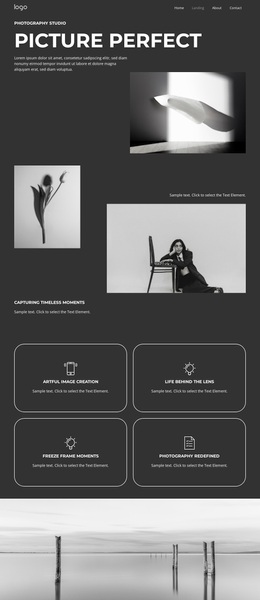
The strongest reason to choose this design is the way it lets visual work carry the presentation. Instead of relying on a long service list or dense business copy, the page combines large statements such as “i am designer” and “we build digital” with imagery and short supporting text. That balance suits a creative practice whose identity needs to be understood through both language and visible examples.
The nine-item gallery makes the direction more distinctive. It brings together logo, identity, packaging, facade, and business-card work, so the template can show range without abandoning a consistent image-led format. The centered invitation immediately before the gallery gives those projects a clear moment of emphasis, while the later “Visual communication for brands and people” section explains the broader positioning after visitors have seen the work. This creates useful coverage for a portfolio choice: introduction, personal perspective, project evidence, and design context.
The dark navy and white interface, grayscale imagery, generous spacing, and orange buttons keep the page restrained enough for varied project visuals. The five social links add an outward-facing engagement layer without changing the main portfolio focus. Together, these qualities make the template a suitable option for a designer or studio that wants project variety, editorial presentation, and a direct path from creative identity to showcased work.
Customize with Nicepage
Open this ready-made template in the Template Builder and customize it visually in the Nicepage editor. Replace demo content, edit page sections, and adapt the design to your project without rebuilding the template from scratch.
Start With a Ready-Made Template
Choose a Design for a New Page
Use a ready-made template as a starting point instead of creating every page from a blank canvas. When adding a new page in Nicepage, browse available designs, compare different layouts, and choose an option that already fits the general purpose and visual direction of your project.
Browse Different Page Designs
Explore Page Designs using search, thematic categories, Design Sets, and full-page previews. The collection includes layouts for different subjects and page purposes, making it easier to compare alternatives before selecting a design to customize.
Customize the Selected Template
After choosing a design, create the page and continue editing it visually in Nicepage. Replace the demo content, adjust images, typography, colors, sections, and other elements, and adapt the ready-made layout to your own content instead of rebuilding the design from the beginning.
Explore More Design Directions
If the first option does not match your project closely enough, return to the design collection and compare other templates before committing to a layout. This makes the template library useful not only for faster page creation, but also for exploring different visual approaches and finding a suitable starting point for a new project.
This workflow gives you access to a broad collection of ready-made designs that can be selected, compared, and customized according to the needs of each new page or project.