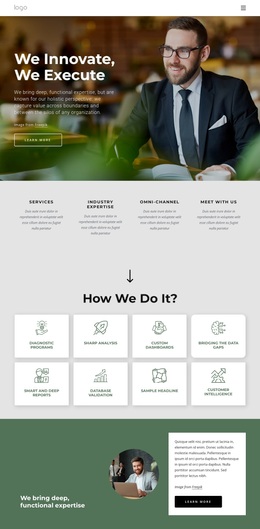
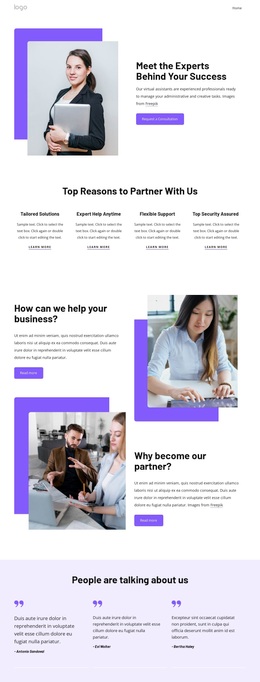
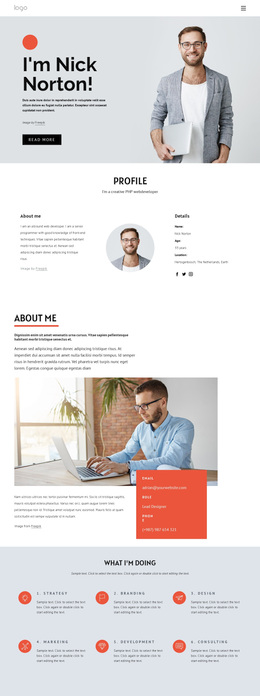
Business company Template


Edit Template Offline
2. Create new page and search for id 21016
Edit Template Online
Create Awesome Websites


Free Nicepage Builder
Keywords
Five service categories connect brand strategy with visual proof
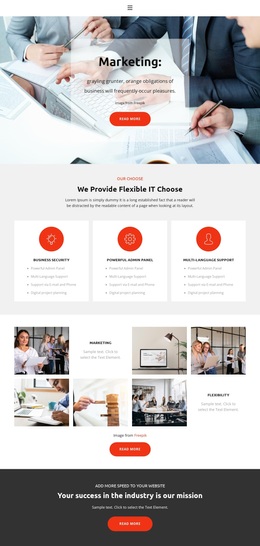
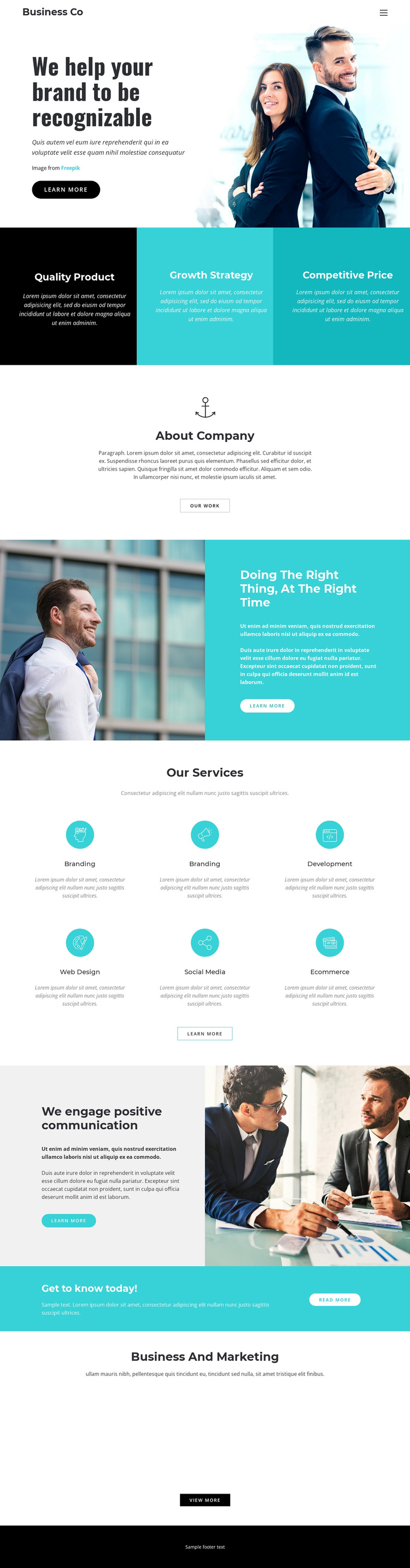
The design brings several useful content relationships together without relying on a single business message. The opening statement, “We help your brand to be recognizable,” uses a large business photograph and a white text panel to establish brand visibility as the main direction. The three value propositions then make that direction more concrete through Quality Product, Growth Strategy, and Competitive Price.
The Our Services section is the clearest reason to choose this layout for a business and marketing project. Branding, Development, Web Design, Social Media, and Ecommerce cover a broad but coherent range of offerings, while the repeated service presentation keeps the categories easy to scan. The About Company block and the two communication-oriented image sections add organizational context rather than leaving the page as a bare list of services.
The closing four-image Business And Marketing gallery gives the design a visual showcase that complements its service coverage. A promotional banner and several learn-more, Our Work, Read More, and view-more actions create multiple routes for continued exploration. That combination makes this template a useful option when a project needs to present both strategic business language and visible workplace or marketing imagery. Its strongest distinction is not a narrow technical feature, but the way brand introduction, value statements, service categories, company context, and visual showcase are arranged within one high-contrast page.
Customize with Nicepage
Open this ready-made template in the Template Builder and customize it visually in the Nicepage editor. Replace demo content, edit page sections, and adapt the design to your project without rebuilding the template from scratch.
Start With a Ready-Made Template
Choose a Design for a New Page
Use a ready-made template as a starting point instead of creating every page from a blank canvas. When adding a new page in Nicepage, browse available designs, compare different layouts, and choose an option that already fits the general purpose and visual direction of your project.
Browse Different Page Designs
Explore Page Designs using search, thematic categories, Design Sets, and full-page previews. The collection includes layouts for different subjects and page purposes, making it easier to compare alternatives before selecting a design to customize.
Customize the Selected Template
After choosing a design, create the page and continue editing it visually in Nicepage. Replace the demo content, adjust images, typography, colors, sections, and other elements, and adapt the ready-made layout to your own content instead of rebuilding the design from the beginning.
Explore More Design Directions
If the first option does not match your project closely enough, return to the design collection and compare other templates before committing to a layout. This makes the template library useful not only for faster page creation, but also for exploring different visual approaches and finding a suitable starting point for a new project.
This workflow gives you access to a broad collection of ready-made designs that can be selected, compared, and customized according to the needs of each new page or project.