Good branding strategy Template


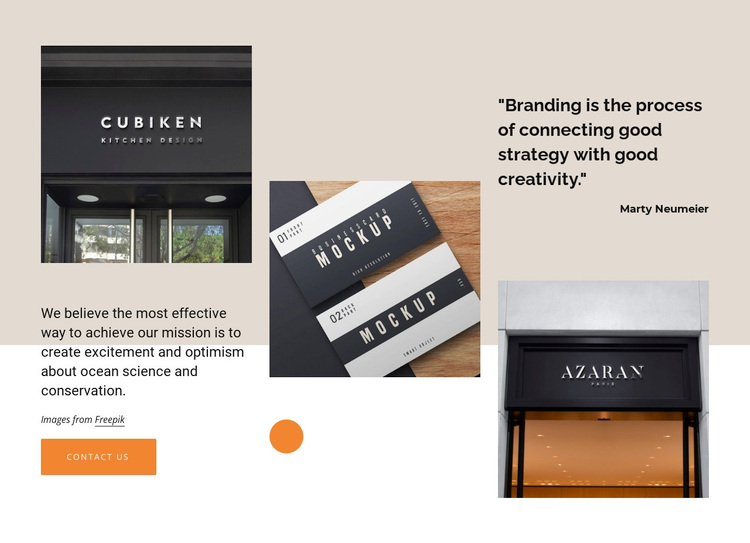
An asymmetric image-and-quote arrangement for branding statements
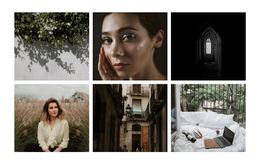
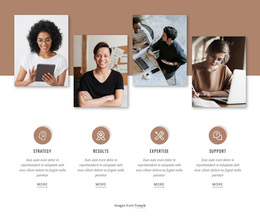
Three prominent image areas make this block a distinctive alternative to a conventional text-and-card section. The outer images stack vertically, while a central image works with the mission-oriented paragraph and the attributed quotation to create an asymmetric editorial composition. Substantial whitespace keeps these parts from becoming a dense collage, allowing the visual examples and written message to remain legible as one connected statement.
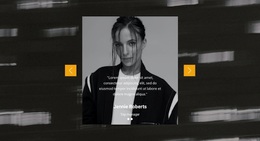
The quote, “Branding is the process of connecting good strategy with good creativity,” is attributed to Marty Neumeier and gives the section a recognizable point of emphasis. The mission paragraph adds a broader statement below the image-led arrangement, while the “contact us” button introduces a clear next step without overwhelming the composition. An orange circular accent near the central image supplies a small repeated visual signal against the warm beige, white, and black palette.
This design is worth choosing when a page needs more visual presence than a simple paragraph block but does not require a large gallery or a complex interactive component. It can present a creative position, a brand-related introduction, or a visual explanation before neighboring sections add supporting detail. The combination of photography, quotation, mission copy, and action gives the section a specific content shape rather than a generic promotional layout.
Customize with Nicepage
Open this ready-made template in the Template Builder and customize it visually in the Nicepage editor. Replace demo content, edit page sections, and adapt the design to your project without rebuilding the template from scratch.
Edit Template Offline
2. Create a new page or select existing
3. Click Add new block, search for id 518894 and click enter
Edit Template Online
Create Awesome Websites


Free Nicepage Builder
Keywords
Start With a Ready-Made Template
Choose a Design for a New Page
Use a ready-made template as a starting point instead of creating every page from a blank canvas. When adding a new page in Nicepage, browse available designs, compare different layouts, and choose an option that already fits the general purpose and visual direction of your project.
Browse Different Page Designs
Explore Page Designs using search, thematic categories, Design Sets, and full-page previews. The collection includes layouts for different subjects and page purposes, making it easier to compare alternatives before selecting a design to customize.
Customize the Selected Template
After choosing a design, create the page and continue editing it visually in Nicepage. Replace the demo content, adjust images, typography, colors, sections, and other elements, and adapt the ready-made layout to your own content instead of rebuilding the design from the beginning.
Explore More Design Directions
If the first option does not match your project closely enough, return to the design collection and compare other templates before committing to a layout. This makes the template library useful not only for faster page creation, but also for exploring different visual approaches and finding a suitable starting point for a new project.
This workflow gives you access to a broad collection of ready-made designs that can be selected, compared, and customized according to the needs of each new page or project.