Business strategy and scopes Template


Two Sector Lists and a Yellow-Framed Carousel Create a Distinctive Expertise Option
The block combines a compact coverage model with a strong visual transition. “The value of deep industry knowledge” occupies the left side of the upper three-column region, while two five-item lists place ten sectors into an orderly, quickly scannable structure. The labels range from Aerospace and Defense and Automotive to Banking, Capital Markets, Chemicals, Life Sciences, Natural Resources, Public Service, Retail, and Travel. This gives the design more informational specificity than a generic statement about professional experience.
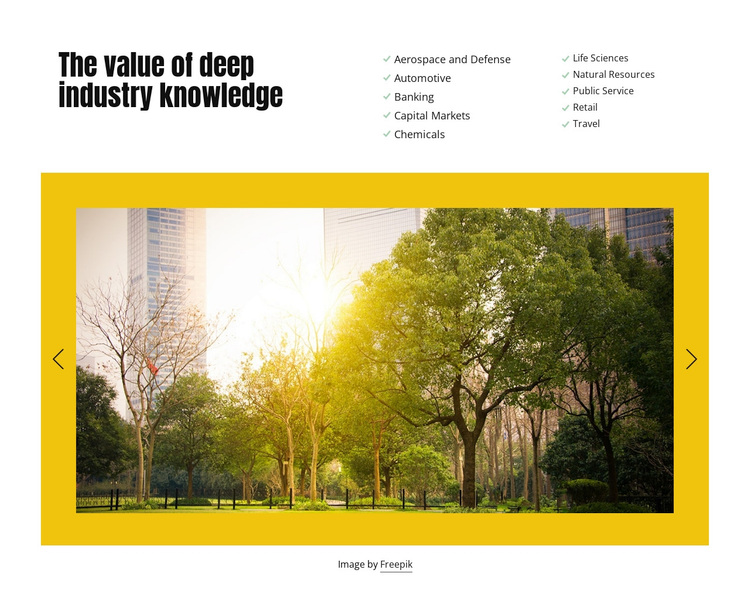
Below the lists, the wide image carousel changes the section’s rhythm. Two landscape slides are contained within a saturated yellow frame, and the previous and next controls make the media region visibly interactive. The image area adds scale and color without competing with the heading and lists for the same space. A centered attribution credit remains beneath the carousel, preserving a finished relationship between supporting imagery and its source line.
This design is worth choosing when a page needs to show sector breadth while retaining a strong visual element. It is more structured than a simple paragraph and less dense than a large collection of service cards. The block can therefore serve as a recognizable expertise option within a broader page, with the lists carrying the factual coverage and the carousel providing visual emphasis.
Customize with Nicepage
Open this ready-made template in the Template Builder and customize it visually in the Nicepage editor. Replace demo content, edit page sections, and adapt the design to your project without rebuilding the template from scratch.
Edit Template Offline
2. Create a new page or select existing
3. Click Add new block, search for id 110616 and click enter
Edit Template Online
Create Awesome Websites


Free Nicepage Builder
Keywords
Start With a Ready-Made Template
Choose a Design for a New Page
Use a ready-made template as a starting point instead of creating every page from a blank canvas. When adding a new page in Nicepage, browse available designs, compare different layouts, and choose an option that already fits the general purpose and visual direction of your project.
Browse Different Page Designs
Explore Page Designs using search, thematic categories, Design Sets, and full-page previews. The collection includes layouts for different subjects and page purposes, making it easier to compare alternatives before selecting a design to customize.
Customize the Selected Template
After choosing a design, create the page and continue editing it visually in Nicepage. Replace the demo content, adjust images, typography, colors, sections, and other elements, and adapt the ready-made layout to your own content instead of rebuilding the design from the beginning.
Explore More Design Directions
If the first option does not match your project closely enough, return to the design collection and compare other templates before committing to a layout. This makes the template library useful not only for faster page creation, but also for exploring different visual approaches and finding a suitable starting point for a new project.
This workflow gives you access to a broad collection of ready-made designs that can be selected, compared, and customized according to the needs of each new page or project.