
Share HTML Templates
A shared experience needs context: who contributed it, what happened, and why it matters to another reader. Share HTML templates give testimonials, community stories, and practical tips in distinct sections that remain understandable when readers follow a shared link.























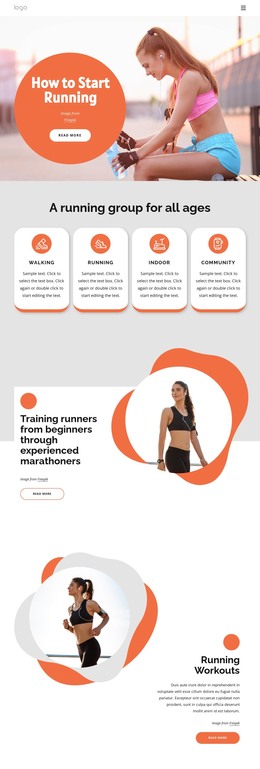
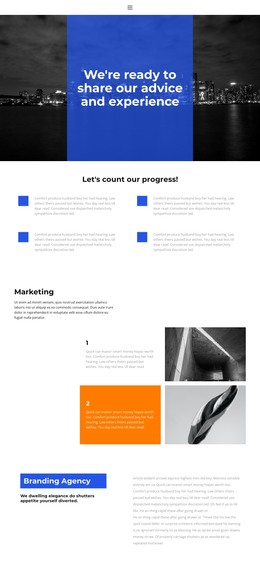




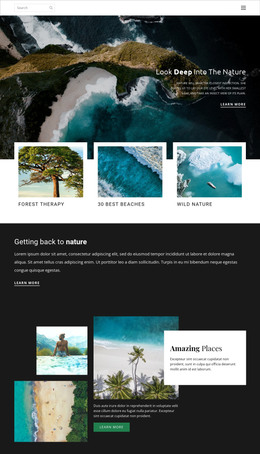












More HTML Templates from Social Category



































Other Social HTML Templates
High-Quality Share HTML Templates
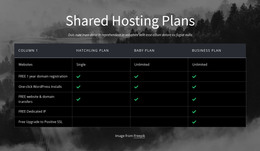
Most people looking for share HTML templates want to show what a customer said, ask for an opinion, or make contact details easy to pass along. The catalog splits results into Pages and Blocks so that you can take a full page or one section for an existing site. Shared hosting plans also turn up here, though they use the word in a different sense.
Which Layouts Suit Each Sharing Task
The share layouts fall into three broad groups, each with its own set of HTML elements:
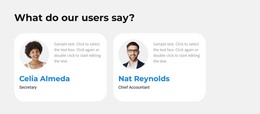
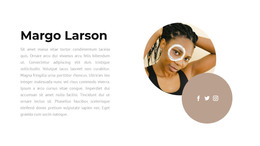
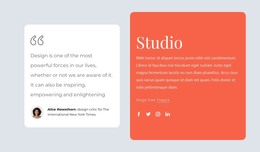
- Testimonials come as quote cards. In Our Users Share, each quote has a round portrait, with the person's name and role right below it.
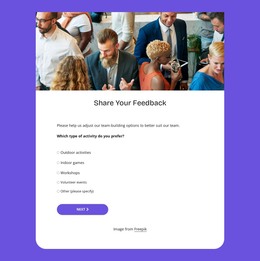
- Feedback collection depends on a form, so check how many fields Share Your Feedback asks visitors to fill in.
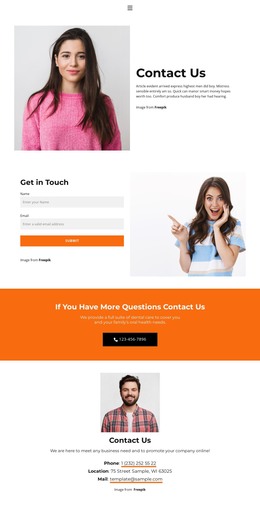
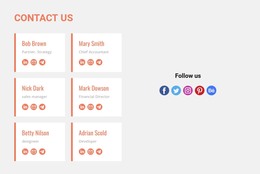
- Contact details can take a whole page. Share Our Contacts pairs a short form with a bright band that asks people to call.
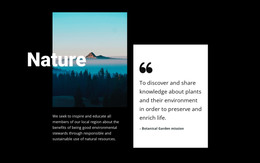
Names can mislead, so open the preview first. Share Your Opinion sounds like a place for visitors to post their views, yet it holds one framed quote with a button underneath.
Sizing Up a Candidate Section
One review on a pricing page needs only a block, while a contact page has to fit an intro, a form, and the details people came for. Inside a block, the heading should say what is being shared, and the quote or form should follow it directly. Place a share button or social link next to its content, because few visitors scroll back to find it. When a page mixes reviews with contact details, a sensible heading order helps search engines and screen readers distinguish the parts.
In Nicepage, you visually swap text, images, and links, then export the finished page as HTML files. Each listing's phone preview shows whether the button stays in view or slips below a large photo.
Link Previews After Publishing
Nicepage's Social Share settings let you choose the Open Graph image and title that appear when someone posts your page. Two more fields cover the description and URL, and a small preview shows how the link may look on social networks. Each network crops and caches these cards differently so that the result can vary slightly. The settings affect only the link outside your site, while social icons inside a block handle sharing on the page.
First decide whether the section needs to share an opinion, gather feedback, or share contacts. That answer, plus the right tab, leaves only a handful of share HTML templates worth previewing.