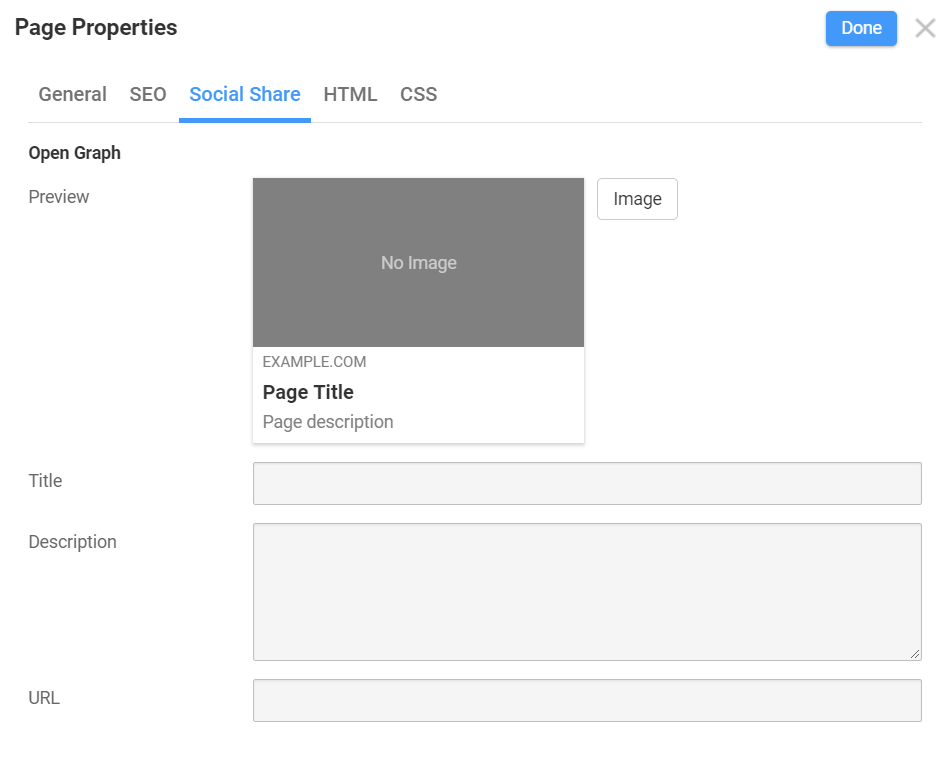
As SEO requires control over how your website data is presented on social networks, we have added support for customizing the Open Graph Tags.
Open Graph meta tags are snippets of code that control how URLs are displayed when shared on social media. Originally invented by Facebook, they are now used by other major social networks to briefly present critical information about your site when it is shared with other users.
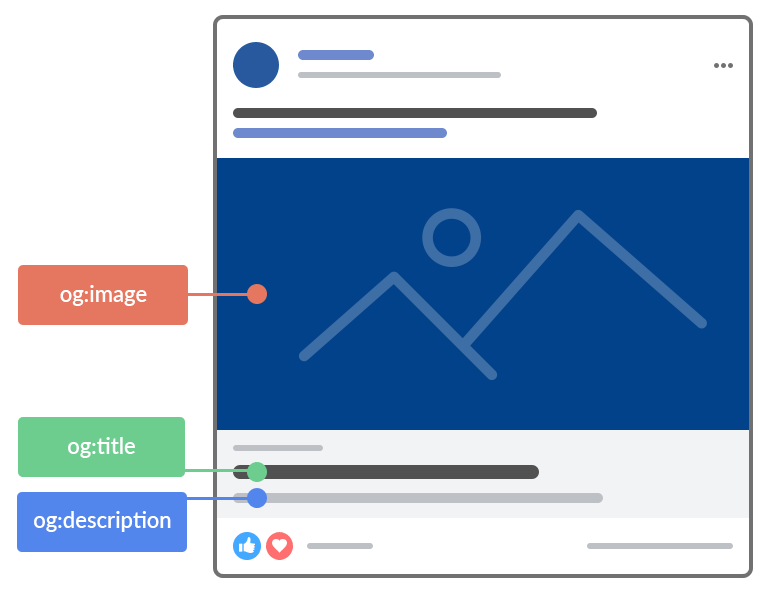
Social Share Settings
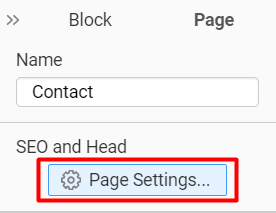
To enter the desired Social Share settings, open the Page Properties from the right panel.
You can edit the Open Graph data for your website on the Social Share Tab of the Page Settings.
At the top, you will see the preview of how the entered values will look when you share your site's link. Enter the Image, Title, Description, and URL options to see the result.