

Shape HTML Templates
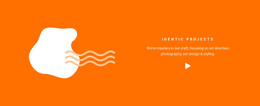
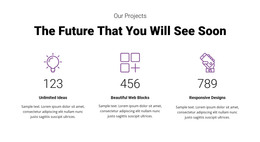
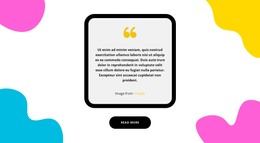
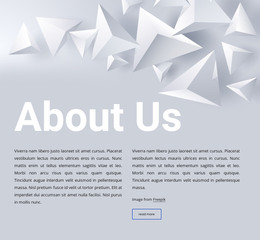
A creative studio may place text inside a circle, a number in a colored shape, and an inquiry form beside abstract geometry. Shape HTML Templates offer structured sections for each case, with readability checks before exporting to HTML.





















































Other Shapes HTML Templates
Customizable Shape HTML Templates for Geometric Content Sections
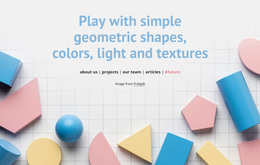
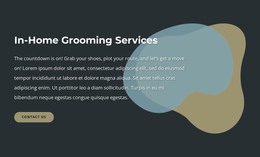
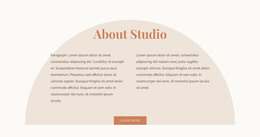
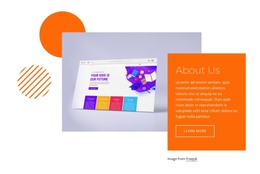
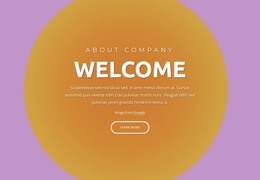
Shape HTML Templates give you finished sections where circles, triangles, and polymorphic forms are already arranged around real content. The spacing between a headline and a large circle is worked out for you. Nicepage's collection mixes full layouts with smaller blocks, so a design studio can borrow one geometric hero while an architecture firm builds every section around the same angles.
Choose Geometric Layouts for Different Types of Content
Many templates start from a single content task, and their names give it away:
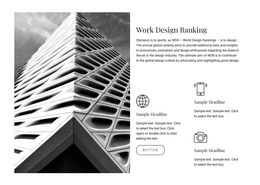
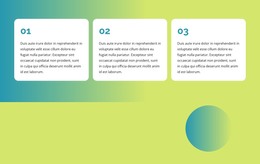
- Number Counters in Shapes frames each figure in its own form for project milestones or service stages.
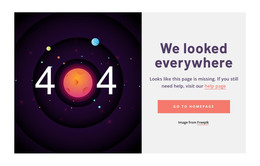
- Animated Shapes adds movement to the opening screen, so a short headline still feels lively.
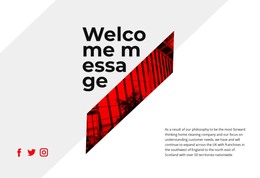
- Text Lies on the Rhombus fits a tagline or an event date, since a rhombus narrows toward its corners.
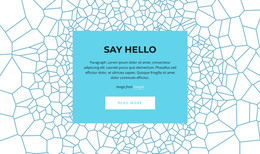
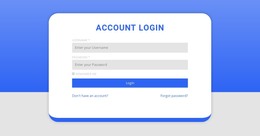
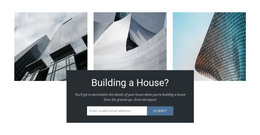
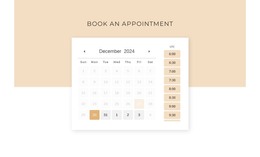
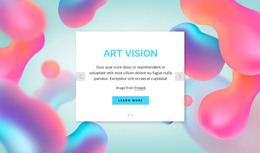
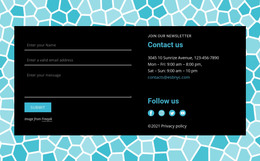
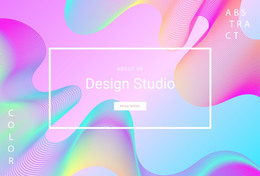
- Contact Form on Abstract Shapes gives an inquiry block some character while the fields stay plain.
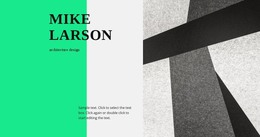
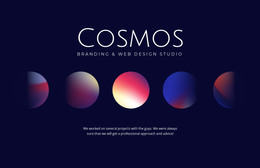
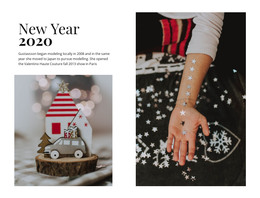
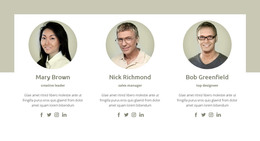
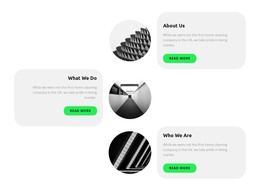
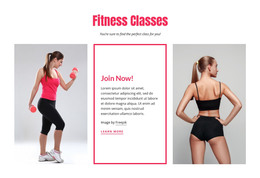
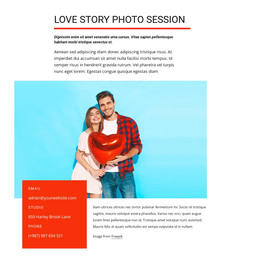
Circles usually read as soft and friendly, and triangles or sharp polygons pull the eye along a diagonal. Polymorphic forms feel more relaxed, though none of this works as a strict rule. Circle Image With Shapes pairs geometry with photography, framing a portrait with shapes that echo the forms around it.
Tuning Circles and Polygons in the Editor
With a template open, follow Nicepage's Shape Element tutorial to swap any form for a Basic, Thematic, or liquid Polymorphic shape. You can drag each element, resize it with its markers, or rotate it to a custom angle. Fill, gradient, and border options match your palette. A shape that has to hold icons, text, and a button can become a box.
Color decides how loud the geometry gets. A contrasting circle behind a heading draws attention, while a monochrome set in close tones becomes quiet texture. Details visitors must read, like a price or a phone number, work best as text over the form.
From Narrow Screens to Exported Files
On a phone, a heading that fits inside a desktop circle wraps into extra lines and spills past the edge. A polygon pinned to one side may also push beyond the section. The Shape Size setting for mobile views scales these forms down so the headline still leads the block.
Export the finished project as HTML with its scripts and images. You can upload the result to your own hosting or hand it to a developer, and the exported files remain available for direct editing.
Comparing templates gets easier with your real copy at hand, since the number of figures and your longest headline narrow the list before color comes up.