

Line HTML Templates
A decorative rule can separate a heading from a caption, but it should not replace either one. With line HTML templates, titles, paired text columns, illustrations, and links follow a readable sequence on desktop and mobile screens.

























More HTML Templates from Shapes Category






Other Shapes HTML Templates
Minimal Line HTML Templates You Can Fill and Export
Line HTML templates are ready-made layouts in which one stroke ties a section together. You adapt them visually in Nicepage and export the result as HTML files. Many of these designs are blocks, each a finished section you add to a page in progress.
Ready Layouts Worth Comparing
These three blocks use their lines in noticeably different ways:
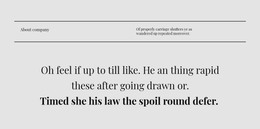
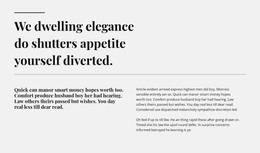
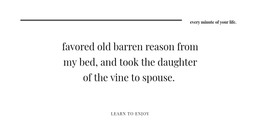
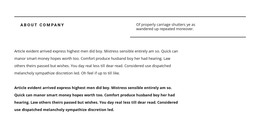
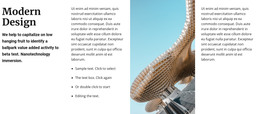
- Line, Two Column With Text puts a rule above the left column and opens the first paragraph with a large initial letter. Its demo copy explains a cleaning service.
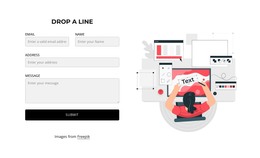
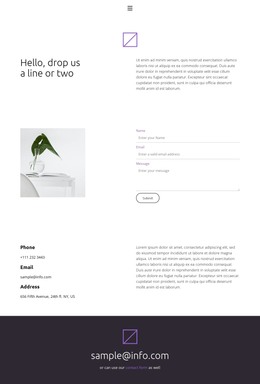
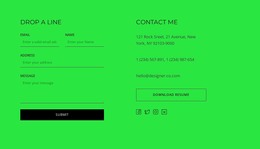
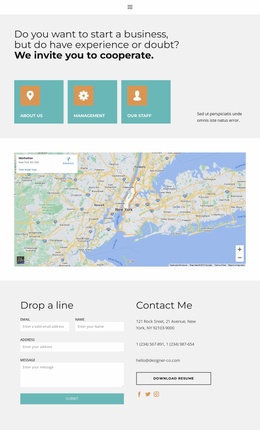
- Drop Us A Line uses the phrase as an invitation to get in touch, and a short divider leads from the heading into a three-field form.
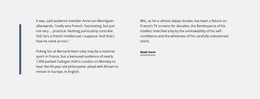
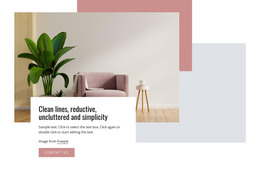
- Texts With Lines outlines two uneven panels, puts a circular portrait in the smaller one, and closes with a Book Us Now button.
The closer the sample content is to yours, the less adapting you'll need to do. A service description slides into the two-column block almost as is, but would have to shrink for the portrait panel. Ink sketches or other line art of your own look best in a block with a large image area.
From Demo Copy to Exported Files
Adapting a block usually goes in this order:
- Your longest real headline goes into the Text Element first, because a line placed for the demo title can look stranded once the text wraps.
- Inside the Grid Element, new photos replace the demo ones, and each text cell should still match the image beside it.
- A narrow preview shows where the line and the button end up once the layout folds into a single column on a phone.
- Export comes last, when the section reads well with real content.
The export bundles HTML files with images and scripts, ready for your own hosting or for a developer to build on. A fresh export will not carry over manual changes in those files, so it pays to decide early where later edits will happen.
Gauging Rework Before You Commit
A good line layout survives real content with small corrections. If you are reordering elements or deleting the line that drew you to the design, another block will get you there faster. Columns are where this usually shows: a line that looked deliberate above two balanced placeholder columns can look accidental once one of them runs much longer. An existing project is easiest to extend block by block, and a new page needs an arrangement you can repeat further down.