

Schedule HTML Templates
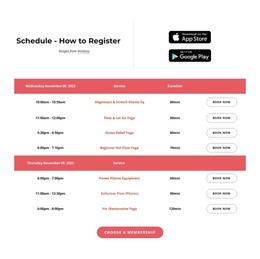
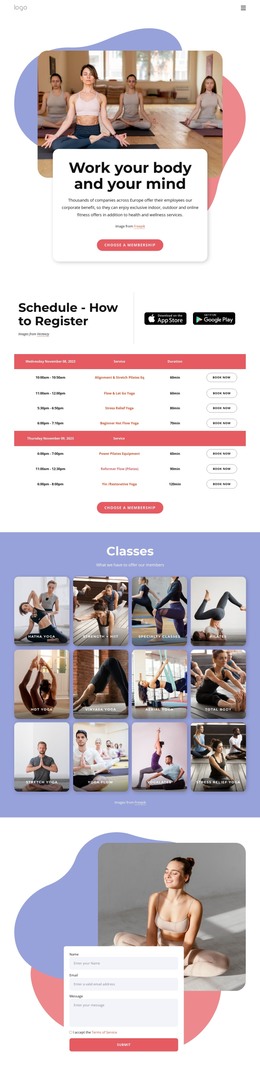
An evening yoga class and a morning reformer session need different instructors, rooms, and duration notes. With schedule HTML templates, each session gets labeled timetable fields that visitors can scan before leaving home.
-
-

-
-
-
-
-
-
-
-
Free Website Builder SoftwareDownload
-
-





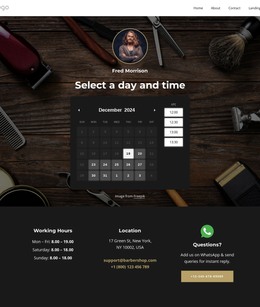

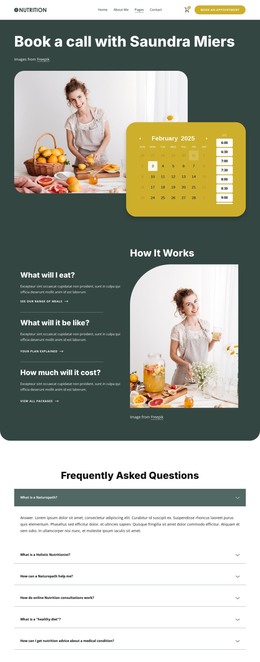

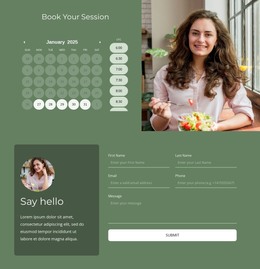
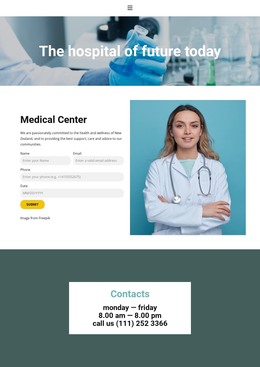
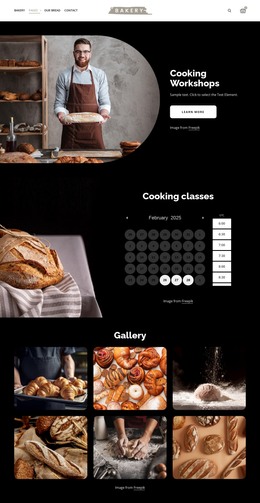
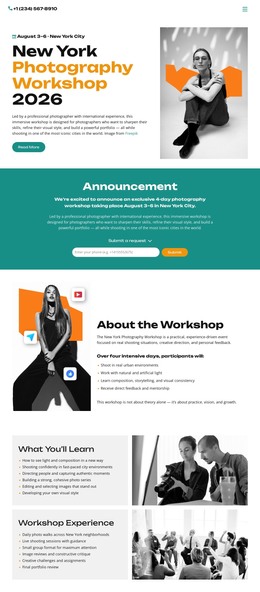
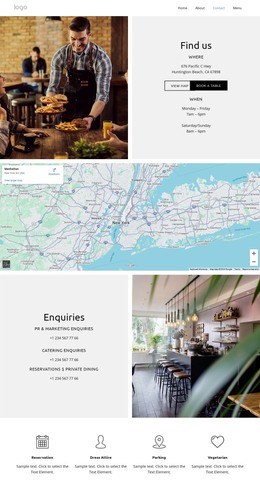
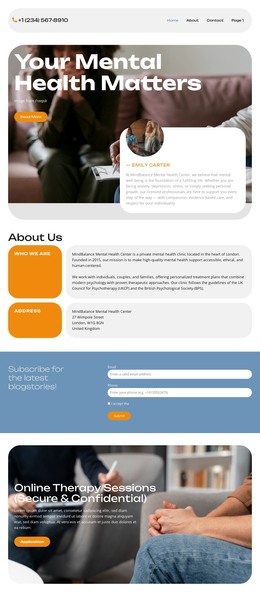

More HTML Templates from Calendar & Booking Category
Other Calendar & Booking HTML Templates
Clean Schedule HTML Templates for Calendars, Classes, and Appointments
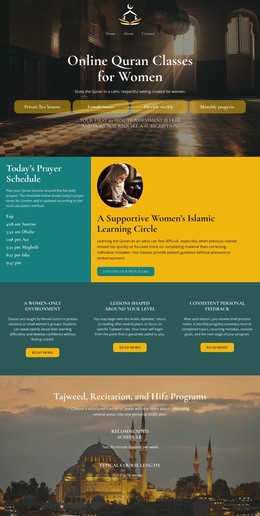
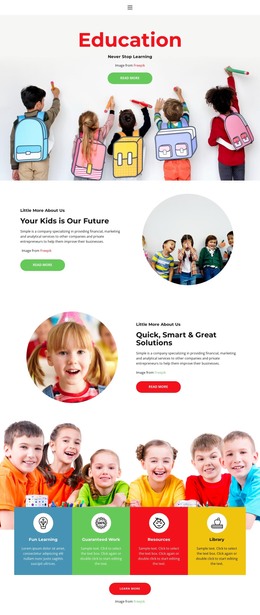
People open a schedule to learn when something happens and where to be. A ready HTML template answers that by organizing dates, time slots, and event details, whether for a class timetable, a conference program, or salon appointments.
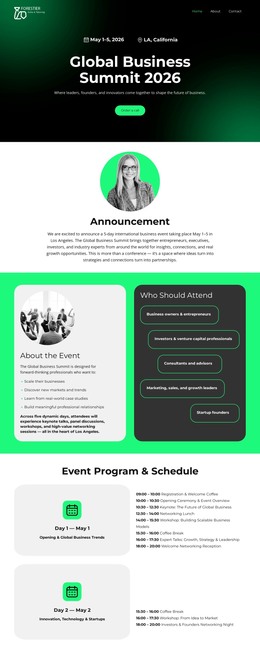
Each schedule type needs different fields. A yoga or Pilates studio ties each session to a day, start time, and instructor. A team meeting needs participants and a fixed date, while a conference relies on the venue and the start of each talk. A weekly timetable can say "every Tuesday" once, but a single meeting without a date leaves readers guessing about the week.
Matching Table or Card Structure to Your Sessions
Most layouts here present this data in one of three ways:
- A weekly table repeats the same columns for every recurring session, keeping days, times, and rooms aligned.
- Dated cards give each event room for its own description, which suits workshops with uneven details.
- A timeline orders items by the hour, so a festival day or a meeting agenda reads top to bottom.
Picture a language school with fixed weeknight lessons and a few weekend excursions. The weekly table handles the lessons, but each excursion has its own meeting point and price, which reads better in a date-grouped list.
A good table template labels its columns with proper header cells. After export, open the code to see whether those cells and any machine-readable time values came through, since screen readers depend on them.
Editing Rows When Plans Shift
The real test comes after launch, when an administrator must add a Friday meeting, stretch a session to 60 minutes, or open a second room. Following the Table Element help documentation, you can add rows and columns, change cell settings, and let a wide table scroll sideways on phones. That last option matters for layouts with seven or eight fields, where day labels must stay easy to find.
Put a change or cancellation in the row of the session it affects, with a label like "Moved to Room B" beside the original time. The table shows planned sessions only, so counting free places or confirming bookings calls for a separate tool.
Swapping Demo Entries for Real Dates
Once you know whether you publish recurring classes, dated events, or bookable slots, compare a few layouts against your own data. Pick the one whose fields fit your sessions, with no empty columns or squeezed notes. Then fill it with a real week, including one change and one cancellation, and preview the result before it goes live.