
Medium HTML Templates
A social media client needs to know which platform, campaign, and date range each result covers. Medium HTML templates can separate metric definitions, verified figures, and conclusions into sections that remain usable on narrow screens.

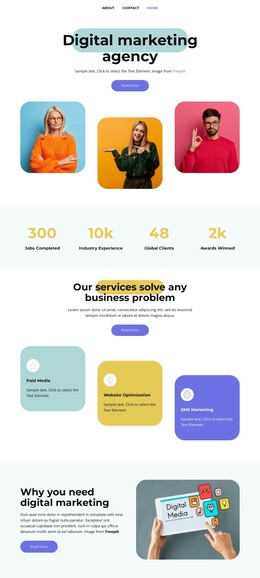

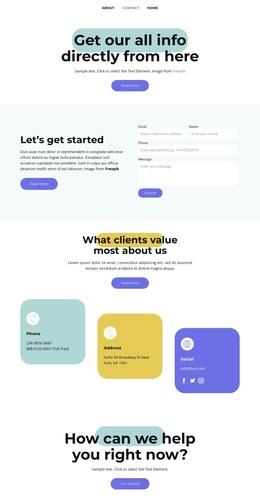



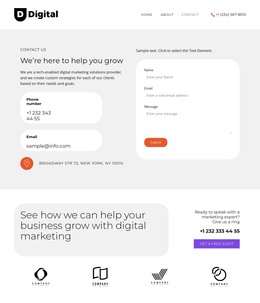

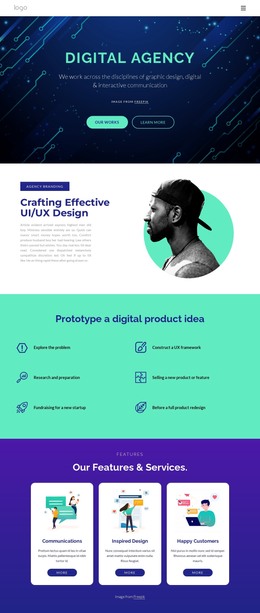
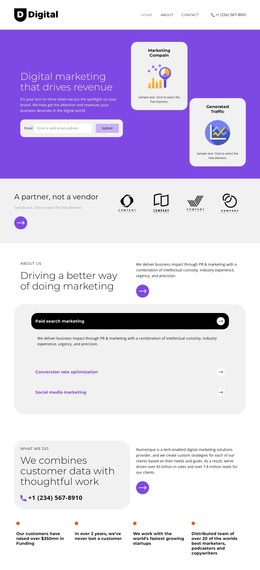

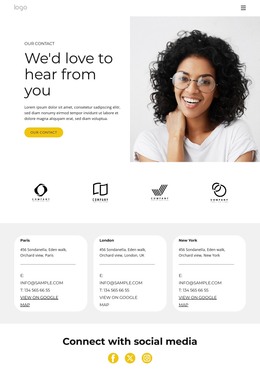






















More HTML Templates from Pricing Category
Other Pricing HTML Templates
Useful Medium HTML Templates for Different Content Layouts
Content usually comes first when someone looks for Medium HTML templates, whether it is a long article, a table of figures, or a short message with one link. Each design is a layout or block you adjust in Nicepage and export as an HTML file. Social media designs fill much of the list, though not all of it.
What Each Sample Design Holds
Three designs from the list were made for quite different content:
- Medium Text With Button is a compact block with a centered heading and a blue button, made for one short announcement.
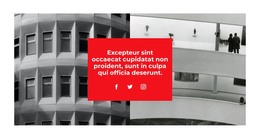
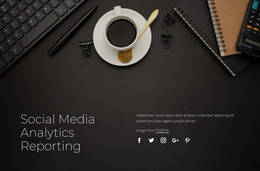
- Social Media Analytics Reporting puts text over an image, so it can open a report and leave the figures to another block.
- Medium IT Enterprise is a long consulting layout with service cards, a team section, and an FAQ accordion, all of which need real text.
The collection also separates complete layouts from single blocks. A block can go straight into an existing project, while a complete layout starts a new project with every section already in order.
Checking Headings and Tables With Real Text
Before swapping the demo content, look at the order of headings, the way paragraphs are split, and where the links are placed. A placeholder title of three words can grow into two lines once your wording goes in, and the sequence should still read logically. Check the heading levels again in the exported code.
For example, a campaign report needs a title, the reporting period, and a summary before any numbers. The figures go into a table with the data source noted below it. Nicepage's Table Element handles rows, columns, and a styled header row. A table helps when readers compare the same values across many rows, whereas two or three figures read better as sentences. Wide tables may look tidy in the demo, yet on a phone they scroll sideways and readers lose track of which figure belongs where.
Exported Files Need a Browser Test
Once the design is ready, Nicepage exports it as HTML files with the images and scripts it uses. The package can then go to your own hosting or to a developer. Open the result on a laptop and a phone and click every link, since a placeholder address is easy to miss. Outside services such as analytics counters or booking widgets are not included, so connect and test them separately.
Colors and fonts can be changed later. Demo text, however, is written to fit its design, so your own headings, longest paragraph, and real links say more about the match than any preview.